
Microsoft adds Xbox Game Bar capture feature as Windows 11 22H2 safeguard hold


 2 min. read
  Updated on
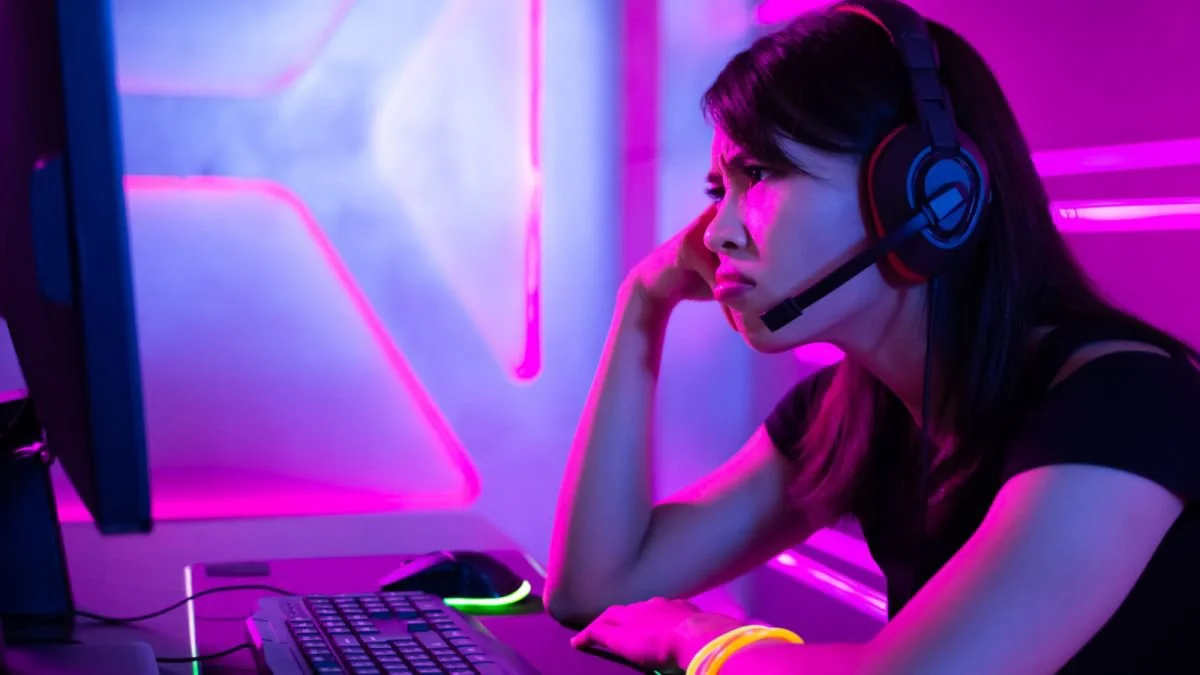
Microsoft added a new Windows 11 22H2 safeguard hold, which has something to do with the Xbox Game Bar Capture. That said, if you still don’t have the update and previously used the app’s capture feature, you might need to wait a little longer to get the latest Windows 11 OS version update.
Microsoft said it came up with the decision after it had received reports of out-of-sync audio and video recordings of the feature.
“The Xbox Game Bar app might have issues in which the audio is out of sync when capturing gameplay to a video file,” Microsoft explained the issue. “You are more likely to encounter this issue when using the ‘Record last 30 seconds’ feature when ‘Record in the background while I’m playing game’ is enabled in Xbox Game Bar. Apps which capture or process video files using the same underlying Windows libraries or APIs as Xbox Game Bar might also be affected by this issue.”
While this situation affects those who still don’t have the Windows 11 22H2 due to the safeguard hold implemented, it should no longer be an issue for those who have already installed the update due to the October KB5018496 preview update released by Microsoft. According to the company, affected Windows 11 22H2 users still experiencing the Game Bar Capture need to manually get the optional cumulative update. Meanwhile, Windows 11 users still waiting for the Windows 11 2022 Update are advised to wait for at least a few more days.
“The safeguard hold is estimated to be removed in mid-November 2022,” Microsoft said. “We recommend that you do not attempt to manually upgrade using the Update now button or the Media Creation Tool until this issue has been resolved and the safeguard removed.”
Microsoft is still working on perfecting Windows 11 22H2. Aside from the other safeguard holds previously implemented by the company, users who first received the update reported experiencing different problems, including issues with Remote Desktop users, NVIDIA GPU performance, freezing Firefox browser, SSL and TSL connection, and decreased copying performance.


Read our disclosure page to find out how can you help MSPoweruser sustain the editorial team Read more



Improve this guide




User forum
0 messages