
Microsoft releases Windows 11 Insider Preview Build 25151 to the Dev Channel


 1 min. read
  Updated on
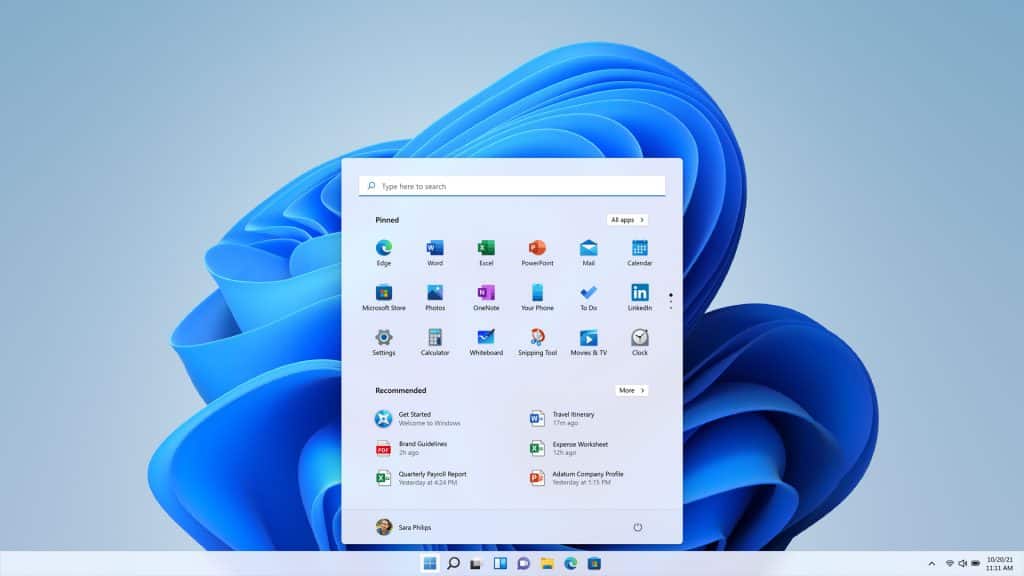
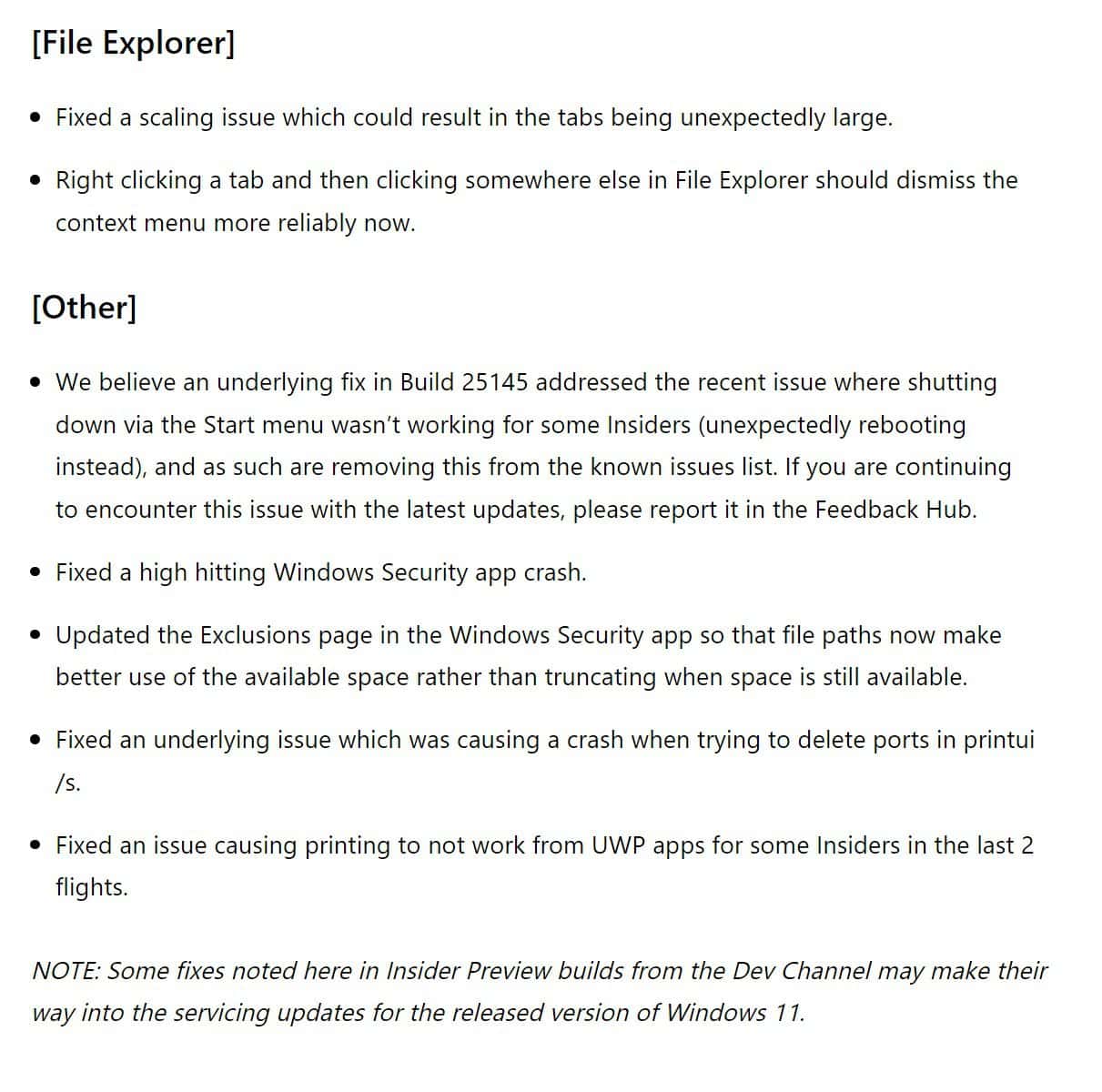
Microsoft’s last Windows 11 Insider update to the Dev Channel introduced several new features, but its latest Insider update has no new features to offer. Microsoft has just released Windows 11 Insider Preview Build 25151 to the Dev Channel Insiders, but it comes with only fixes and no new features. You can read the complete official changelog below.
Windows 11 Insider Preview Build 25151 Changelog
Fixes
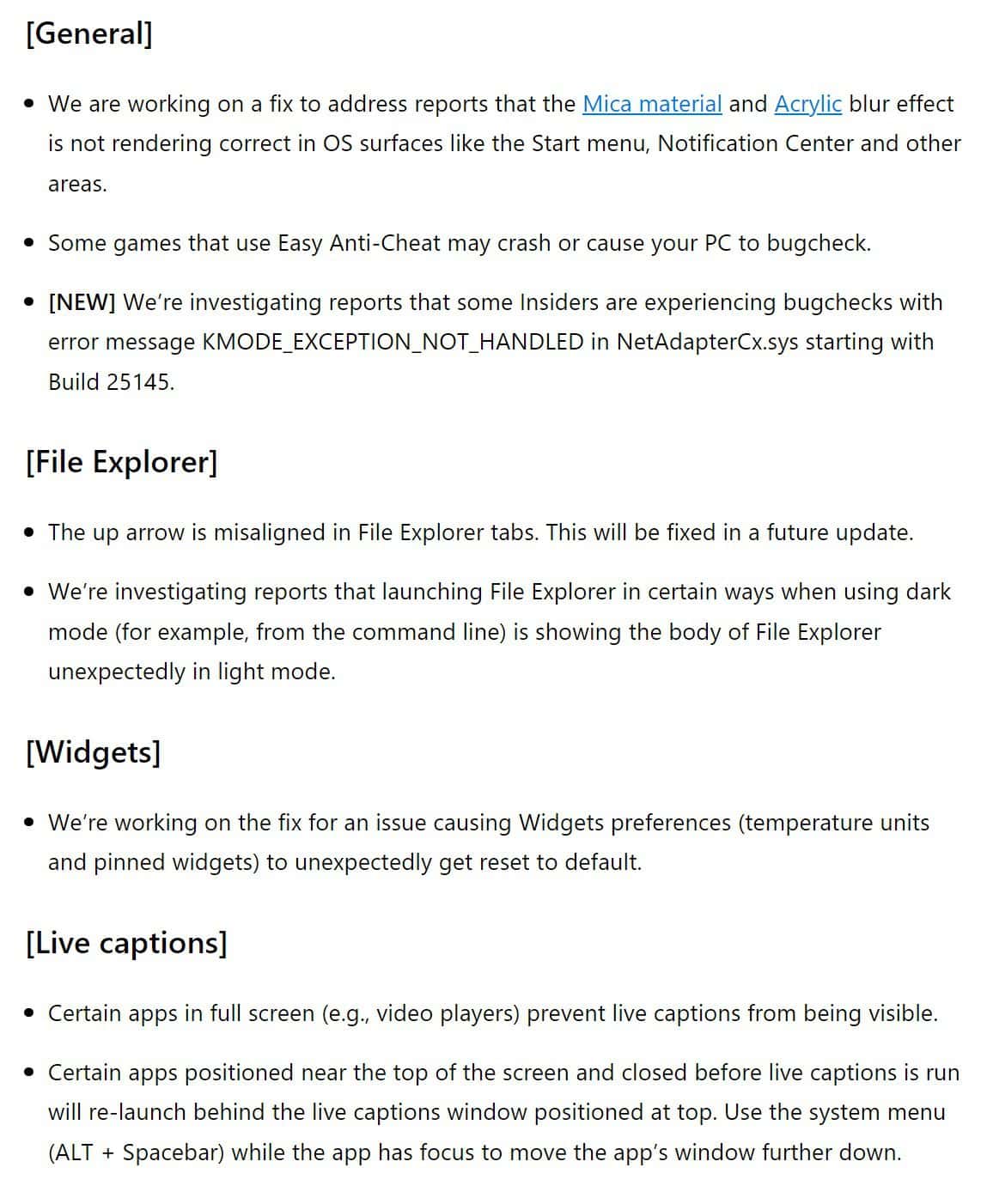
Windows 11 Insider Preview Build 25151 for the Dev Channel also has some known issues, which you should check before installing the latest build. The known issues are given below.
Known issue
To update your Windows Insider Preview Build, you can go to the Settings app> Windows Update> Check for Updates. If you’re an Insider in the Dev Channel, share your experience in the comments section.


Read our disclosure page to find out how can you help MSPoweruser sustain the editorial team Read more



Improve this guide




User forum
0 messages