
Microsoft release Windows 11 KB5008295 to Beta and Release Preview Channels to fix Snipping app issue, more


 1 min. read
  Published on
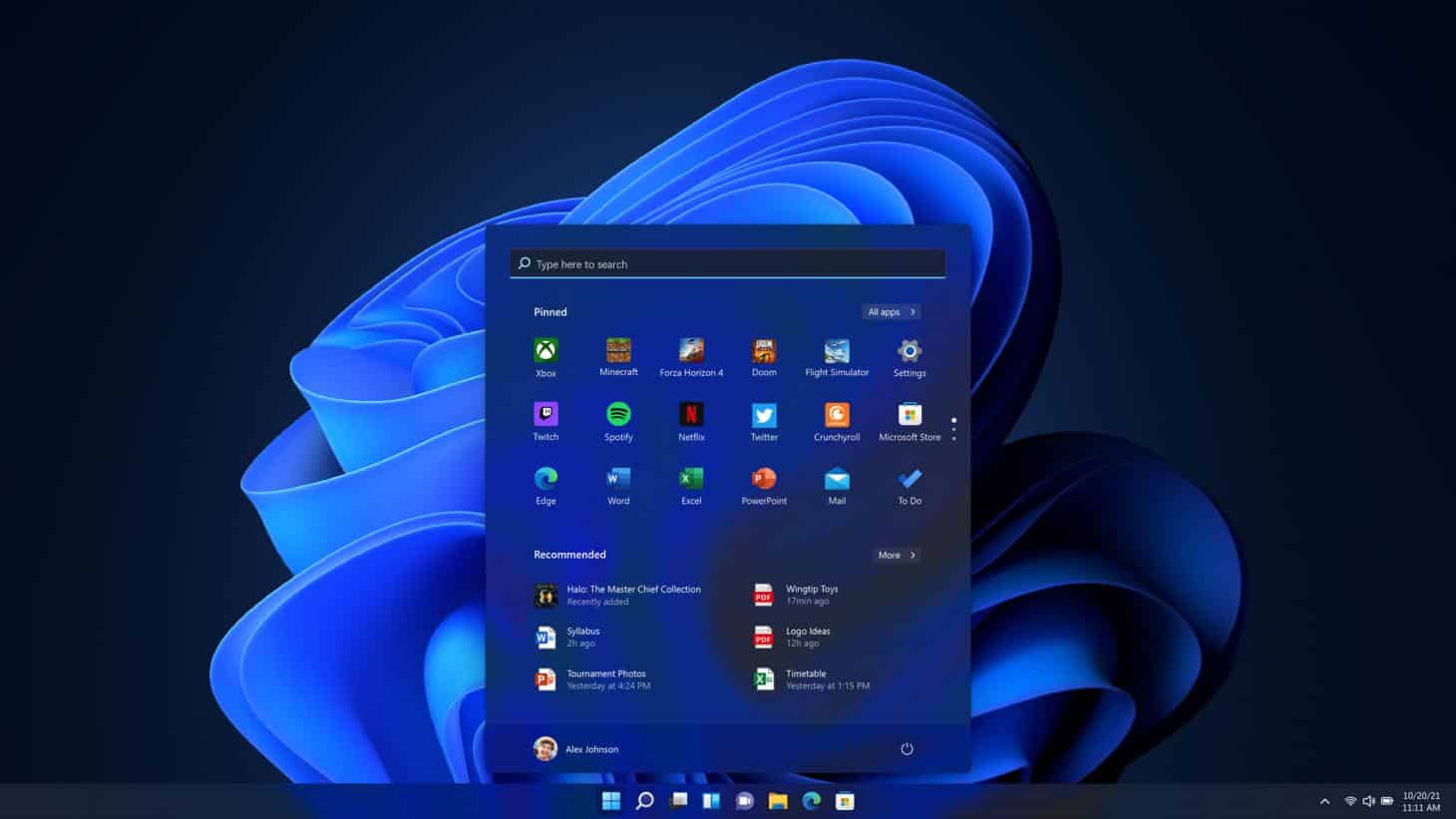
Today Microsoft released Windows 11 KB5008295 to Windows Insiders in the Beta and Release Preview Channels.
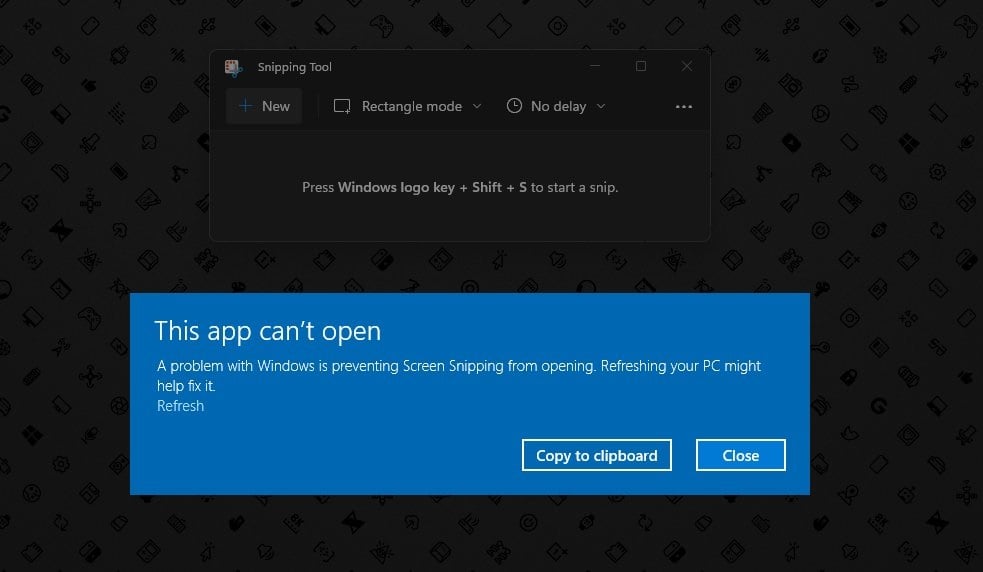
The update fixes an issue caused last week by releasing a new build of the Snipping tool and other apps with a certificate that has expired.
The full changelog reads:
- Microsoft fixed a known issue that might prevent some users from opening or using certain built-in Windows apps or parts of some built-in apps. This issue occurs because of a Microsoft digital certificate that expired October 31, 2021. This issue might affect the following applications:
- Snipping Tool
- Touch Keyboard, Voice Typing, and Emoji Panel
- Input Method Editor user interface (IME UI)
- Getting started and Tips
- Microsoft fixed a known issue that prevents the Start menu and Settings app from opening as expected (S-mode only).
Please note: After installing KB5008295, the build number will not be revised or show as updated in “winver” or other areas in the OS. To confirm this update is installed, please check Settings > Windows Update > Update history.

Readers help support MSpoweruser. We may get a commission if you buy through our links.

Read our disclosure page to find out how can you help MSPoweruser sustain the editorial team Read more



Improve this guide


User forum
0 messages