
Microsoft is making it easier for you to change Windows 11's time zone
The KB5050094 update is now live for Windows 11 24H2


 2 min. read
  Published on
Key notes
- The KB5050094 update allows easier time zone changes in Windows 11 without needing admin rights.
- Non-admin users can now adjust time settings in Settings > Time & Language > Date & Time.
- The update also fixes Auto HDR oversaturation and highlights apps using Windows Studio Effects.
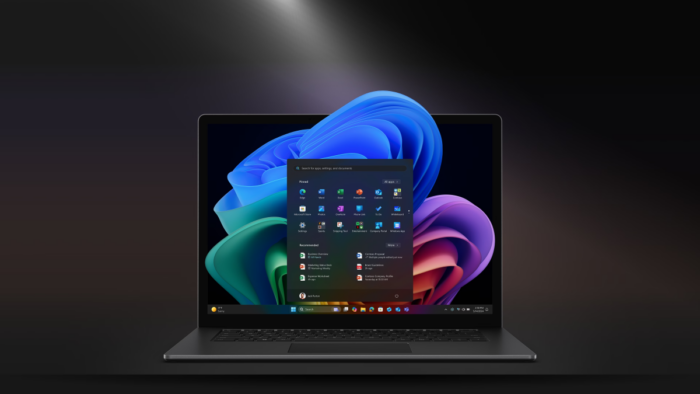
Microsoft recently shipped the new KB5050094 update for Windows 11 24H2, its latest, most AI-friendly version. And with that, it’s making it easier for you to change Windows 11’s time zone.
The Redmond tech giant describes in the update’s changelog that you can do so right in Settings > Time & Language > Date & Time without having to become an admin of your PC to make this change.
It’s a neat little change, especially if the laptop or PC you have now belongs to your company or school, where only IT administrations have admin privileges as a part of the setup process, and you’re limited to making changes in it.
You may also not have an admin privilege on your own personal laptop or PC if you’re set up with a standard user account instead of an admin account. Being an admin means that you have full access to the system settings and control over the PC, and standard can’t only do so much without admin approval.
Changing Windows 11’s time zone can be a tricky business because it’s necessary to get it right so you can surf the internet and won’t be blocked because it detects that you’re not in the right time zone.
Still from the KB5050094-related news, Microsoft is also fixing an Auto HDR-related issue when games appear too over-saturated. It’s also making it clear when an app that you use supports the now-in-preview Windows Studio Effects.


Read our disclosure page to find out how can you help MSPoweruser sustain the editorial team Read more



Improve this guide




User forum
0 messages