
Best Audio Equalizer Software For Windows


 6 min. read
  Updated on
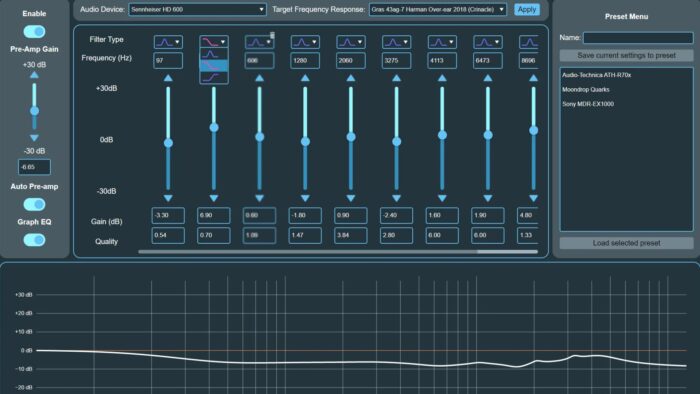
Finding the perfect audio balance on your Windows 10 or 11 system can dramatically improve your listening experience. Whether you’re a music producer, gamer, or simply someone who enjoys high-quality sound, the right audio equalizer software can make all the difference. This article explores ten of the best audio equalizer software options available for Windows, helping you fine-tune your audio to perfection.
Audio equalizers allow you to adjust the frequencies of sound, boosting certain ranges and reducing others to create a customized sound profile. With the right software, you can enhance bass, clarify vocals, reduce harshness, and optimize audio for different headphones or speakers. Let’s dive into the top choices for achieving optimal audio quality on your Windows device.
Which Audio Equalizer is Right for You?
Boom 3D

Boom 3D is a system-wide volume booster and equalizer that offers a range of audio effects and customization options. It uses a patented 3D surround sound technology to create a more immersive listening experience.
- 3D surround sound technology
- Volume booster
- Pre-configured equalizer presets
- Customizable equalizer settings
Pricing: $39.99
Adobe Audition
Adobe Audition is a professional-grade audio editing software that offers advanced equalization and audio processing capabilities. It’s suitable for audio professionals and users who require precise control over their audio settings.
- Advanced audio editing tools
- Parametric equalizer
- Real-time effects
- Integration with Adobe Creative Cloud
Pricing: Subscription-based, starting at $22.99 per month
Equalizer APO
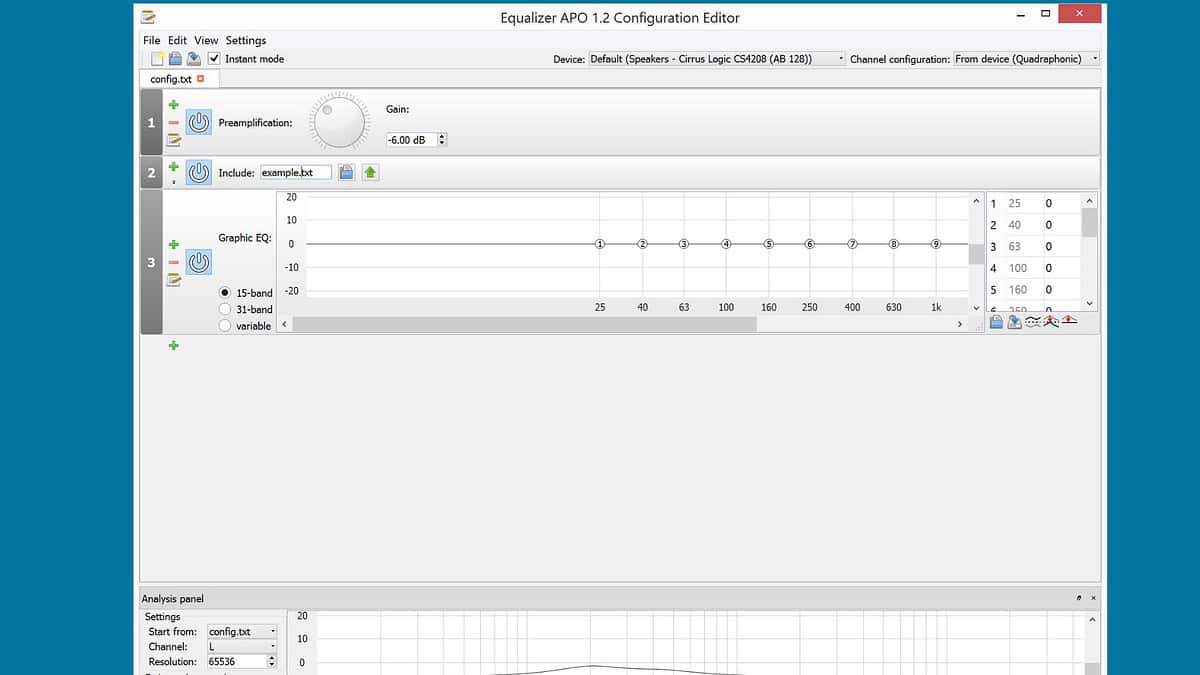
Equalizer APO is a powerful, system-wide parametric equalizer. It operates as an Audio Processing Object (APO) for Windows, making it compatible with virtually any application. Its modular design and extensive filter options make it a favorite among advanced users.
- Unlimited number of filters
- Works on any number of channels
- Low CPU usage
- VoiceMeeter integration
Pricing: Free
Peace Equalizer
Peace Equalizer is a GUI (Graphical User Interface) for Equalizer APO. It simplifies the configuration process, offering a user-friendly interface for adjusting audio settings. It includes features like profile management, visual spectrum analysis, and a variety of pre-configured equalizer settings.
- Easy-to-use interface for Equalizer APO
- Profile management for different audio setups
- Visual spectrum analyzer
- Pre-configured equalizer settings
Pricing: Free
Voicemeeter Banana
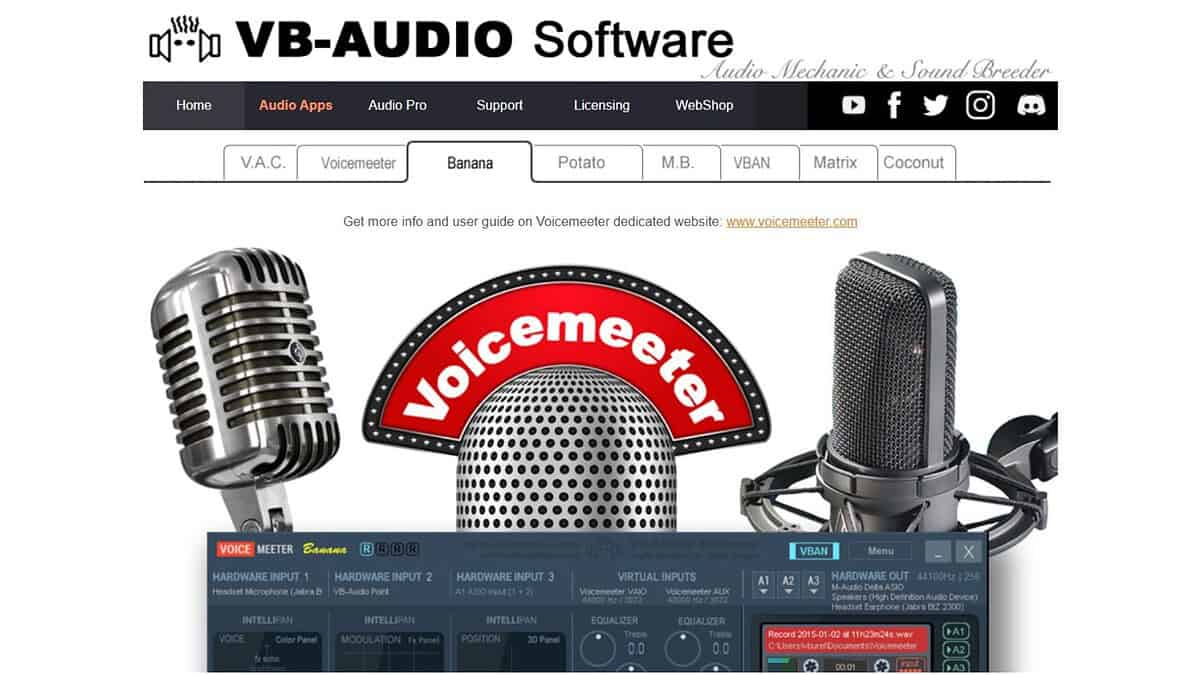
Voicemeeter Banana is an advanced virtual audio mixer that also includes powerful equalization capabilities. It allows you to control and mix audio from multiple sources, apply effects, and route audio to different outputs. Its versatility makes it suitable for both audio production and general use.
- Virtual audio mixer for multiple inputs and outputs
- Built-in equalizer and effects
- Advanced routing options
- Compatible with ASIO, MME, and Direct-X
Pricing: Free to donate
FxSound
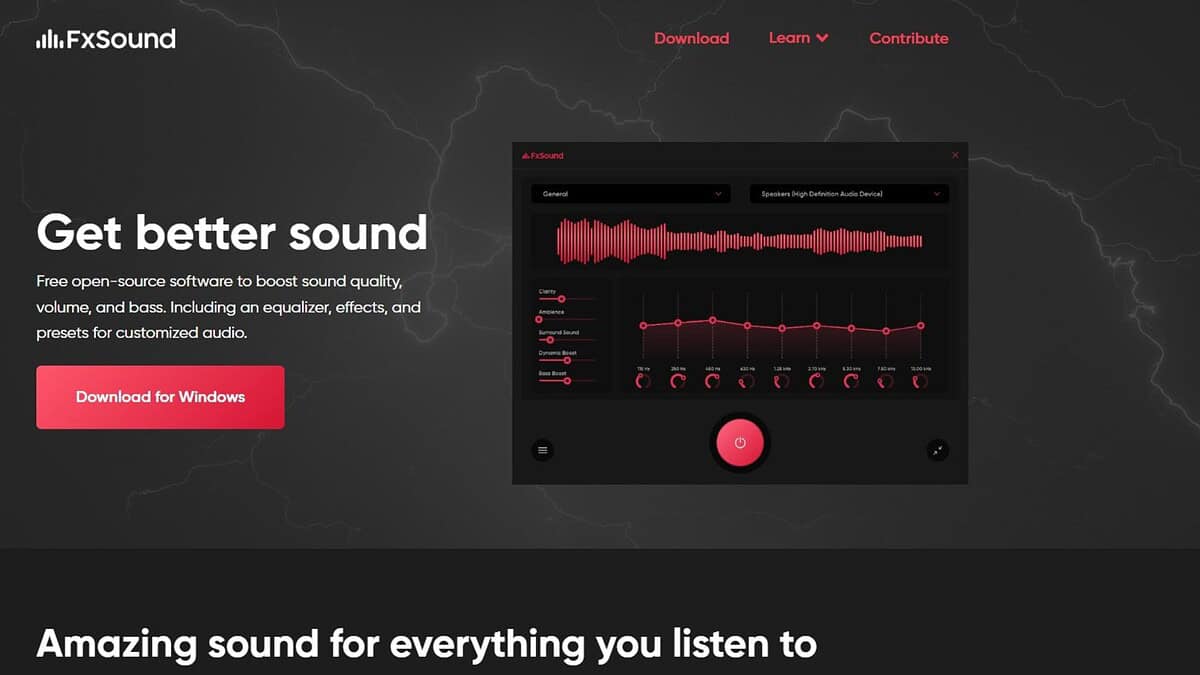
FxSound enhances the audio quality of your PC in real-time. It automatically adjusts and optimizes sound settings to deliver richer, clearer, and more immersive audio. It’s a great option for users who want an easy-to-use solution without complex configurations.
- Automatic audio enhancement
- Customizable sound profiles
- Real-time processing
- Easy to use interface
Pricing: Starts at $19.99 per year
Viper4Windows
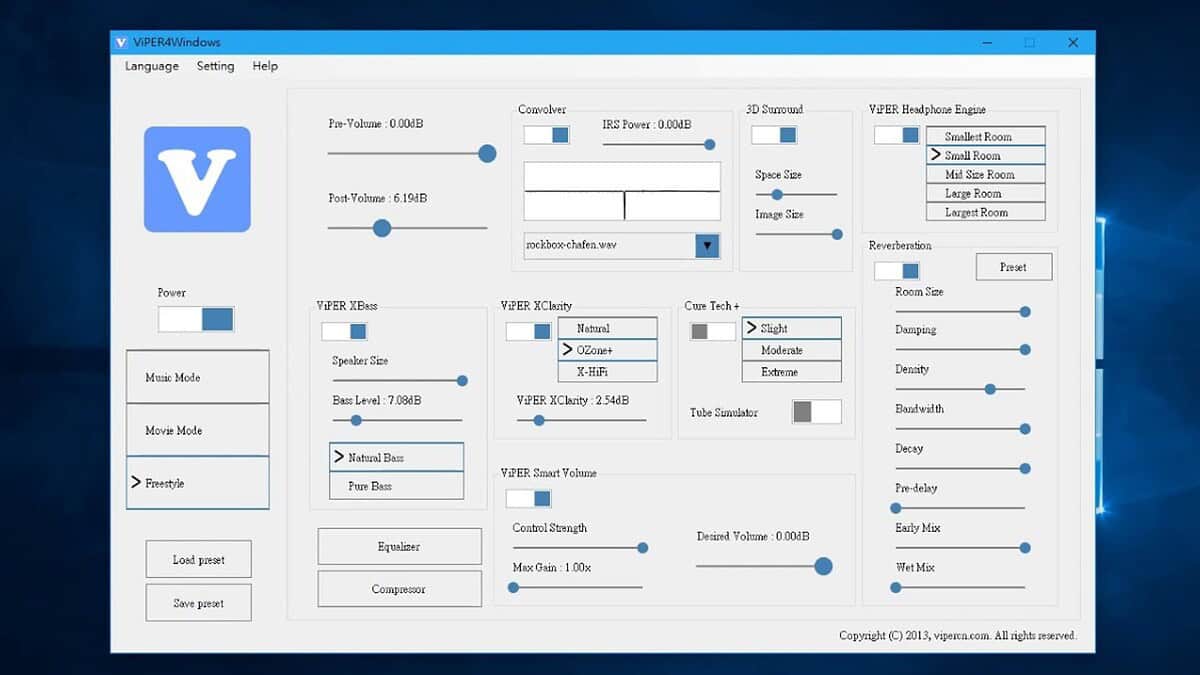
Viper4Windows is a powerful audio enhancement software that offers a wide range of effects and customization options. It allows you to fine-tune your audio to achieve the perfect sound profile for your system.
- Convolver for custom impulse responses
- Equalizer with multiple modes
- Bass boost and clarity controls
- Customizable audio effects
Pricing: Free
Breakaway Audio Enhancer
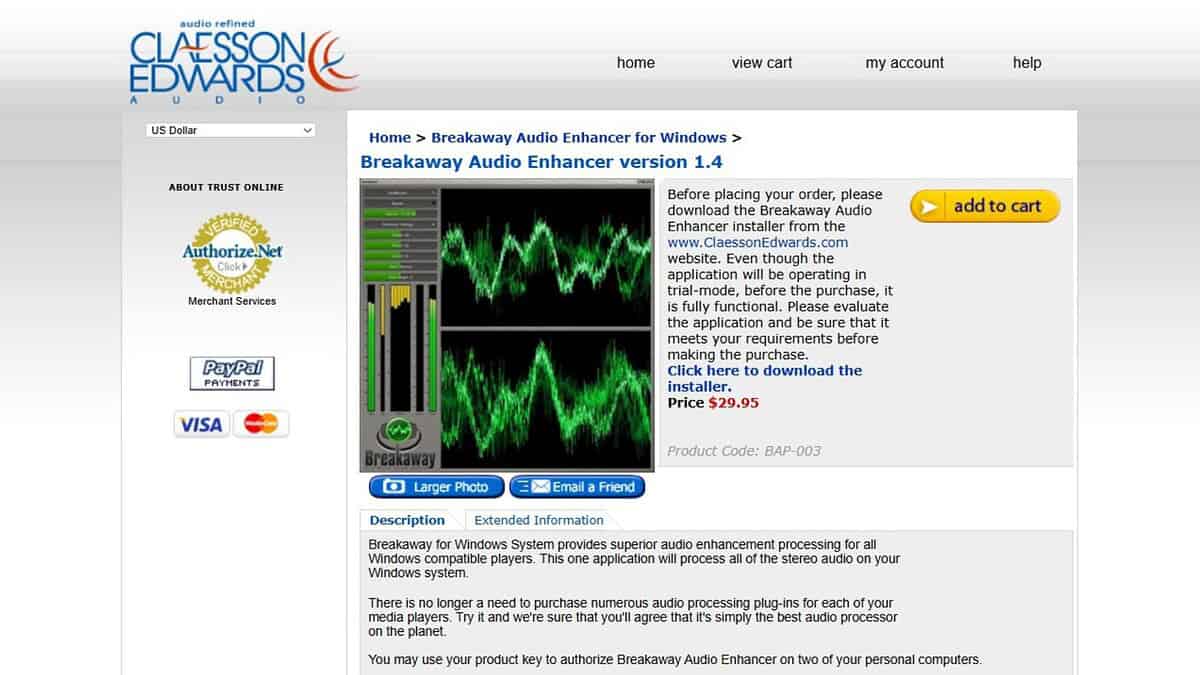
Breakaway Audio Enhancer is designed to improve the overall audio quality of your PC. It processes audio in real-time, optimizing levels and frequencies to deliver a consistent and enjoyable listening experience.
- Automatic audio processing
- Volume leveling
- Tone correction
- Real-time enhancement
Pricing: $29.95
Bongiovi DPS
Bongiovi DPS (Digital Power Station) is an audio processing technology that enhances the sound of your PC in real-time. It optimizes audio for different devices and environments, delivering a more immersive and enjoyable listening experience.
- Real-time audio processing
- Device-specific profiles
- Customizable sound settings
- Immersive audio enhancement
Pricing: $4.99
Audacity
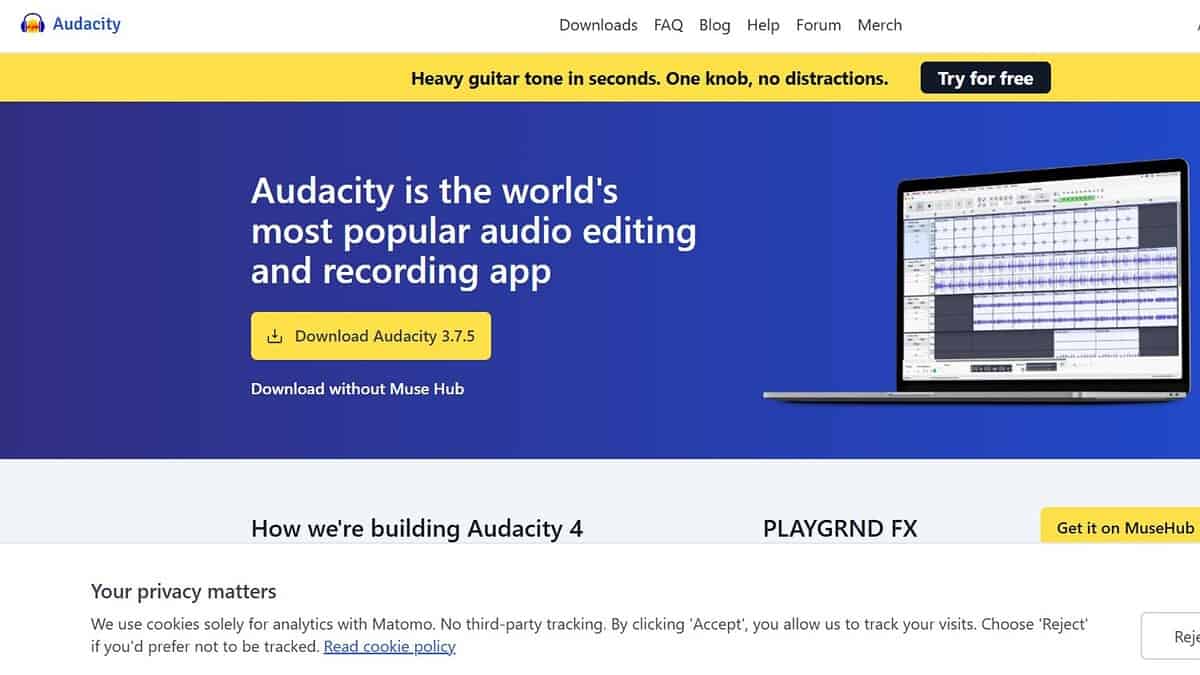
Audacity is a free, open-source audio editor that includes a powerful equalizer. While it’s primarily an audio editing tool, its equalization capabilities make it a valuable option for users who need to adjust audio frequencies.
- Free and open-source
- Multi-track editing
- Built-in equalizer
- Extensive plugin support
Pricing: Free
Tips for Choosing the Right Equalizer
- Consider your needs: Are you a casual listener, a gamer, or an audio professional? Choose software that aligns with your level of expertise and requirements.
- Ease of use: Opt for software with an intuitive interface if you’re new to audio equalization.
- Compatibility: Ensure the software is compatible with your operating system and audio devices.
- Customization: Look for software that offers a range of customization options to fine-tune your audio settings.
- Performance: Choose software that doesn’t consume excessive system resources, especially if you’re using it while gaming or running other demanding applications.
Feature Comparison
| Software | Price | Ease of Use | Customization | Key Features |
|---|---|---|---|---|
| Equalizer APO | Free | Medium | High | System-wide, parametric EQ, modular design |
| Peace Equalizer | Free | Easy | Medium | GUI for Equalizer APO, profiles, visual spectrum |
| Voicemeeter Banana | Free to donate | Medium | High | Virtual mixer, EQ, routing |
| FxSound | $19.99/year | Easy | Medium | Automatic enhancement, profiles |
| Boom 3D | $39.99 | Easy | Medium | 3D surround, volume boost, presets |
| Viper4Windows | Free | Medium | High | Convolver, bass boost, clarity |
| Breakaway Audio Enhancer | $29.95 | Easy | Low | Automatic processing, volume leveling |
| Bongiovi DPS | $4.99 | Easy | Medium | Real-time processing, device profiles |
| Audacity | Free | Medium | High | Audio editor, built-in EQ, plugins |
| Adobe Audition | $22.99/month | Hard | High | Professional editor, parametric EQ, real-time effects |
Enhancing Your Audio, Your Way
The right audio equalizer software can transform your listening experience on Windows. By understanding your needs and exploring the options available, you can achieve the perfect sound profile for your system.
FAQ
What is an audio equalizer?
An audio equalizer is a tool that allows you to adjust the frequencies of sound, boosting or reducing certain ranges to customize the audio output.
Can an audio equalizer improve sound quality?
Yes, an audio equalizer can significantly improve sound quality by allowing you to fine-tune the audio to your preferences and optimize it for different devices or environments.
Is Equalizer APO safe to use?
Yes, Equalizer APO is generally considered safe to use, but it requires careful configuration to avoid audio distortion or other issues.
Are there free audio equalizers for Windows?
Yes, there are several free audio equalizers available for Windows, including Equalizer APO, Peace Equalizer, and Audacity.
What is the best audio equalizer for gaming?
The best audio equalizer for gaming depends on your preferences and needs, but options like FxSound, Boom 3
Related reading


Read our disclosure page to find out how can you help MSPoweruser sustain the editorial team Read more



Improve this guide




User forum
0 messages