
7 Top FEM Analysis Tools For Windows PCs


 8 min. read
  Updated on
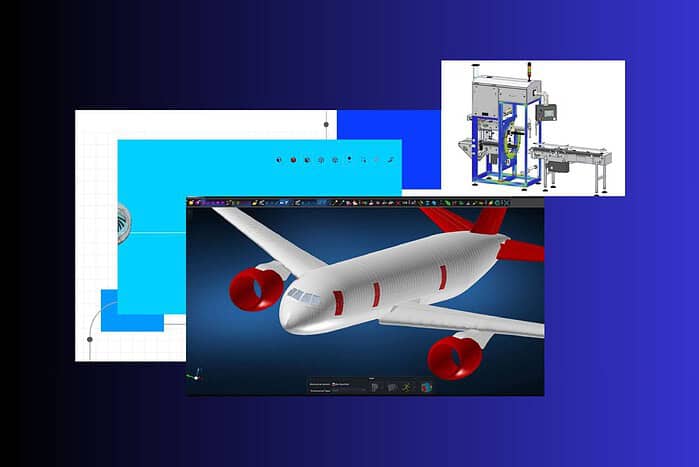
Choosing the right FEM analysis tool for your Windows PC is crucial for accurate results and efficient workflows. This article explores seven of the best FEM analysis tools available, highlighting their key features and benefits.
Before installing new software or reconfiguring your workstation, you may even want to completely wipe your Windows 11 laptop and start from a clean setup. Let’s check the best FEM analysis software that best suit your needs.
What Are The Best FEM Analysis Tools For Windows?
ANSYS Mechanical

ANSYS Mechanical is a comprehensive finite element analysis software renowned for its versatility and accuracy. It offers a wide range of simulation capabilities, including structural, thermal, and fluid analysis. Engineers across various industries rely on ANSYS Mechanical to predict product performance, optimize designs, and ensure reliability. Its robust solver and advanced material models make it suitable for complex simulations.
ANSYS Mechanical empowers users to solve intricate engineering problems by providing a detailed understanding of how designs behave under different conditions. By leveraging its advanced features, engineers can refine their designs, reduce prototyping costs, and accelerate product development cycles. This tool is especially powerful for those dealing with large and complex assemblies where accuracy is paramount.
Key Features:
- Extensive material library
- Advanced meshing capabilities
- Comprehensive solver technology
- Multiphysics simulation support
Pricing: Contact ANSYS for a quote.
COMSOL Multiphysics
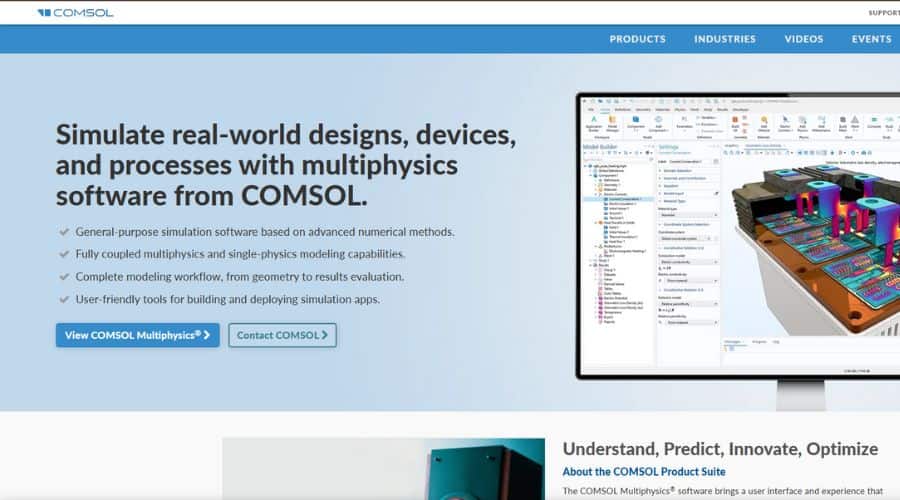
COMSOL Multiphysics is a powerful simulation software that excels in multiphysics analysis. It allows users to combine different physics phenomena, such as structural mechanics, heat transfer, and electromagnetics, into a single simulation. This capability is particularly useful for analyzing systems where multiple physical effects interact. COMSOL’s user-friendly interface and extensive module library make it accessible to both experts and beginners.
COMSOL Multiphysics stands out due to its ability to model complex interactions between different physical domains. This makes it an ideal choice for engineers and researchers working on cutting-edge technologies and innovative designs. The software’s flexibility and customization options allow users to tailor simulations to their specific needs, ensuring accurate and reliable results.
Key Features:
- Multiphysics simulation environment
- Application Builder for custom interfaces
- Extensive module library
- CAD import and geometry tools
Pricing: Contact COMSOL for a quote.
Autodesk Inventor Nastran
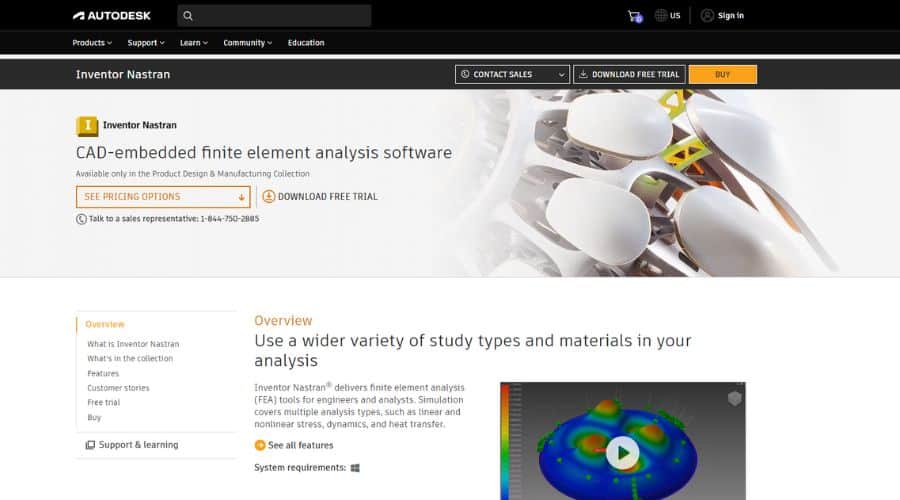
Autodesk Inventor Nastran is a robust FEA tool seamlessly integrated within the Autodesk Inventor environment. It provides a wide range of simulation capabilities, including linear and nonlinear stress analysis, modal analysis, and thermal analysis. This integration allows users to easily analyze their designs without having to switch between different software packages.
Inventor Nastran’s close integration with Autodesk Inventor streamlines the design and simulation workflow. Engineers can quickly evaluate different design iterations and optimize their models for performance and reliability. The software’s intuitive interface and comprehensive analysis tools make it a valuable asset for any design team using Autodesk Inventor.
Key Features:
- Seamless integration with Autodesk Inventor
- Automated meshing
- Linear and nonlinear analysis
- Thermal and modal analysis
Pricing: Subscription-based, starting at $2,420 per year.
SimScale
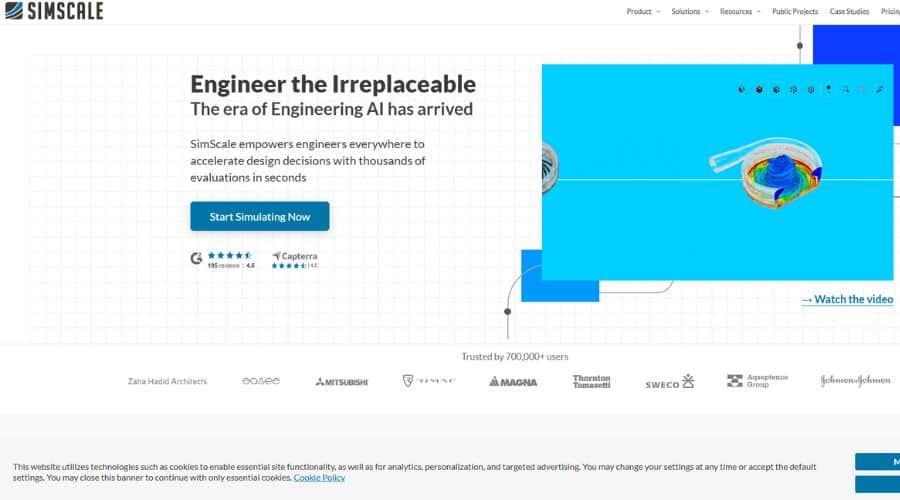
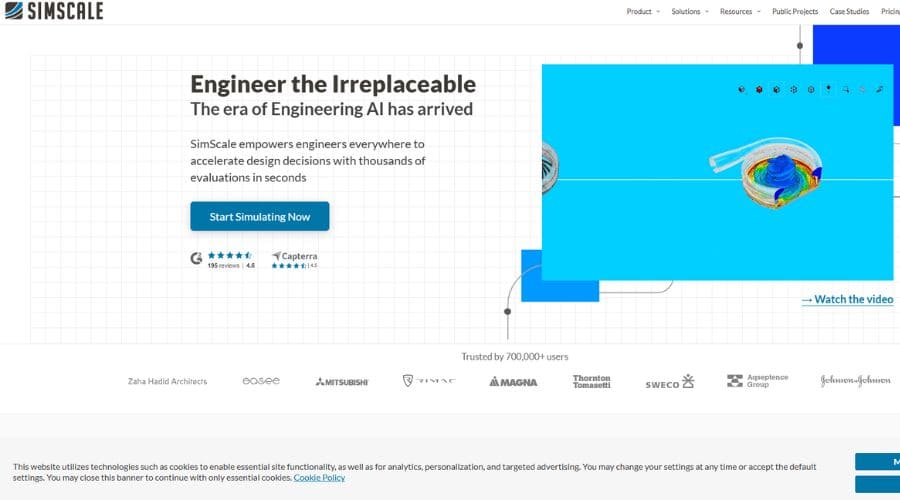
SimScale is a cloud-based simulation platform that offers a wide range of analysis capabilities, including FEA, CFD, and thermal analysis. Its cloud-based nature eliminates the need for expensive hardware and software installations. Users can access SimScale from any web browser, making it a convenient and cost-effective solution.
SimScale democratizes simulation by making it accessible to a wider audience. Its cloud-based platform removes the barriers to entry associated with traditional simulation software. Engineers and designers can collaborate on projects, share results, and iterate on designs more efficiently. The platform’s scalability and flexibility make it suitable for both small and large organizations.
Key Features:
- Cloud-based platform
- Collaborative environment
- Scalable computing resources
- Wide range of simulation types
Pricing: Free plan available; paid plans start at $1,450 per month.
SolidWorks Simulation
SolidWorks Simulation is a powerful FEA tool integrated within the SolidWorks CAD environment. It provides a range of simulation capabilities, including static, frequency, buckling, thermal, fatigue, and drop test analysis. Its seamless integration with SolidWorks allows users to easily analyze and optimize their designs.
SolidWorks Simulation enables designers and engineers to validate their designs early in the development process. By identifying potential issues before manufacturing, they can reduce costs and improve product quality. The software’s intuitive interface and comprehensive analysis tools make it a valuable asset for any SolidWorks user.
Key Features:
- Seamless integration with SolidWorks
- Static, frequency, and buckling analysis
- Thermal and fatigue analysis
- Drop test simulation
Pricing: Contact SolidWorks for a quote.
MSC Apex
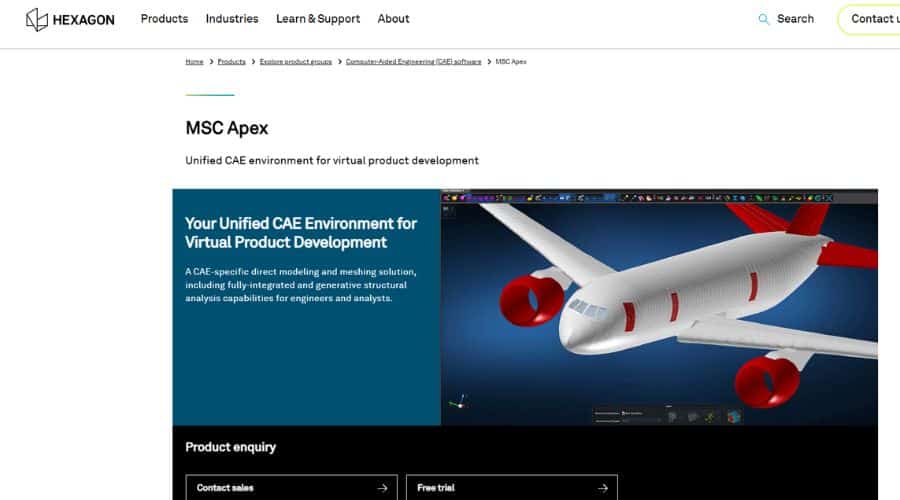
MSC Apex is a CAE platform focused on generative design, simulation, and workflow automation. It is built to reduce pre-processing time and improve design optimization. With direct modeling and integrated solver technology, MSC Apex allows engineers to rapidly iterate and validate designs.
MSC Apex is designed for both novice and experienced users. It suits engineers who want to shorten the time it takes to create and run simulations. Its modular design and open architecture make it a flexible and scalable solution. If your projects involve multilingual reporting, pairing your workflow with tools like specialized Amharic typing software for PC can help you prepare documentation for different audiences.
Key Features:
- Direct Modeling
- Integrated Solver
- Generative Design
- Workflow Automation
Pricing: Contact MSC Software for a quote.
Simcenter 3D
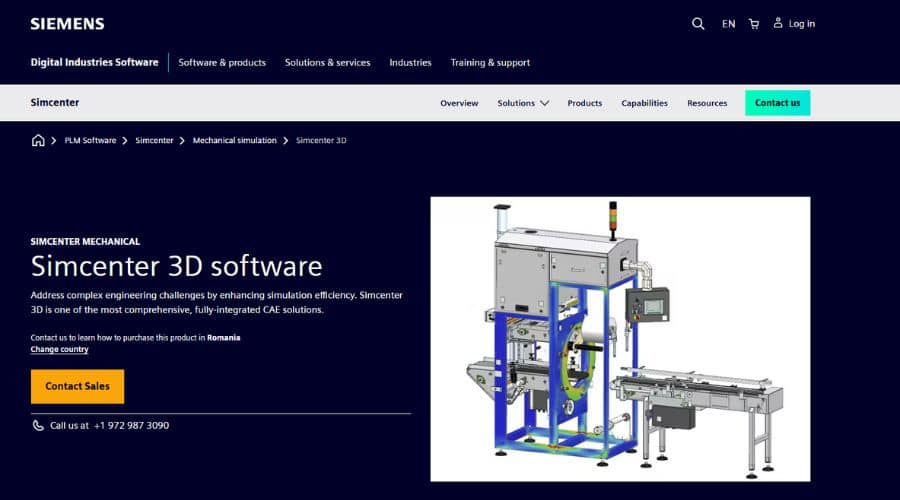
Simcenter 3D is a comprehensive, integrated environment for CAE with advanced simulation capabilities for predicting product performance. It combines best-in-class simulation tools with CAD-aware capabilities to accelerate the simulation process.
Simcenter 3D is a complete solution for engineers who need to simulate complex products. It suits teams that want to improve product performance, reduce development costs, and get to market faster. Its multi-discipline simulation capabilities make it a versatile tool for a wide range of applications.
Key Features:
- Multiphysics Simulation
- CAD Integration
- Advanced Solver Technology
- Durability Analysis
Pricing: Contact Siemens for a quote.
Feature Comparison Table
| Feature | ANSYS Mechanical | COMSOL Multiphysics | Autodesk Inventor Nastran | SimScale | SolidWorks Simulation | MSC Apex | Simcenter 3D |
|---|---|---|---|---|---|---|---|
| Multiphysics | Yes | Yes | No | Yes | Yes | Yes | Yes |
| Cloud-Based | No | No | No | Yes | No | No | No |
| CAD Integration | Yes | Yes | Yes (Inventor) | Yes | Yes (SolidWorks) | Yes | Yes |
| Pricing | Contact Vendor | Contact Vendor | $2,420/year | From $1,450/month | Contact Vendor | Contact Vendor | Contact Vendor |
Tips
When selecting a FEM analysis tool, consider the following:
- Specific Analysis Needs: Determine the types of analyses you need to perform (structural, thermal, fluid, etc.) and choose a tool that supports those capabilities.
- Integration with CAD Software: If you already use a CAD software, choose a FEM tool that integrates seamlessly with it.
- Ease of Use: Consider the user interface and learning curve of the software.
- Computational Resources: Some FEM tools require significant computational resources. Consider whether your hardware can handle the software’s requirements.
- Budget: FEM analysis tools vary in price. Determine your budget and choose a tool that fits within your financial constraints.
- Training and Teaching: If you plan to teach or test FEM concepts, pair your simulations with engaging assessments created in a dedicated quiz maker tool to reinforce learning.
Choosing the Right FEM Tool
Selecting the appropriate FEM analysis tool depends heavily on your specific needs, budget, and experience level. Each of the tools discussed offers unique strengths, making them suitable for different applications and users. When you run simulations, you may also want to document results and create visual reports; you can capture high-quality screenshots on an HP laptop running Windows 11 to share meshes, stress plots, and convergence graphs with your team.
For multitasking workflows, consider working with your CAD model, post-processing window, and documentation side by side. You can learn how to use split screen for easier multitasking, which helps you keep simulation dashboards, reports, and reference material visible at the same time.
FAQ
What is FEM analysis used for?
FEM analysis is used to simulate and analyze the behavior of structures and components under various conditions, such as stress, heat, and fluid flow.
Is SimScale free to use?
SimScale offers a free plan with limited resources that suits learning and small projects, along with paid plans for professional workloads that require more computing power and advanced features.
Which FEM tool is best for beginners?
Beginners usually benefit from tools with guided workflows and tight CAD integration, such as SolidWorks Simulation or cloud-based platforms like SimScale that reduce hardware requirements.
Do I need a powerful PC for FEM analysis?
Desktop FEM tools benefit from strong CPUs, plenty of RAM, and fast storage. Cloud-based platforms handle most of the heavy computation remotely, so they work well even on modest local hardware.
Can I use these tools for both academic and commercial projects?
Many vendors offer separate academic and commercial licensing. Always review the license terms to ensure your intended use, whether research, teaching, or commercial design work, complies with their policies.


Read our disclosure page to find out how can you help MSPoweruser sustain the editorial team Read more



Improve this guide

User forum
0 messages