
Windows 11 Snipping Tool crashing with "A problem in Windows is preventing Snipping Tool from opening" error


 1 min. read
  Updated on
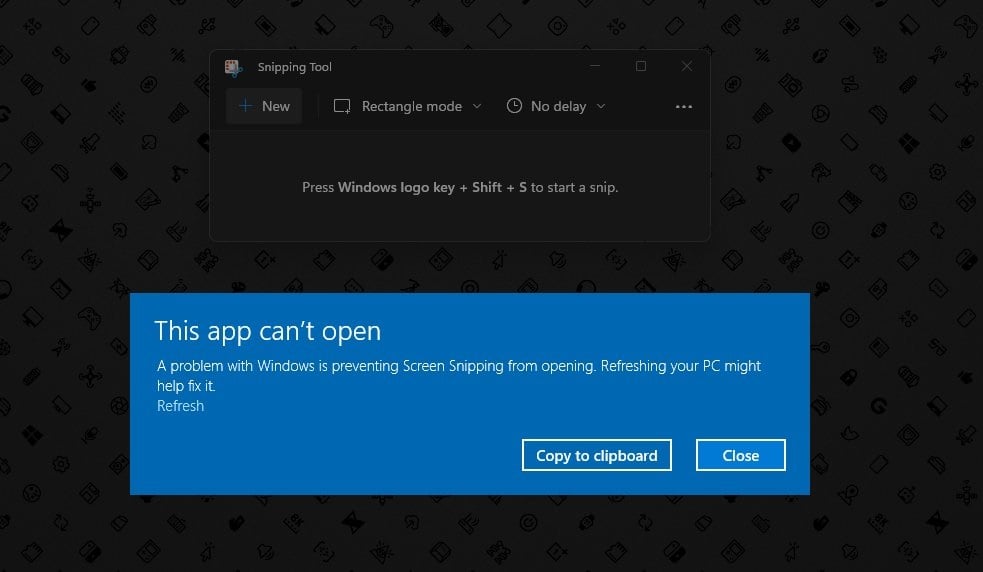
Windows 11 users are complaining in their droves that the Snipping tool, used to take screenshots, is crashing and non-functional on Windows 11.
The app is crashing with the following error.
This app can’t open
A problem in Windows is preventing Snipping Tool from opening. Refreshing your PC might help fix it.
The issue appears to follow an update to the app over the weekend in the Microsoft Store.
Resetting your PC is a somewhat extreme solution to fix the Snipping Tool. We understand Microsoft has already pulled the offending update and is presumably working on a solution.
via HTNovo, WindowsLatest


Read our disclosure page to find out how can you help MSPoweruser sustain the editorial team Read more



Improve this guide


User forum
0 messages