
How to use Sony WH-1000XM4 with a cable while keeping noise cancellation


 2 min. read
 Published on
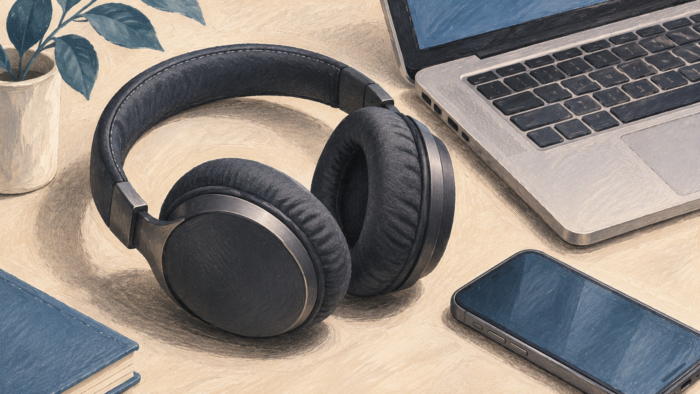
The WH-1000XM4 can use its supplied audio cable with noise cancellation, provided the headphones are turned on. With the power off, you can still listen through the cable, but active noise cancellation is unavailable.
This is useful for a computer's headphone socket or compatible in-flight entertainment. Confirm the destination has an audio output; a USB-C charging port on the headphones is a different connection.
Make the wired connection
- Connect the supplied headphone cable to the headphones.
- Insert the L-shaped end into the playback device.
- Turn on the headphones if you want noise cancellation.
- Start playback at a low volume and adjust it on the source device.
Sony says Bluetooth cannot be used while the headphone cable is connected. The wired connection also changes which controls are available: handle volume and play/pause on the playback device.
Check the microphone separately
Do not assume that hearing a call through the cable means the headphone microphones are being used. Sony's wired-call instructions use the phone's microphone. For a PC meeting, select and test an appropriate microphone in the calling application.
A practical desk setup might therefore use the headphones for listening and the laptop microphone for speaking. Check both directions with a recording or test call before joining a meeting.
If sound is missing, verify that both plugs are fully inserted and that the source is sending audio to its headphone output. Compare powered-on and powered-off listening only after the basic cable connection works; otherwise two changing variables can hide the actual problem.
Manufacturer documentation: Guide.


Read our disclosure page to find out how can you help MSPoweruser sustain the editorial team Read more



Improve this guide
User forum
0 messages