
How to run the Sony WH-1000XM4 noise-cancelling optimizer


 2 min. read
 Published on
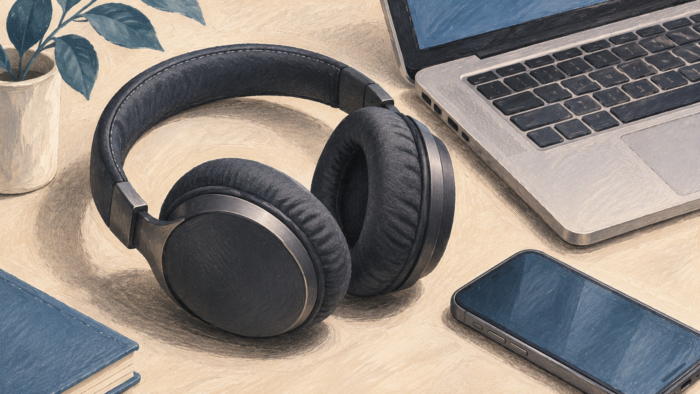
Wear the WH-1000XM4 as you normally would, turn it on, and hold CUSTOM for about two seconds to start NC Optimizer. Wait for the completion announcement before touching other controls.
Sony recommends running the optimizer when wearing conditions change, such as putting on glasses, and after significant air-pressure changes. The process adapts noise cancellation to those conditions.
Optimize for the way you actually wear them
- Put on your usual glasses or other items that affect the earcup fit.
- Position the headphones comfortably and turn them on.
- Hold CUSTOM until the optimizer starts.
- Keep the headphones in position while the test sounds play.
- Wait for the finish announcement, then resume listening.
If CUSTOM launches another feature
The button may be assigned to a voice assistant. Sony says that assignment prevents starting NC Optimizer from the button. Use the optimizer option in the headphone app instead, or review the button assignment there.
For a simple comparison, listen in the same room and at the same volume before and after optimizing. Moving to a quieter room at the same time would make the result hard to interpret.
The stored optimization remains until you run the process again. If you optimize while wearing glasses and later remove them for a long session, repeat the process in the changed wearing conditions.
Noise cancellation is not a substitute for hearing protection or awareness of hazards. Keep this test focused on comfortable listening, and do not raise playback volume to judge whether outside sound has disappeared.
Manufacturer documentation: Guide.


Read our disclosure page to find out how can you help MSPoweruser sustain the editorial team Read more



Improve this guide
User forum
0 messages