
Sony WH-1000XM4 touch controls not responding? Check these operating limits


 2 min. read
 Published on
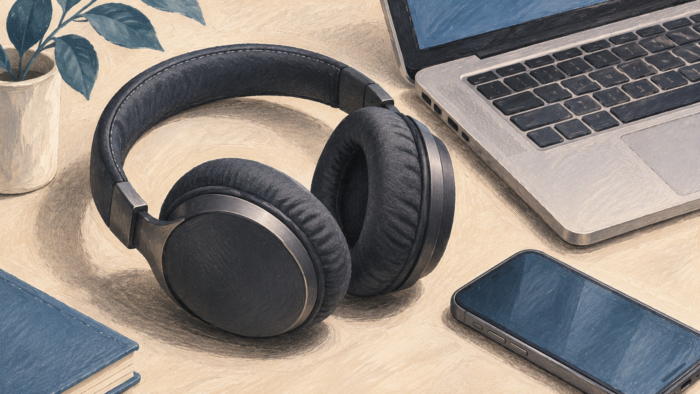
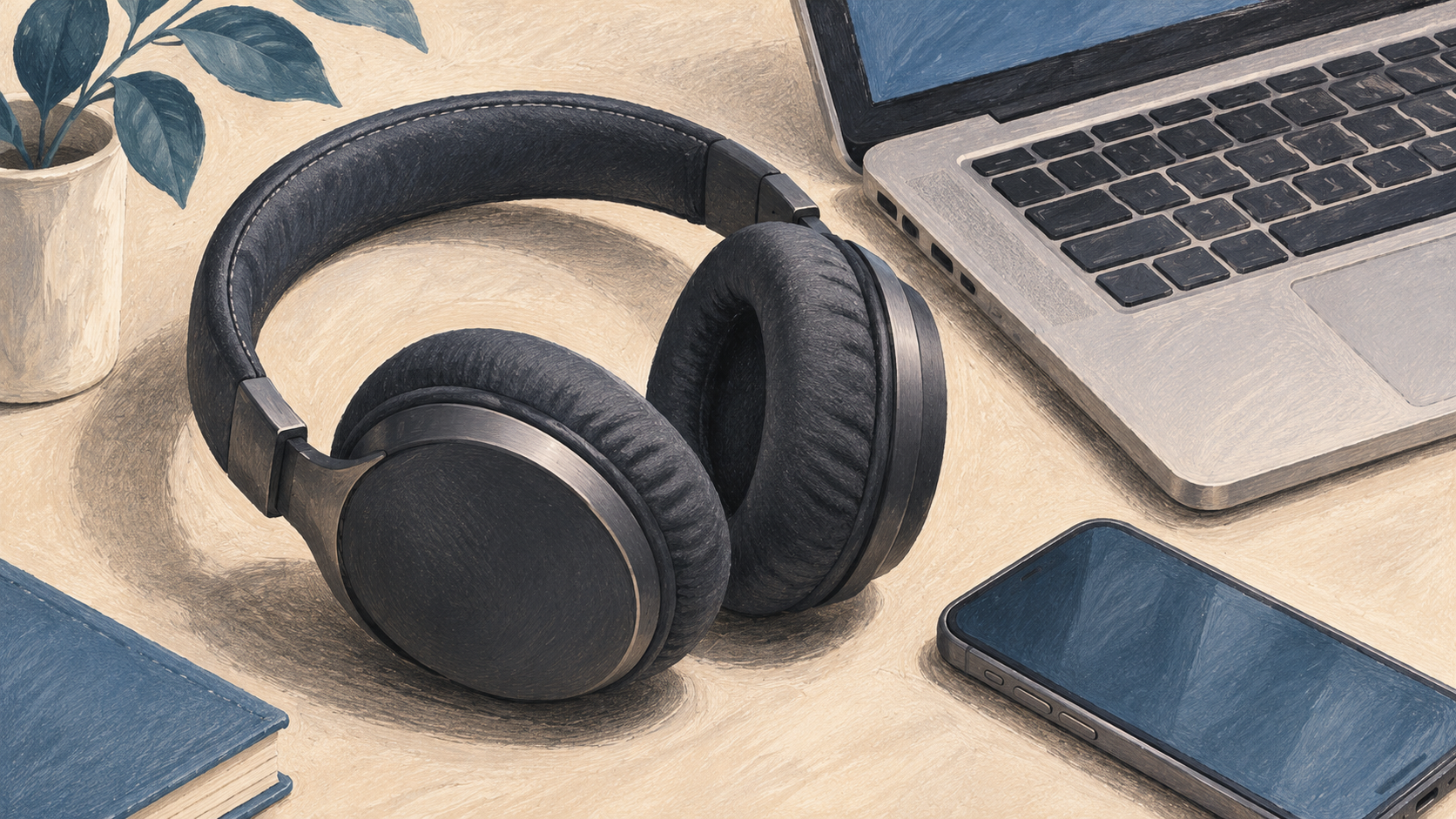
The WH-1000XM4 touch sensor is on the flat outside surface of the right earcup. Test it while wearing the headphones, with a bare fingertip, and with touch controls enabled in Sony's app.
Before resetting anything, check whether you are using Bluetooth or the supplied audio cable. Sony says wired listening does not support touch-panel volume adjustment or play/pause, although some other touch features remain available when powered on.
Test the touch panel deliberately
- Wear the headphones normally and connect through Bluetooth.
- Check that the touch sensor control panel is enabled in the headphone app.
- Use the pad of a finger rather than a fingernail or glove.
- Make up/down movements parallel to the headband and forward/back movements perpendicular to it.
- Test in the playback app you intend to use.
Interpret a partial response
If touch controls work in one player but not another, record that difference. Sony notes that some computer applications may not respond to the panel; in that case, use the application's own controls.
If the issue occurs only with the audio cable inserted, compare it with the documented wired limitations before assuming a hardware fault. Switching to Bluetooth for this test separates connection-mode behavior from touch detection.
Try one gesture at a time and wait for its response. Repeated taps and swipes in different directions can make it difficult to tell which gesture was accepted.
Once a control works, repeat it in your normal wearing position. The useful result is a repeatable action in the app and connection mode you use, not merely one accidental response during troubleshooting.
Manufacturer documentation: Guide.


Read our disclosure page to find out how can you help MSPoweruser sustain the editorial team Read more



Improve this guide
User forum
0 messages