
How to hear your surroundings through Sony WH-1000XM4 Ambient Sound Mode


 2 min. read
 Published on
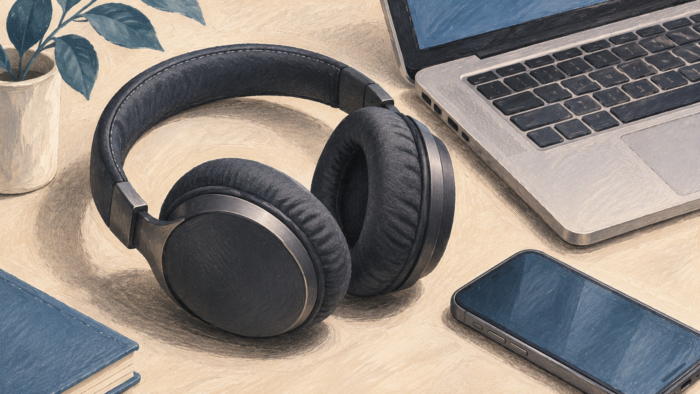
Press CUSTOM while noise cancellation is active to switch the WH-1000XM4 into Ambient Sound Mode. The headphones then use their microphones to let you hear more of your surroundings during playback.
You can adjust the mode in Sony's headphone app. The documented Voice Focus option emphasizes voices and announcements, but hearing remains dependent on the environment and playback volume.
Set and check ambient listening
- Wear the headphones normally and use a moderate playback volume.
- Press CUSTOM to select Ambient Sound Mode.
- Adjust the ambient setting in the app if needed.
- Ask someone nearby to speak normally, or check a familiar indoor sound.
- Reduce playback volume if speech remains difficult to hear.
If CUSTOM is assigned to an assistant, change ambient sound through the app instead. The button's assigned function determines what pressing it does.
Check it in the intended setting
Test the feature in a quiet indoor space first. Compare ordinary ambient sound with Voice Focus using the same speaker and distance, rather than assuming the highest setting is always the best.
Sony says app-adjusted ambient settings are stored in the headphones and can remain available with another playback device. After switching to your PC, check that the listening behavior still suits your work.
Do not rely on Ambient Sound Mode for traffic awareness. Sony specifically warns that surrounding sounds may remain inaudible depending on conditions and playback volume. Remove the headphones where missing those sounds would be dangerous.
If wind becomes louder with the mode enabled, review Voice Focus or turn ambient listening off as appropriate for the environment.
Manufacturer documentation: Guide.


Read our disclosure page to find out how can you help MSPoweruser sustain the editorial team Read more



Improve this guide
User forum
0 messages