
Samsung's pretty nice screen recorder for PCs now available


 2 min. read
  Published on
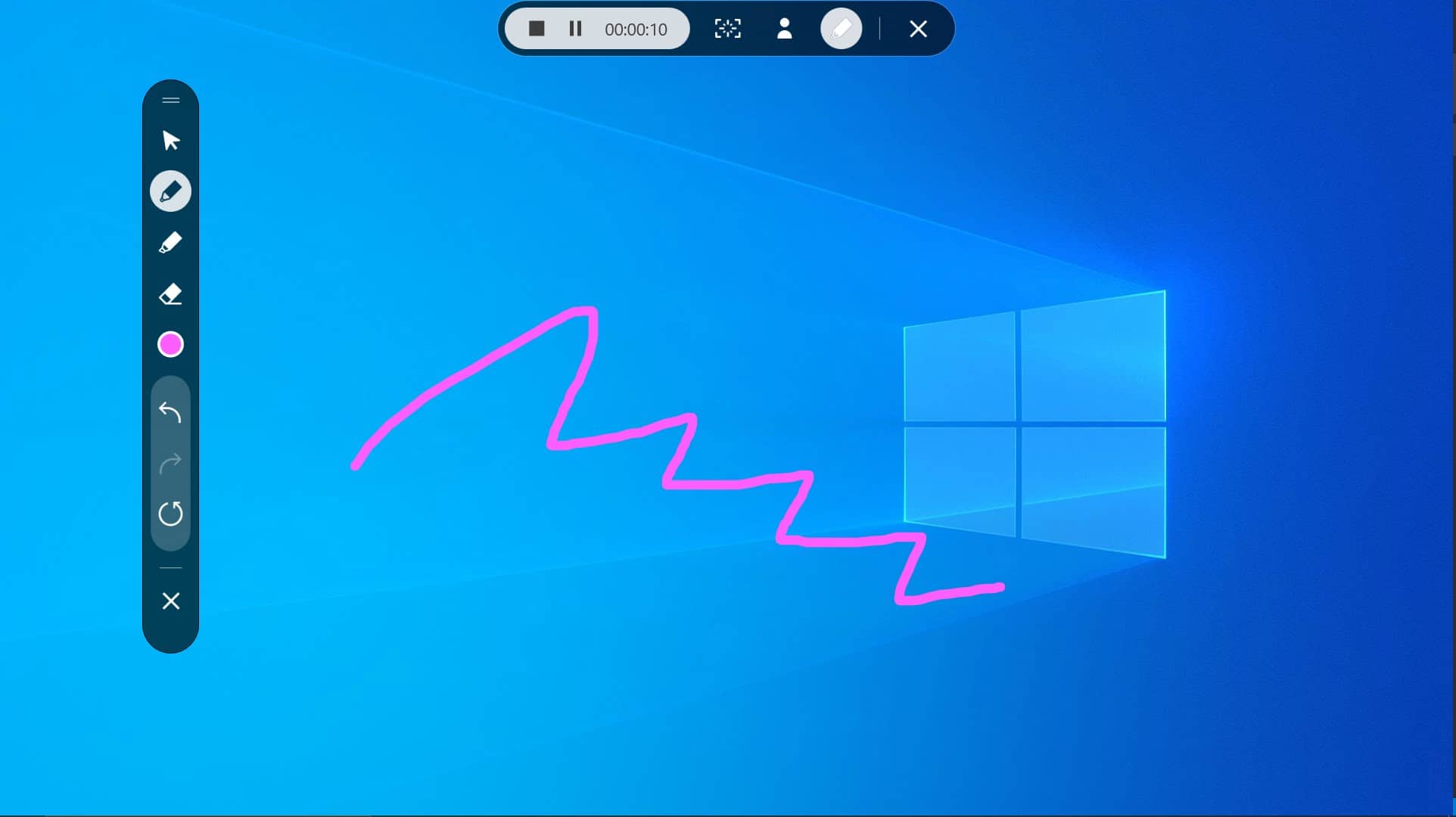
We posted earlier that Samsung is working on a pretty nice screen recorder app for their Windows 10 laptops.
The app, simply called Samsung Screen Recorder, should be good enough for most user needs.


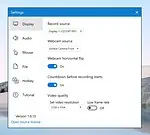

The app features an always-on-top app bar which will let you:
- Start screen recording
- Take a screenshot
- Launch a webcam window
- Launch the app settings
You can select the screen to record (useful for a dual-monitor setup), select a webcam as the source, and adjust the following parameters:
- Video resolution of the recording (up to a low quality of 720 × 480)
- Audio On / Off (and audio source selection)
- Yes / no display of the cursor icon during recording and associated click effects
- Select the folder where to save the recordings
- Image format selection of screenshots (PNG, JPEG, TIFF and BMP)
- Quick keyboard input customization
- Other information, app usage guide, etc.
Recording will start after a 3-second count-down timer.
The app is currently in the Microsoft Store and is unfortunately only be available to Samsung laptops. Thankfully Microsoft is working on a Powertoy (Video Gif Editor) with similar functionality, but likely fewer features. Read more about that here.
Find the app in the Microsoft Store here.
[appbox microsoftstore 9p5025mm7wdt]
via Alumia


Read our disclosure page to find out how can you help MSPoweruser sustain the editorial team Read more



Improve this guide

User forum
0 messages