
New auto-hiding rounded scroll bar now available in Edge Canary.


 1 min. read
  Published on

Microsoft is working on a new scroll bar for their Edge browser.
Noticed by DesktopModder, the new scroll bar is auto-hiding, giving a very clean look to your browsing session.
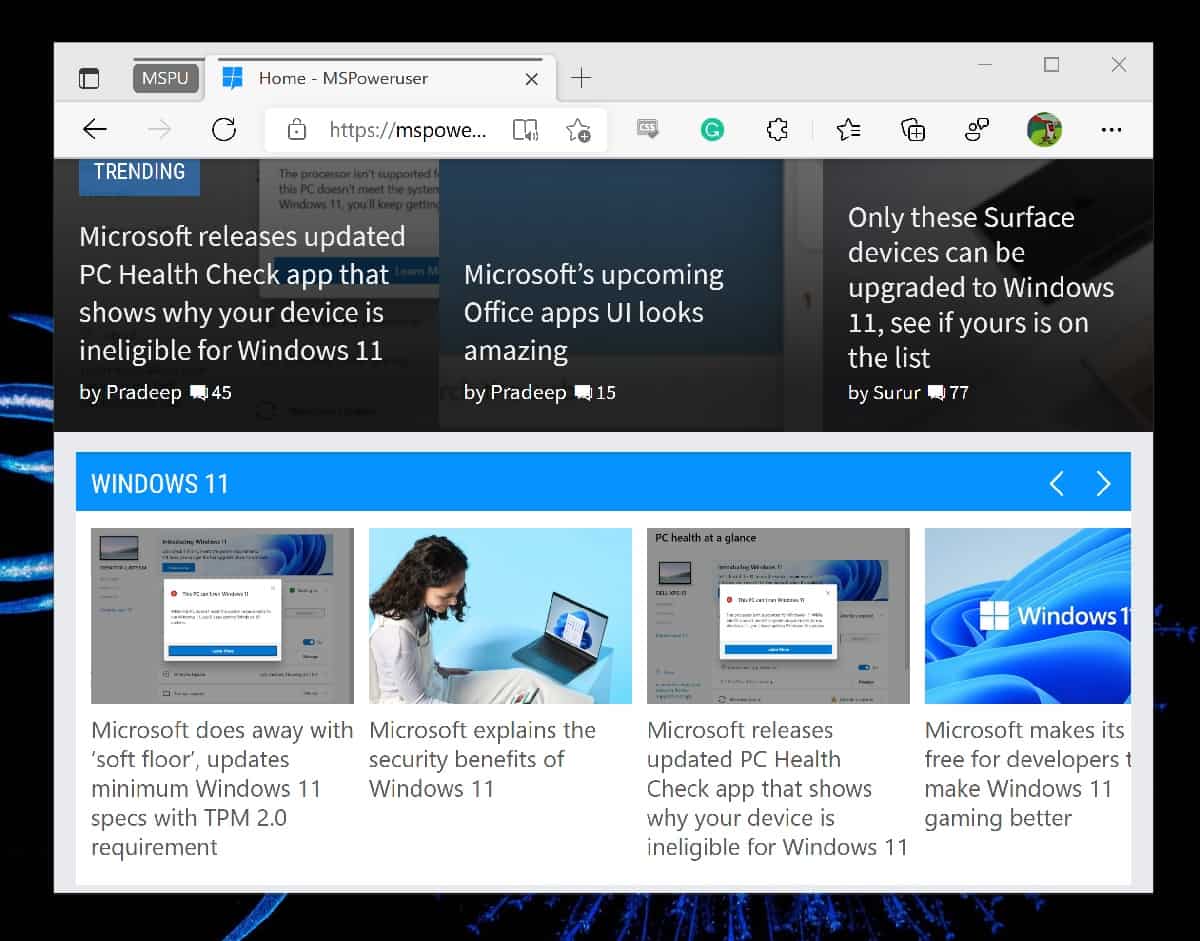
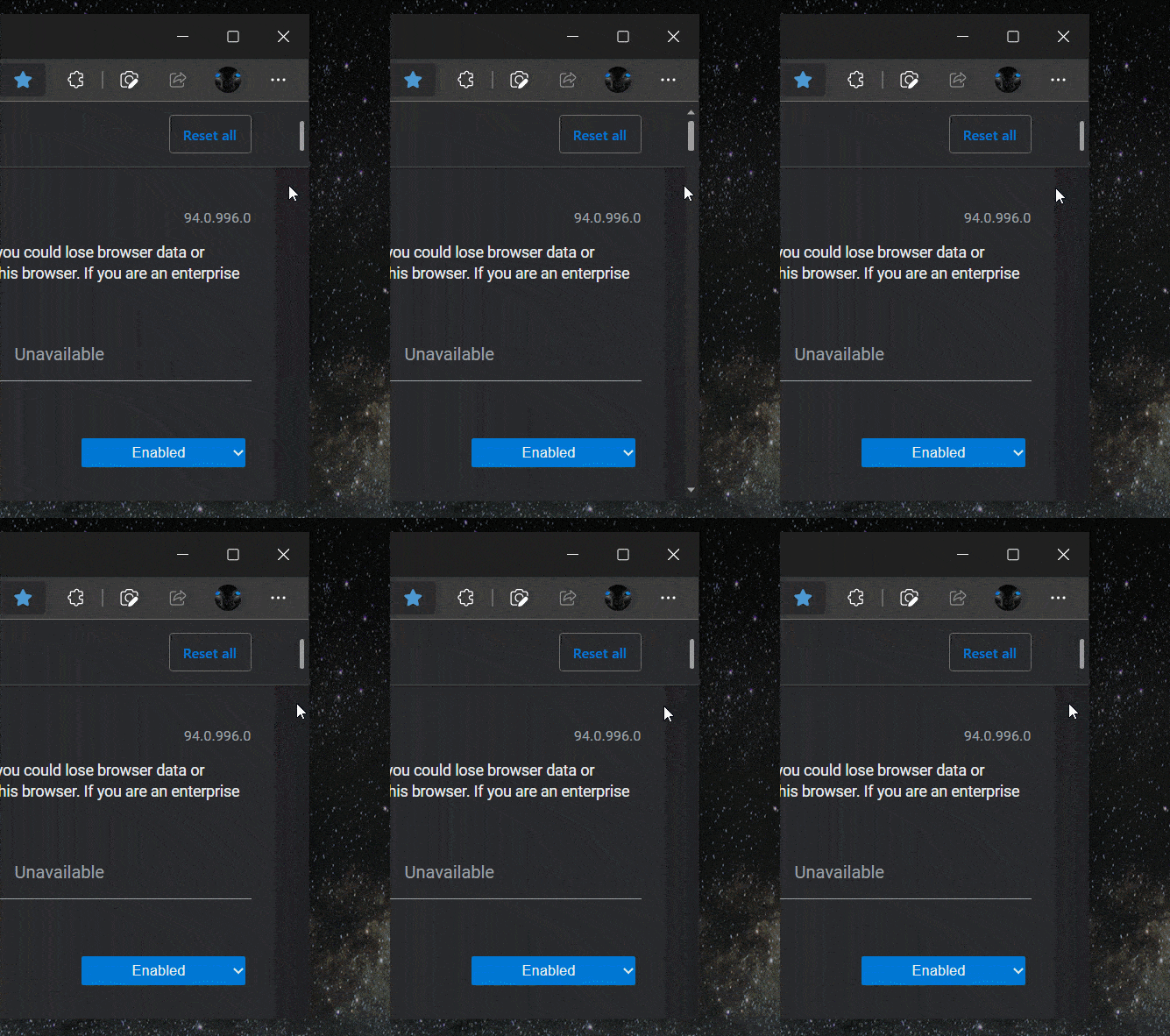
The scroll bar reappears when you hover over it and has a new, narrower and rounded look.
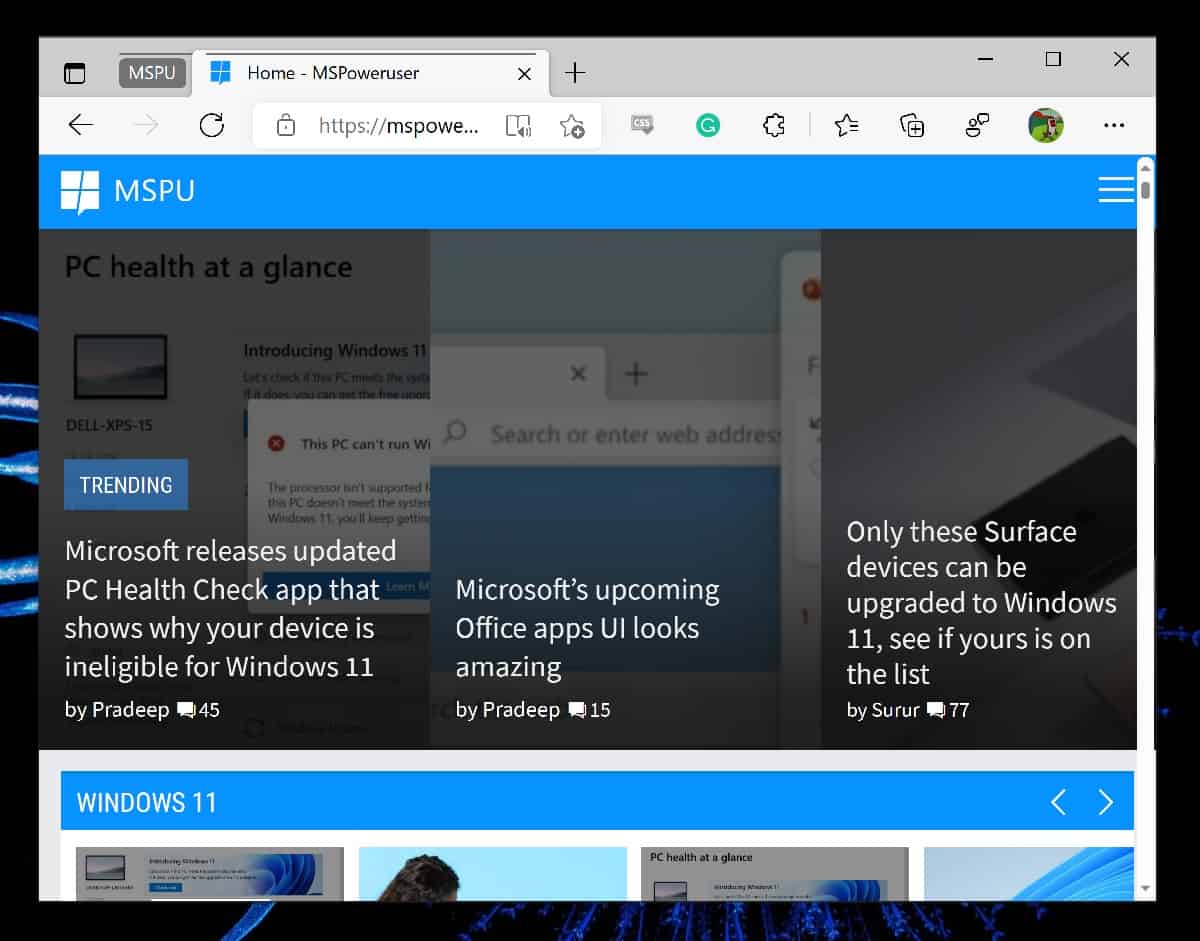
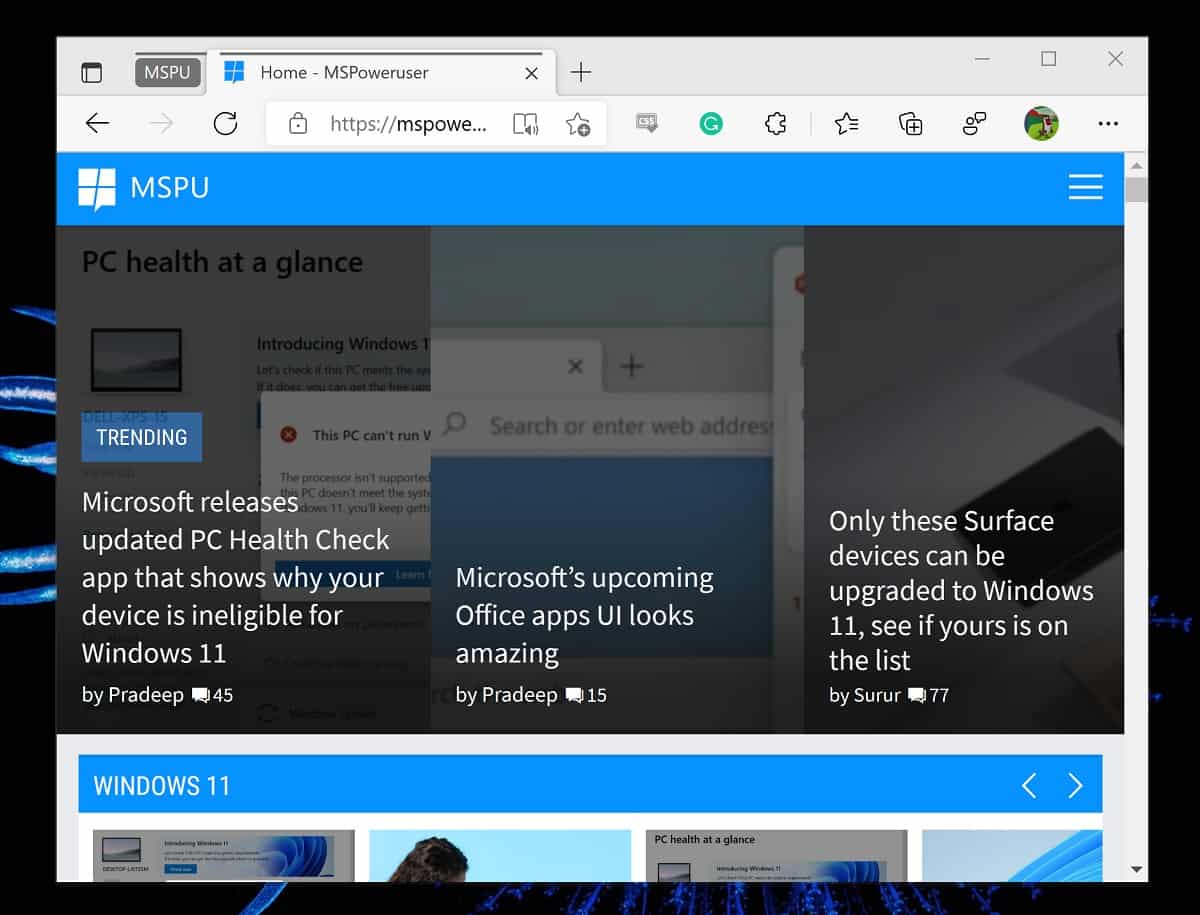
The old, non-hiding version can be seen below:
To enable the new scroll bar, you need a command-line switch added to a shortcut to the Edge browser.
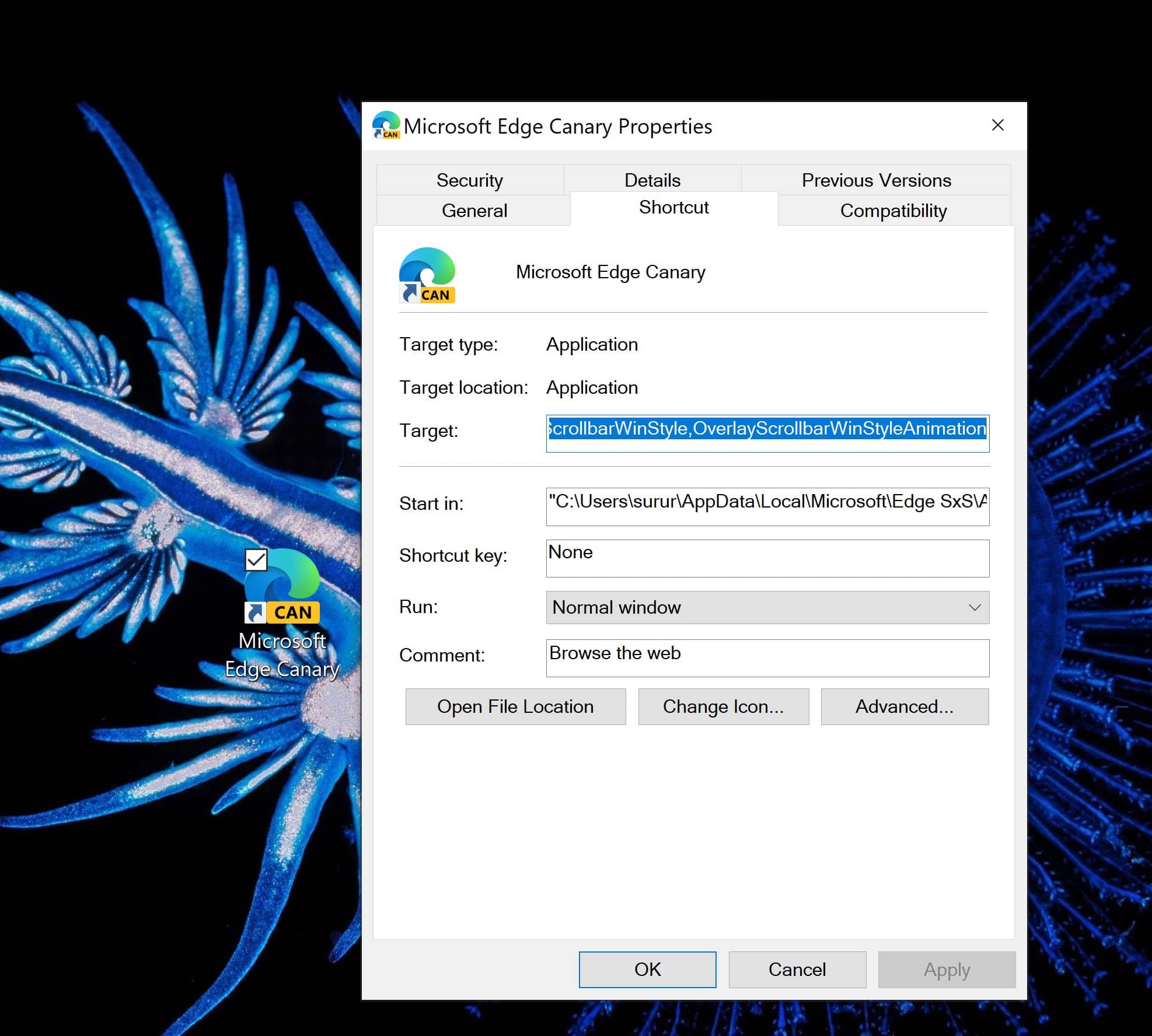
You need to add –enable-features=OverlayScrollbar,OverlayScrollbarWinStyle,OverlayScrollbarWinStyleAnimation to the target shortcut pathway.
Microsoft has experimented earlier in the year with a new and improved scroll bar but then did not follow through. Hopefully, this version will actually ship to regular consumers in the end.
via Leo Varela


Read our disclosure page to find out how can you help MSPoweruser sustain the editorial team Read more



Improve this guide




User forum
0 messages