
Microsoft removes WSATools, an Android APK Installer for Windows 11, from the Microsoft Store


 1 min. read
  Published on
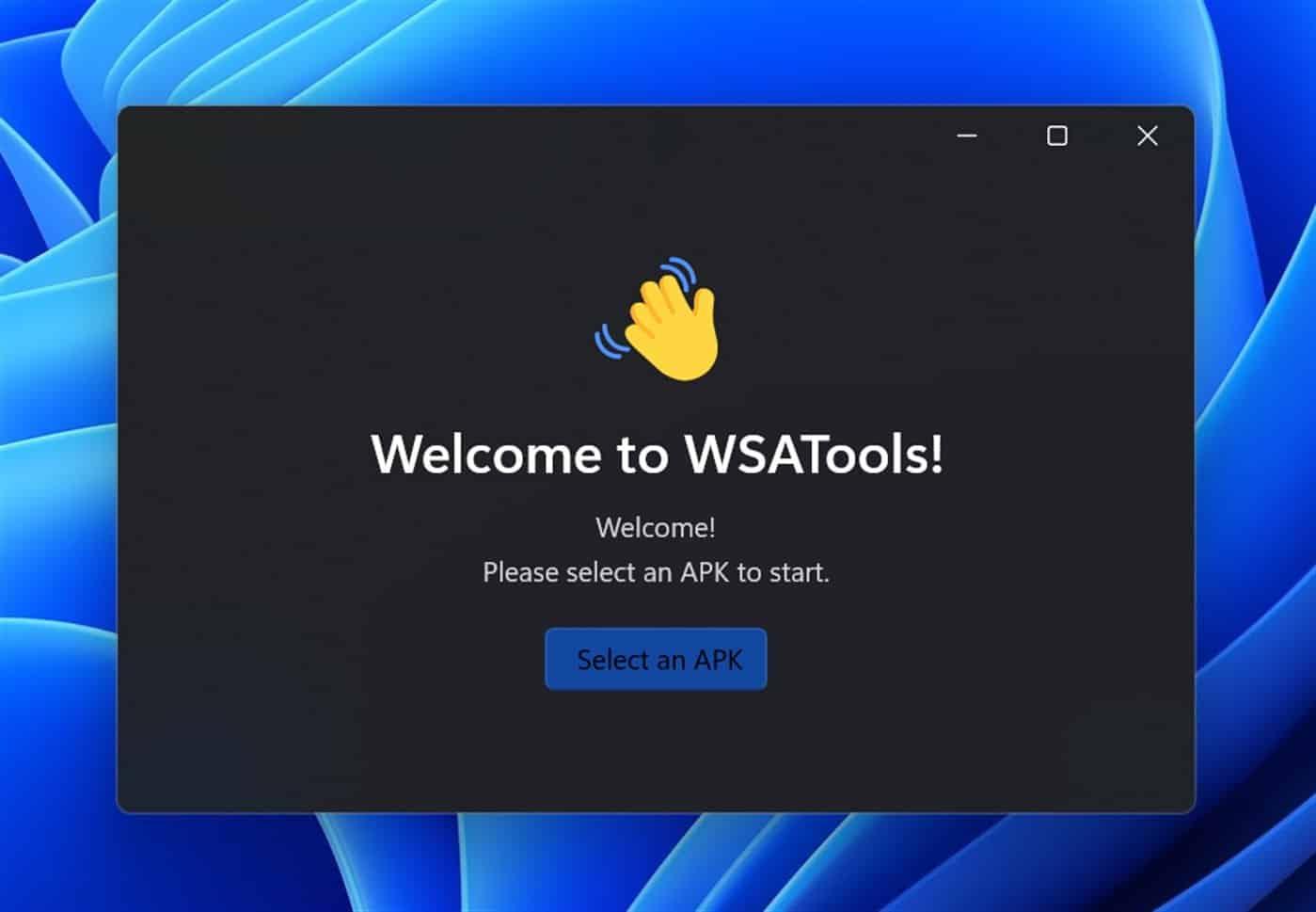
We wrote a few days ago about WSATools, an APK installer for the Android subsystem for Windows 11, which makes it easy to sideload APKs to Microsoft’s emulator.
Currently, Windows 11 only offers 50 apps via the Amazon App Store, but in theory, can support any app which does not need Google Play Services support.
Italian developer, Simone Franco, developed a Microsoft Store app that makes it as easy as double-clicking on the APK. His WSATools has the following description.
Easy-to-use apk installer for Windows Subsystem for Android™.
WSATools is a simple apk installer for Windows 11’s Subsystem for Android, designed to be intuitive and to make the user instantly feel at home.
Now that app has been removed, and Franco makes it clear it was not due to any action on his part. He also reports that there has been no communication from Microsoft on what rule the app broke.
WSATools has currently been removed from the store. Microsoft (not me) pulled the app so it's not available anymore. I have no idea if it was intentional or not, or what are the reasons. I got a mail with zero explanations…
Sigh. If anyone can help here, I'd be really grateful
— Simone Franco (@Simizfo) November 9, 2021
Hopefully, with enough attention, the issue can be resolved. Currently, the missing listing can be seen here.


Read our disclosure page to find out how can you help MSPoweruser sustain the editorial team Read more



Improve this guide


User forum
0 messages