
Windows 11 Build 22621.1343 comes to Release Preview Channel with over a dozen of new features


 2 min. read
  Updated on

Microsoft is releasing Windows 11 Build 22621.1343 (KB5022913) to Insiders today. It covers those in the Release Preview Channel on Windows 11 22H2 and brings more than a dozen of new features to try.
KB5022913 brings the different features Microsoft has tested with its Windows Insiders before. This signals the upcoming and official release of the features to the general public. Here is a quick summary of the new features for Insiders in the Release Preview Channel.
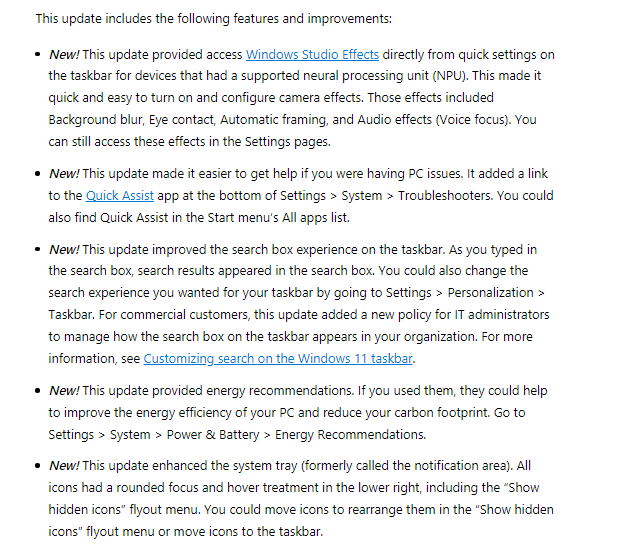
- Placement of Windows Studio Effects in the quick settings on the taskbar for devices with a supported neural processing unit (NPU).
- A link to the Quick Assist app is added at the bottom of Settings > System > Troubleshooters.
- Search results now appear in the search box on the taskbar as you type.
- The system is getting improved energy recommendations.
- The system tray or notification area is improved.
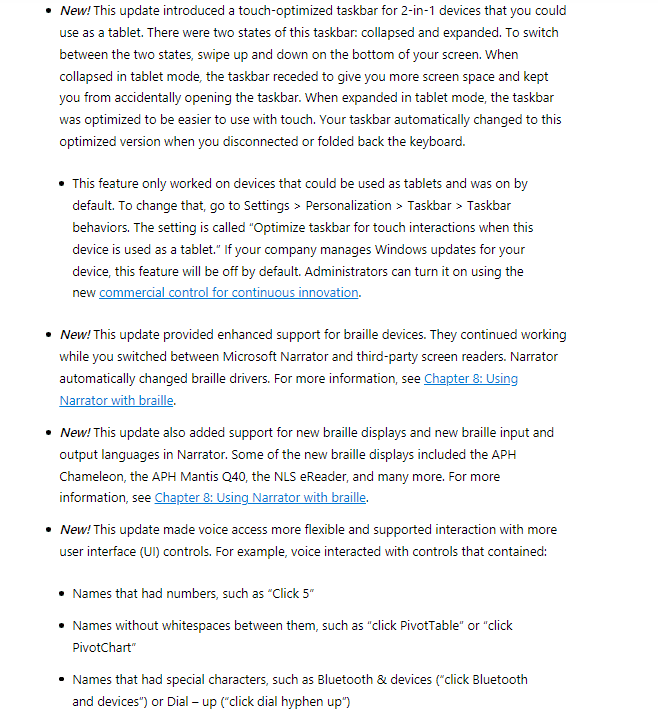
- The touch function of the taskbar is optimized for 2-in-1 devices. Note, however, that the feature is only available for devices that could be used as tablets.
- The system is getting improved support for braille devices.
- Support for new braille displays and new braille input and output languages in Narrator are added. The list includes APH Chameleon, the APH Mantis Q40, and the NLS eReader.
- The update delivers improved voice controls and support for interaction with more user interface controls.
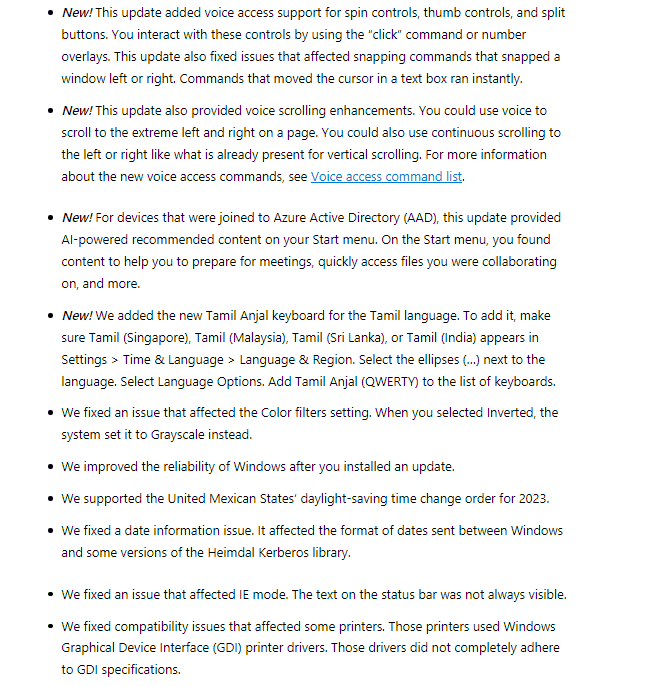
- Voice access support for spin controls, thumb controls, and split buttons is now available.
- Voice scrolling enhancements are added.
- The Start menu will start suggesting AI-powered recommended content for devices that were joined to Azure Active Directory.
- The new Tamil Anjal keyboard for the Tamil language has been added.
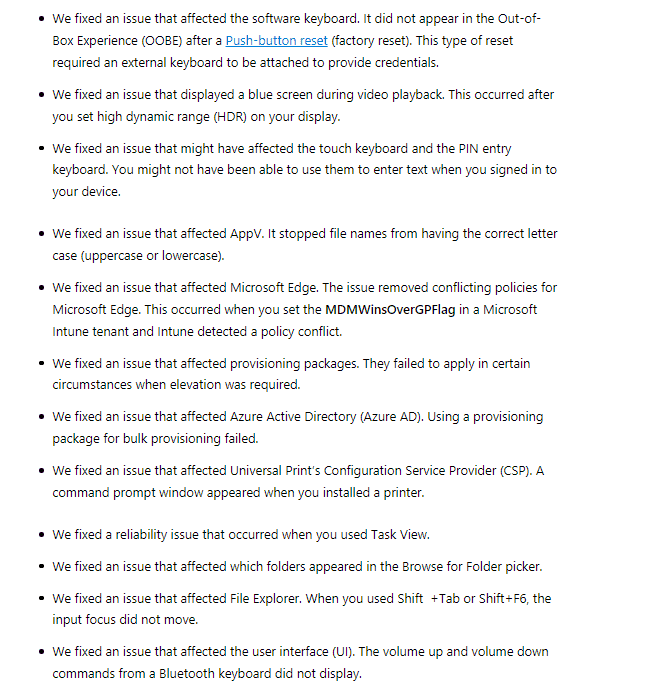
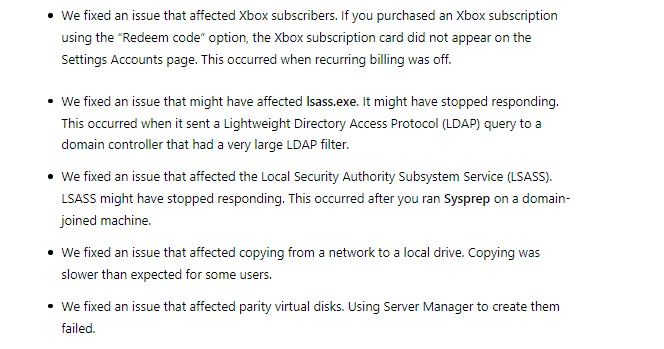
For more information, here is the complete changelog of Build 22621.1343, alongside the fixes Insiders will receive.


Read our disclosure page to find out how can you help MSPoweruser sustain the editorial team Read more



Improve this guide




User forum
0 messages