
How to stop Sony WH-1000XM4 switching off when you take them off


 2 min. read
 Published on
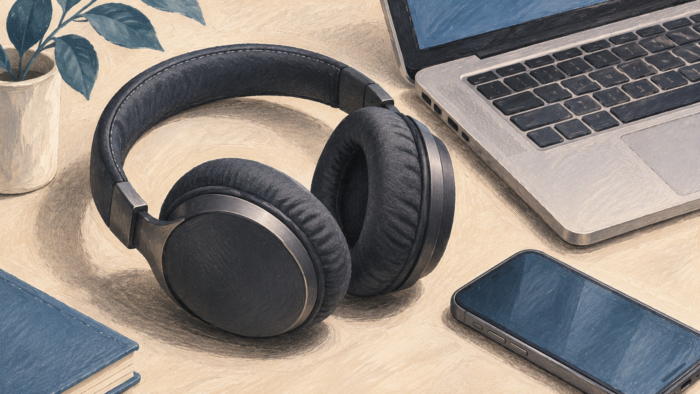
The WH-1000XM4 can automatically power off after 15 minutes of not being worn. Sony's headphone app lets you change wearing-detection power-off behavior, which is useful if you regularly set the headphones down between short listening sessions.
Automatic pause and automatic power-off are separate behaviors. Decide whether you want playback to pause when you remove the headphones, whether you want them to stay powered, or both.
Review wearing-detection settings
- Connect the headphones to the phone running Sony's app.
- Open the settings for the WH-1000XM4.
- Find the wearing-detection automatic power-off option and change it to suit your use.
- Review automatic playback pause/resume separately.
- Set the headphones down, then return after your normal break and check what happened.
The app was formerly called Headphones Connect and is now Sound Connect. The exact screen arrangement can differ by version, so look for the feature name rather than an old screenshot's position.
Choose the behavior deliberately
Keeping the headphones powered can make frequent short breaks more convenient, but it also changes the battery-saving behavior. Check charge before a long session if you leave them on between uses.
For a useful test, leave the playback source unchanged. First verify a short removal and return, then test a longer break. This distinguishes immediate playback handling from the later power-off timer.
If the headphones switch off while you are wearing them, the normal not-worn timer does not fully explain the symptom. Record the fit, battery estimate and timing before changing more settings or resetting the headphones.


Read our disclosure page to find out how can you help MSPoweruser sustain the editorial team Read more



Improve this guide
User forum
0 messages