
Some Windows 11 upgraders are getting the old Windows 10 Start Menu


 1 min. read
  Updated on

The Windows 11 Start menu is the most controversial element of the new operating system, so it is appropriate that one of the first Windows 11 bugs is coming from that feature.
Numerous Windows 11 upgraders are reporting that when they update to the new OS, instead of getting the new Start menu, they get the old Windows 10 one.
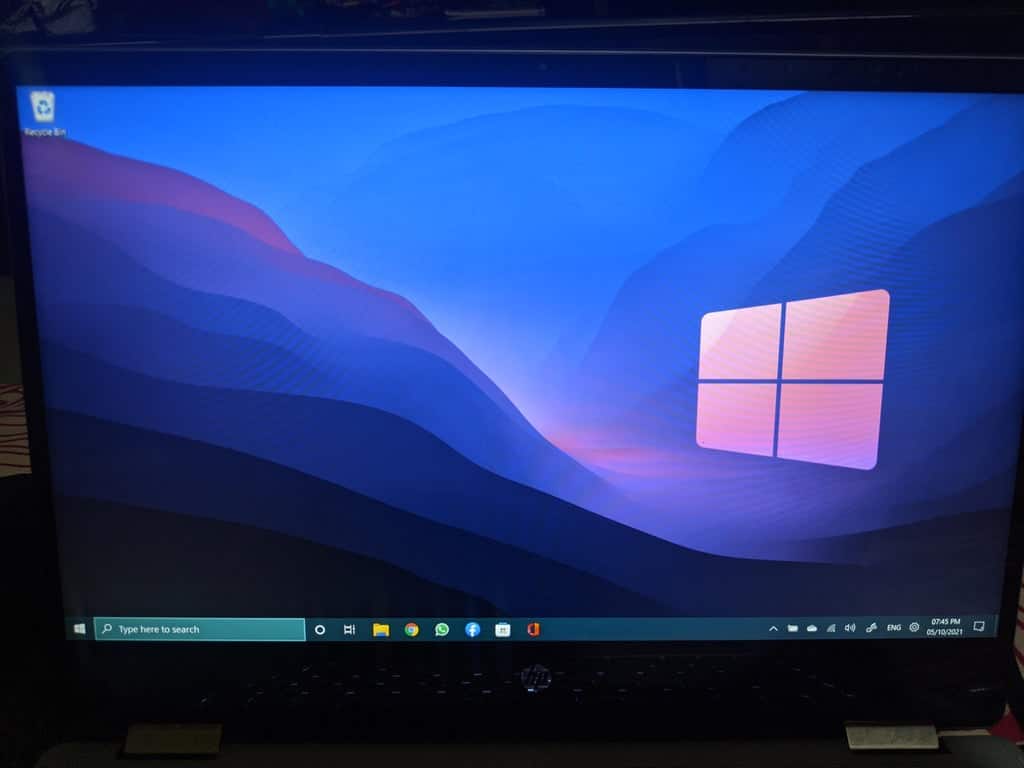
This would not be so bad, except that the menu does not work, leaving users to use keyboard shortcuts to control the OS.
It is not known what is causing the issue, but a corrupted registry is suspected. The problem can be solved by creating a new local user, but most users are simply rolling back to Windows 10. Microsoft has not commented on the issue yet.
via BleepingComputer


Read our disclosure page to find out how can you help MSPoweruser sustain the editorial team Read more



Improve this guide




User forum
0 messages