
Secure Your Data: Top USB Password Protection Tools


 5 min. read
  Updated on
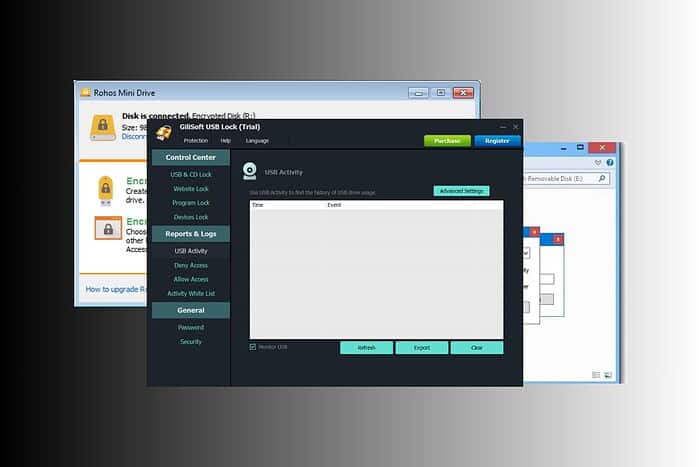
Find here the best USB drive password protection software available right now to help you choose the right option to safeguard your valuable data. For an extra layer of security on the host PC itself, you can also review the tools covered in Top USB Security Software To Lock Your PC.
These tools offer a range of features, from simple password locks to advanced encryption, ensuring your data remains safe even if your USB drive falls into the wrong hands. Let’s take a look.
Table of contents
What’s the Best Software for USB Password Protection?
Gilisoft USB Lock
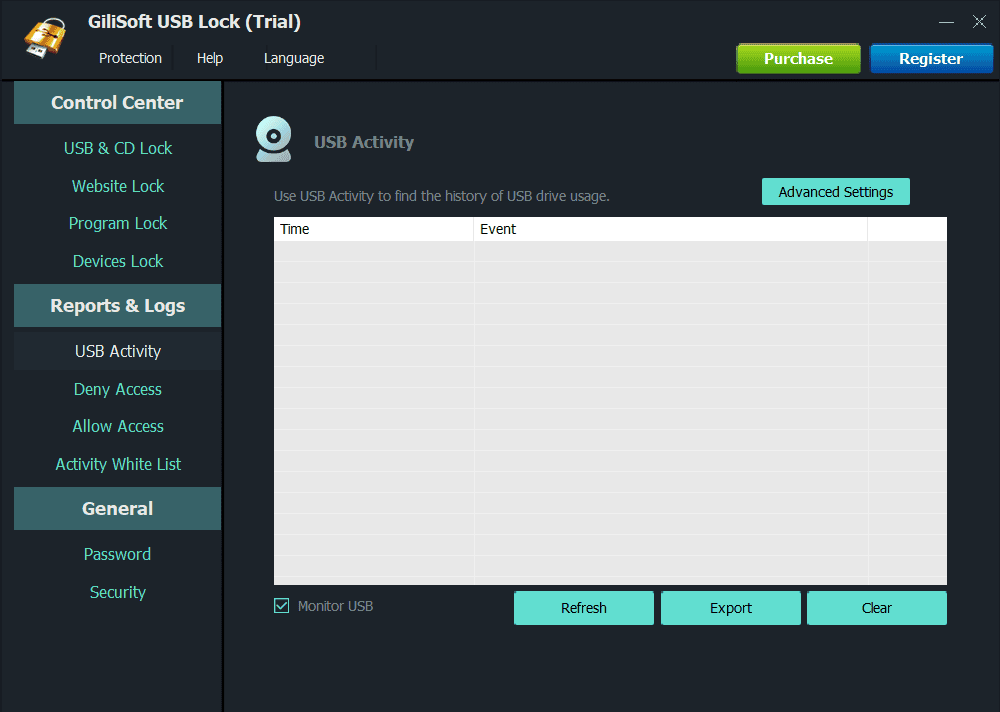
Gilisoft USB Lock stands out as a comprehensive solution for preventing data leaks and copying. It not only password-protects USB drives but also controls access to other ports and devices on your computer. This makes it a robust choice for organizations concerned about internal data security, especially when teams regularly exchange files over collaboration tools like those described in How To Use Google Chat: A Comprehensive Guide For Beginners.
Gilisoft USB Lock helps users to:
- Block unauthorized USB drives, CDs, DVDs, and other removable media.
- Whitelist specific USB drives for authorized use.
- Monitor and log all USB drive activities.
- Key Features:
- Device whitelisting.
- Port access control.
- Activity logging.
- Data leak prevention.
Pricing: $59.95
Rohos Mini Drive
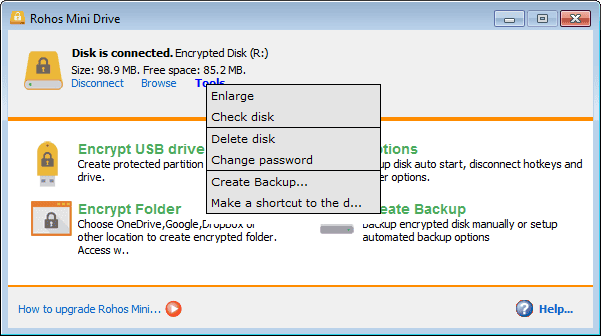
Rohos Mini Drive creates a hidden, encrypted partition on your USB drive, accessible only with a password. This approach provides a secure container for your sensitive files, without encrypting the entire drive. It’s a user-friendly option for individuals who want a simple and effective way to protect specific data.
Rohos Mini Drive helps users to:
- Create an encrypted partition on a USB drive.
- Access the encrypted partition with a password.
- Protect sensitive files within the encrypted container.
- Key Features:
- On-the-fly encryption.
- Hidden partition creation.
- Portable application (no installation required).
- User-friendly interface.
Pricing: Free (for personal use)
USB Safeguard
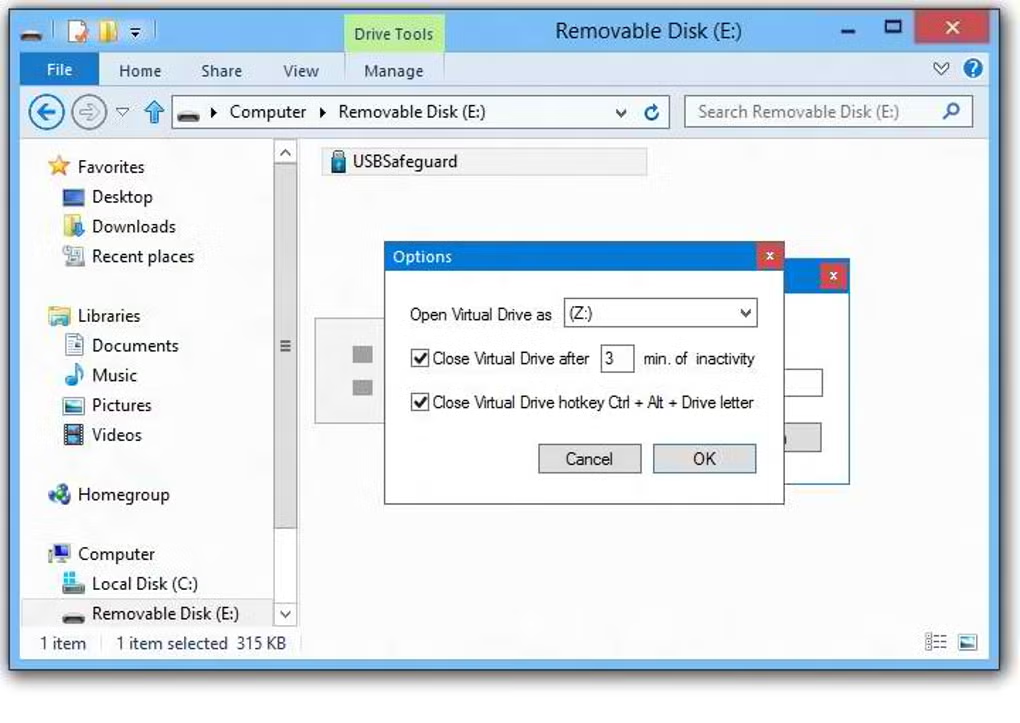
USB Safeguard is a portable application that password-protects your USB drive without requiring installation. It uses AES 256-bit encryption to secure your data, ensuring strong protection against unauthorized access. Its simplicity and portability make it a convenient choice for users on the go.
USB Safeguard helps users to:
- Password-protect a USB drive with AES 256-bit encryption.
- Access the protected data with a password.
- Use the software without installation.
- Key Features:
- AES 256-bit encryption.
- Portable application.
- Simple and intuitive interface.
- Cross-platform compatibility (Windows, Mac, Linux).
Pricing: Free
VeraCrypt
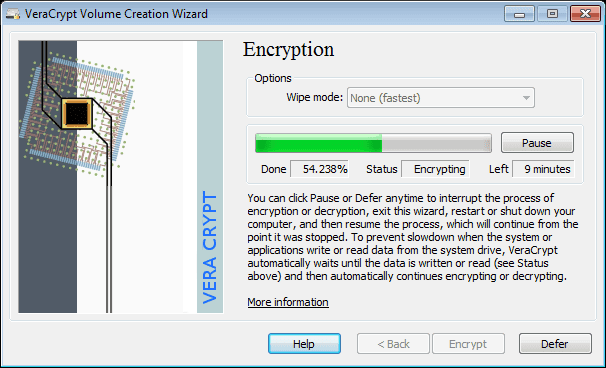
VeraCrypt is a powerful, open-source encryption tool that can be used to password-protect entire USB drives or create encrypted containers. While it has a steeper learning curve than some other options, its robust encryption capabilities make it a top choice for security-conscious users.
VeraCrypt helps users to:
- Encrypt entire USB drives or create encrypted containers.
- Protect sensitive data with strong encryption algorithms.
- Use advanced security features, such as plausible deniability.
- Key Features:
- Strong encryption algorithms (AES, Twofish, Serpent).
- Hidden volumes for plausible deniability.
- Cross-platform compatibility (Windows, Mac, Linux).
- Open-source and actively maintained.
Pricing: Free
BitLocker To Go
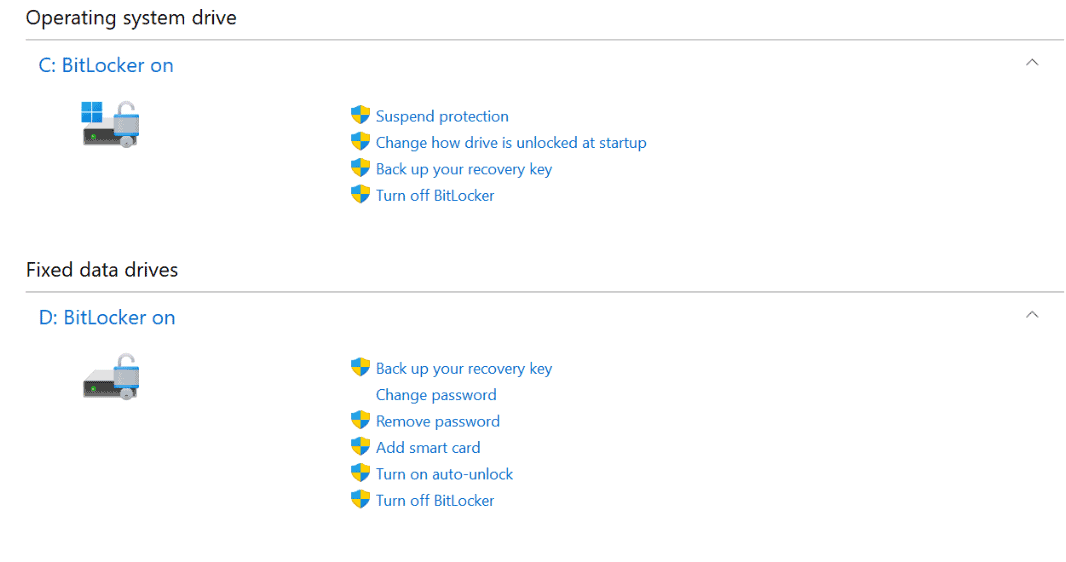
BitLocker To Go, a feature built into Windows, allows you to encrypt and password-protect USB drives. It’s a convenient option for Windows users, as it doesn’t require installing additional software. However, enabling encryption may require a system restart, so steps like those outlined in How To Reboot Windows 11: A Step-by-Step Guide For Beginners can help you complete the process smoothly.
BitLocker To Go helps users to:
- Encrypt and password-protect USB drives on Windows.
- Access the encrypted drive with a password or smart card.
- Integrate seamlessly with the Windows operating system.
- Key Features:
- Seamless integration with Windows.
- Password or smart card authentication.
- Recovery key option in case of password loss.
Pricing: Included with Windows (Pro, Enterprise, Education)
DiskCryptor
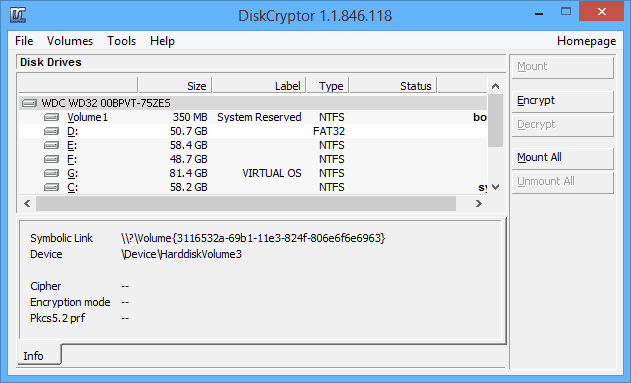
DiskCryptor is a free and open-source full disk encryption system. It allows you to encrypt entire partitions, including system partitions, and external USB drives. If you ever need to reset or reinstall Windows after securing your data, guides like How To Uninstall And Reinstall Windows 10 can help you rebuild a safe system environment.
DiskCryptor helps users to:
- Encrypt entire partitions and external devices.
- Use pre-boot authentication for system partitions.
- Choose from multiple encryption algorithms.
- Key Features:
- Full disk encryption.
- Pre-boot authentication.
- Multiple encryption algorithms.
- Open-source and free.
Pricing: Free
Folder Lock
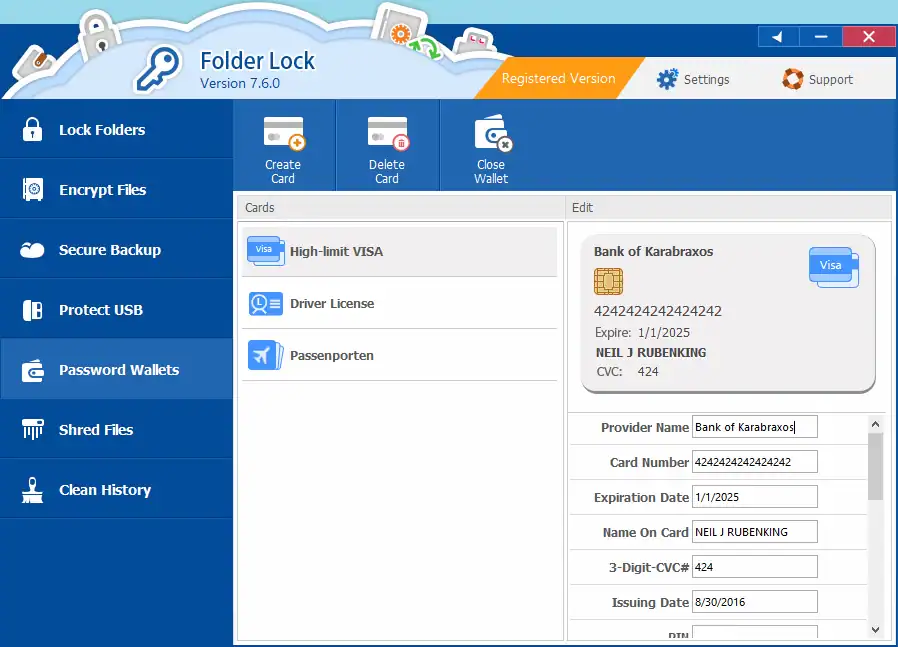
Folder Lock is a comprehensive data security software that allows you to password-protect files, folders, and drives, including USB drives. It also offers encryption, shredding, and secure cloud backup.
Folder Lock helps users to:
- Password-protect files, folders, and drives.
- Encrypt files with 256-bit AES encryption.
- Shred files securely.
- Key Features:
- Encryption.
- Shredding.
- Secure backup.
- Password protection.
Pricing: $39.95
Kakasoft USB Security
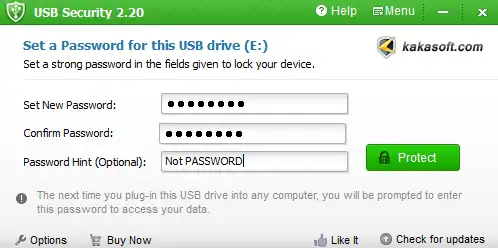
Kakasoft USB Security is designed specifically for creating password-protected secure areas on USB drives. Its simple interface makes it ideal for beginners.
Kakasoft USB Security helps users to:
- Password-protect USB drives.
- Create a secure, encrypted area for sensitive files.
- Use an intuitive interface.
- Key Features:
- Dedicated USB protection.
- Easy-to-use interface.
- Secure area creation.
Pricing: $29.95
FAQ
How do I stop 13 best usb drive password protection software?
Open the relevant control, then choose Stop or Disconnect to end the session.
Does 13 best usb drive password protection software affect battery life?
Yes, it uses extra power for video and networking; keep the device charged.
Why can’t my TV or receiver be found during 13 best usb drive password protection software?
Both devices must share the same Wi-Fi and the feature must be enabled on the receiver.
Is a wired method more reliable for 13 best usb drive password protection software?
Usually yes; a cable removes Wi-Fi interference and lowers latency.


Read our disclosure page to find out how can you help MSPoweruser sustain the editorial team Read more



Improve this guide


User forum
0 messages