
Razer Cynosa Chroma manual: USB setup and Fn shortcuts


 2 min. read
 Published on
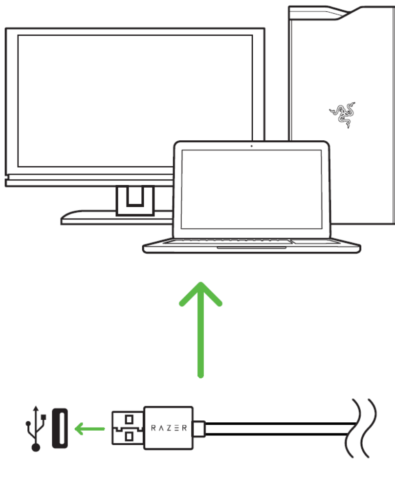
The Razer Cynosa Chroma manual separates the keyboard’s USB connection, built-in Fn shortcuts and software customization. If you simply want volume, playback or brightness controls, the hardware shortcuts are the quickest place to start.
Open the original Razer Cynosa Chroma manual. This is Razer’s Cynosa Chroma master guide; its software chapter documents Synapse 3.
Connect the keyboard before troubleshooting software
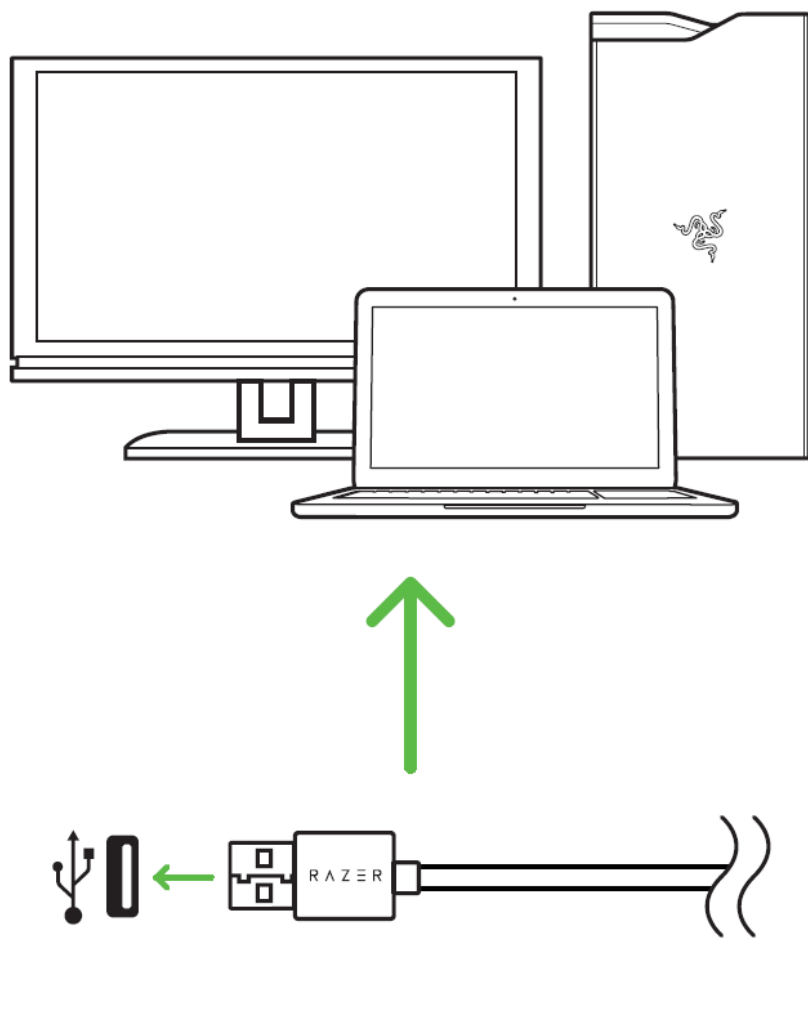
PDF page 7 shows the keyboard connected to a computer’s USB port. Use that hardware connection as your first checkpoint.
Test ordinary typing in a plain text field before diagnosing lighting or macros. Record whether the fault affects all keys, only a shortcut, or only one application. Those observations help separate a connection problem from a customization issue without changing several settings at once.
Find the Fn combination you need
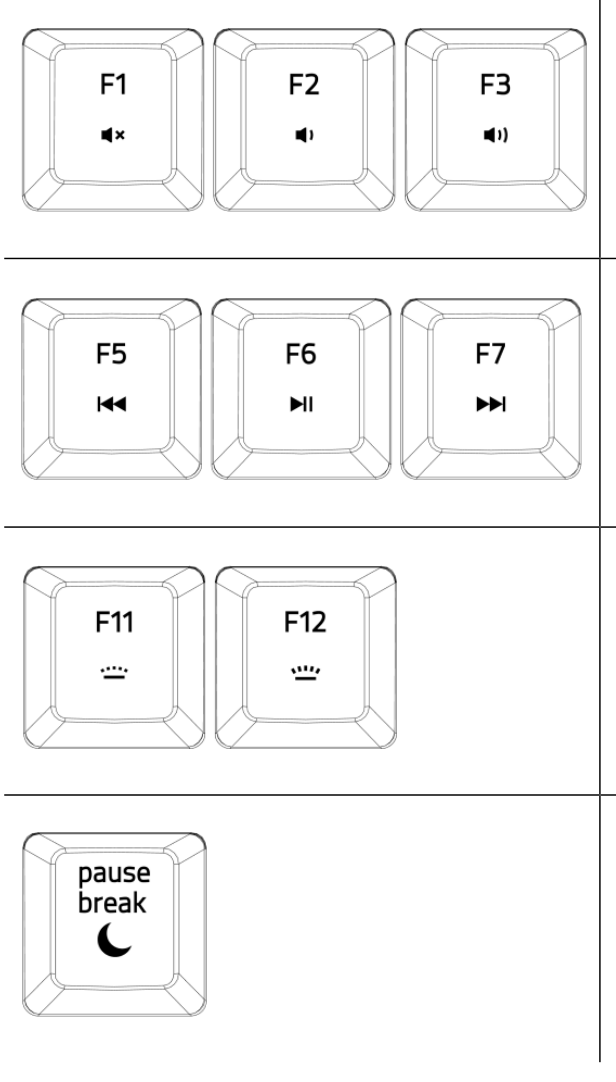
Hold Fn while pressing the relevant key. F1 mutes sound; F2 and F3 lower and raise volume. F5, F6 and F7 provide previous-track, play/pause and next-track controls. F11 and F12 adjust keyboard lighting brightness. Fn plus Pause/Break invokes sleep.
The diagram is a cropped excerpt from PDF page 8. Compare the printed legends on your keyboard before using a shortcut, especially if you have a different Cynosa variant or regional layout.
Keep the software instructions in context
The later chapters explain customization in the software version pictured in the PDF. A present-day app may have different screens or compatibility requirements.
If a shortcut works but a custom assignment does not, note the intended assignment and the application in which it fails. Use the matching software support documentation for that part of the investigation, rather than reinstalling software just because the older manual pictures a different interface.
Documentation-based guidance. Screenshots are credited excerpts from the manufacturer’s manual; this is not a hands-on product test.


Read our disclosure page to find out how can you help MSPoweruser sustain the editorial team Read more



Improve this guide

User forum
0 messages