
Microsoft announces revamped Microsoft Store experience in Windows 11


 1 min. read
  Updated on
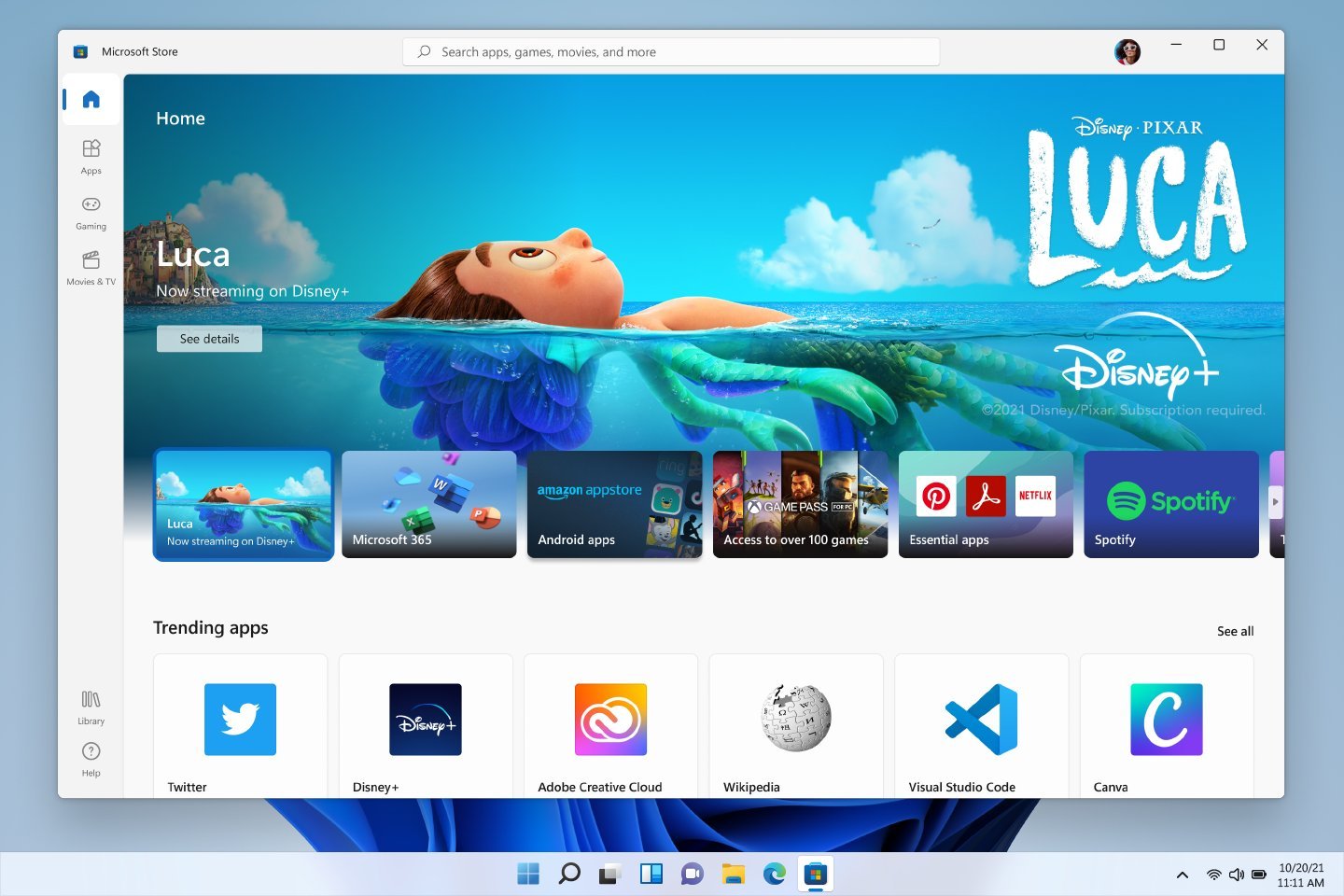
With the upcoming Windows 11, Microsoft today announced a revamped Microsoft Store experience.
- Microsoft Store now has a new UI which is fast and easy to use.
- Windows developers can publish any kind of app, regardless of app framework and packaging technology – such as Win32, .NET, UWP, Xamarin, Electron, React Native, Java and even Progressive Web Apps.
- Microsoft Store now supports apps which use their own commerce engine. Adobe is bringing their full Creative Suite to Microsoft Store.
- Android apps support via Amazon App Store section. You can read more about it here.
- With the new pop-up store, you can easily install apps from the browser; when you click a Microsoft Store download badge on a web page, the Microsoft Store will pop up to manage the install – without pulling you away from what you were doing.
Note: Check out this guide if Microsoft Store is not working.
Source: Microsoft

Readers help support MSpoweruser. We may get a commission if you buy through our links.


Read our disclosure page to find out how can you help MSPoweruser sustain the editorial team Read more



Improve this guide




User forum
0 messages