
Microsoft releases new Tips app for Windows 11 with 114 new tips


 1 min. read
  Published on
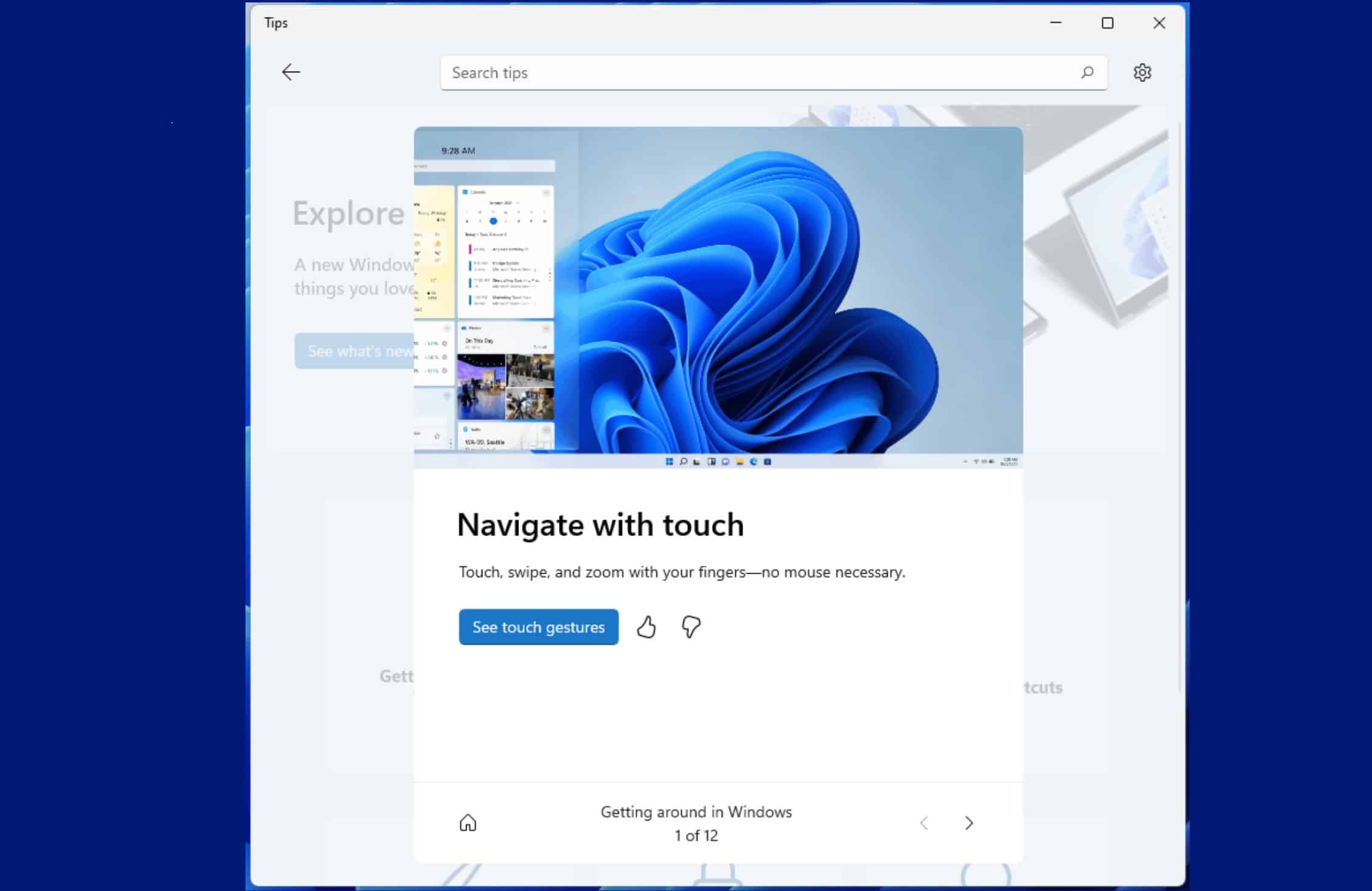
Microsoft today released a redesigned Tips app for Windows 11 with over 114 new tips. This new Tips app aligns well with the new look and feel of Windows 11. Microsoft has also included 100+ new tips related to Windows 11. The new tips are around new keyboard shortcuts, ways to optimize your PC, productivity tips for Office, gaming on Windows, and more. And these tips are available in 36 languages.
And it doesn’t quite stop there with the Tips app—you’ll notice tips appear throughout Windows 11 to help you discover new things as you go! Check out the new Tips widget on the widgets board, tips as First Run Experiences, and tips for specific experiences within Windows 11.
The new Tips app is now available for Windows Insiders in the Windows 11 Dev Channel. Microsoft will soon bring it to Windows Insiders in the Beta and Release Preview Channels soon.
Source: Microsoft


Read our disclosure page to find out how can you help MSPoweruser sustain the editorial team Read more



Improve this guide

User forum
0 messages