
Microsoft is testing fix for Windows 11 File Explorer performance issue in Dev channel


 1 min. read
  Published on
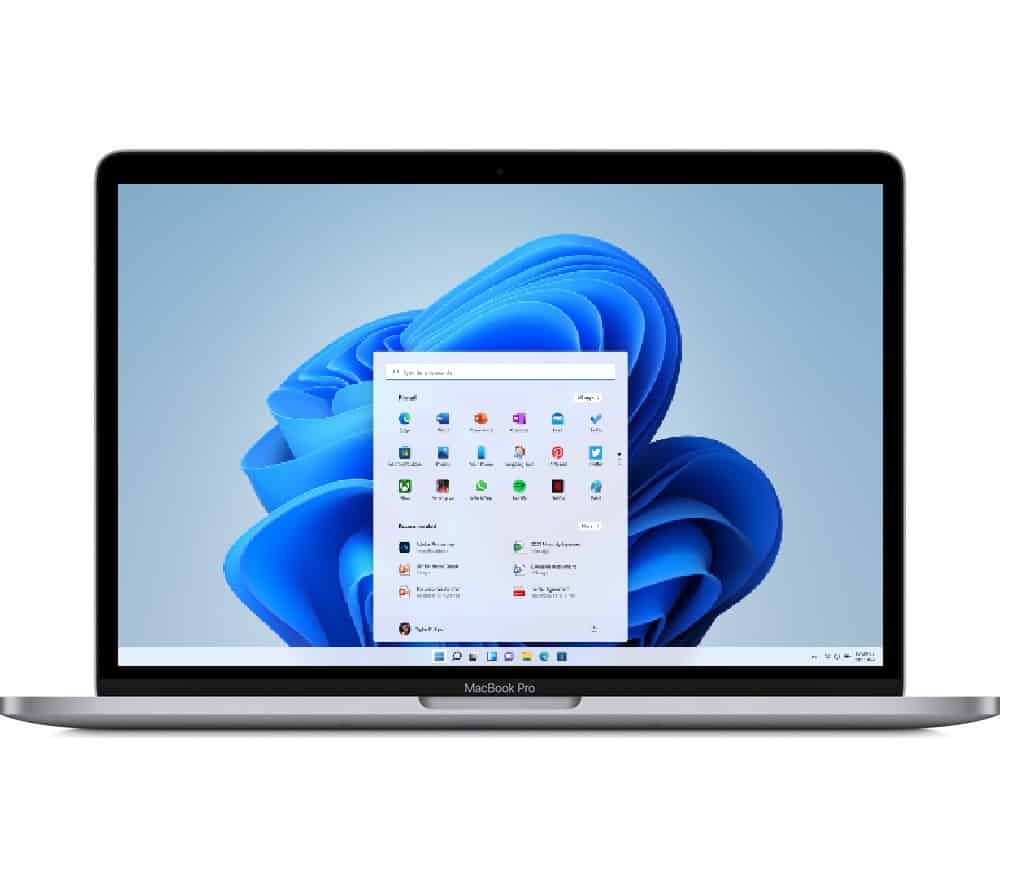
Windows 11 has been rolling out for around 2 weeks to regular users, but the operating system continues to have a number of issues. Microsoft recently rollout out Windows 11 Build 22000.282 to Beta and Release Preview Channel Insiders which contains a large number of fixes, including for the AMD performance problem, and that should be rolling out to regular Windows 11 users by the end of the month.
The operating system however has other performance issues, including one users are complaining about affecting File Explorer.
Users are complaining of poor performance when they drag to select files, a rather basic feature of File Explorer. Microsoft says their investigation revealed that the Command Bar was doing unnecessary calculations when navigating to folders, causing an unexpected increase in performance. A
A fix for this is currently being tested in Windows 11 Insider Preview Build 22478 which is currently in the Dev channel. If no serious issues show up the fix will presumable be backported to Windows 11 Build 22000.
Have any of our readers on Windows 11 run into this issue? Let us know below.
via WindowsLatest


Read our disclosure page to find out how can you help MSPoweruser sustain the editorial team Read more



Improve this guide


User forum
0 messages