
Microsoft is testing a rather basic new feature for the Microsoft Store


 1 min. read
  Published on
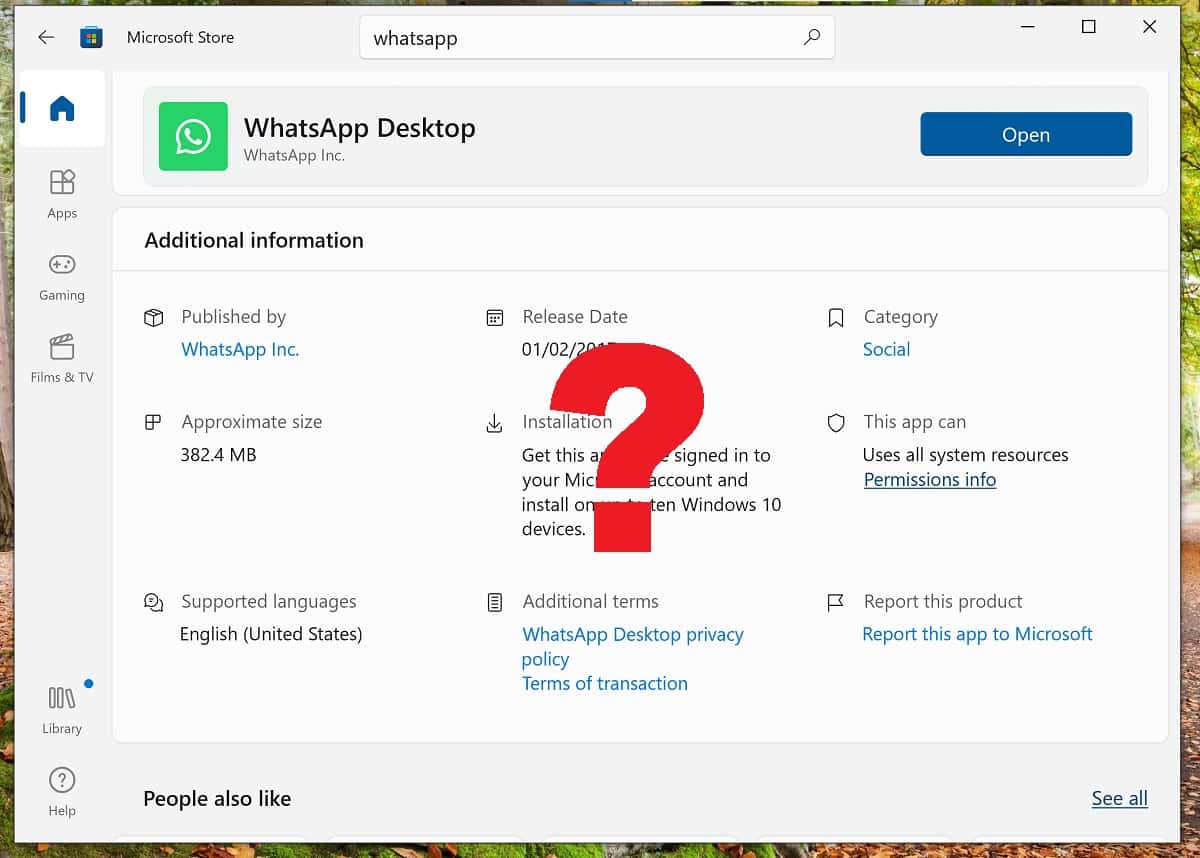
There exists within Microsoft a tendency to need to re-invent the wheel every few years, which often means we see products launching without the expected complement of features, with users having to fight for what most people would consider basics.
One such example has been taskbar features, but there is another rather basic one which I ran into the other day – for some reason, the new Microsoft Store (now available on both Windows 10 and Windows 11) does not show version numbers for installed apps.
This of course makes it difficult to know if you have the latest version of the app when the developer is pushing out a new feature.
Fortunately, Microsoft appears to be addressing this, report Deskmodder.
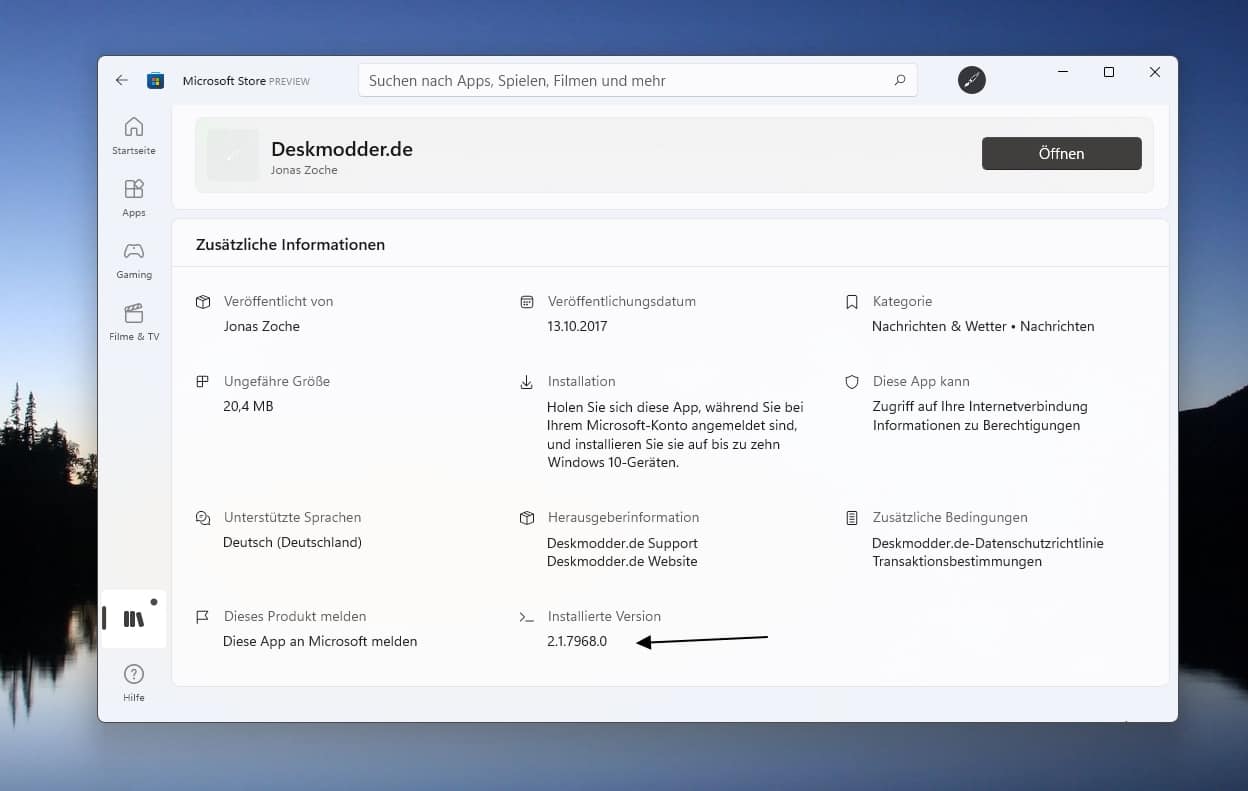
The information can now be found in the Additional Info section of the app listing, but ironically only in the Preview version of the Store, which looks to be version 22512 or above.
Hopefully, Microsoft will discover that there is no sense in omitting such a basic feature and roll out the update rapidly to everyone else.


Read our disclosure page to find out how can you help MSPoweruser sustain the editorial team Read more



Improve this guide

User forum
0 messages