
Microsoft introduces new per-app settings for Surface Dial


 2 min. read
  Published on
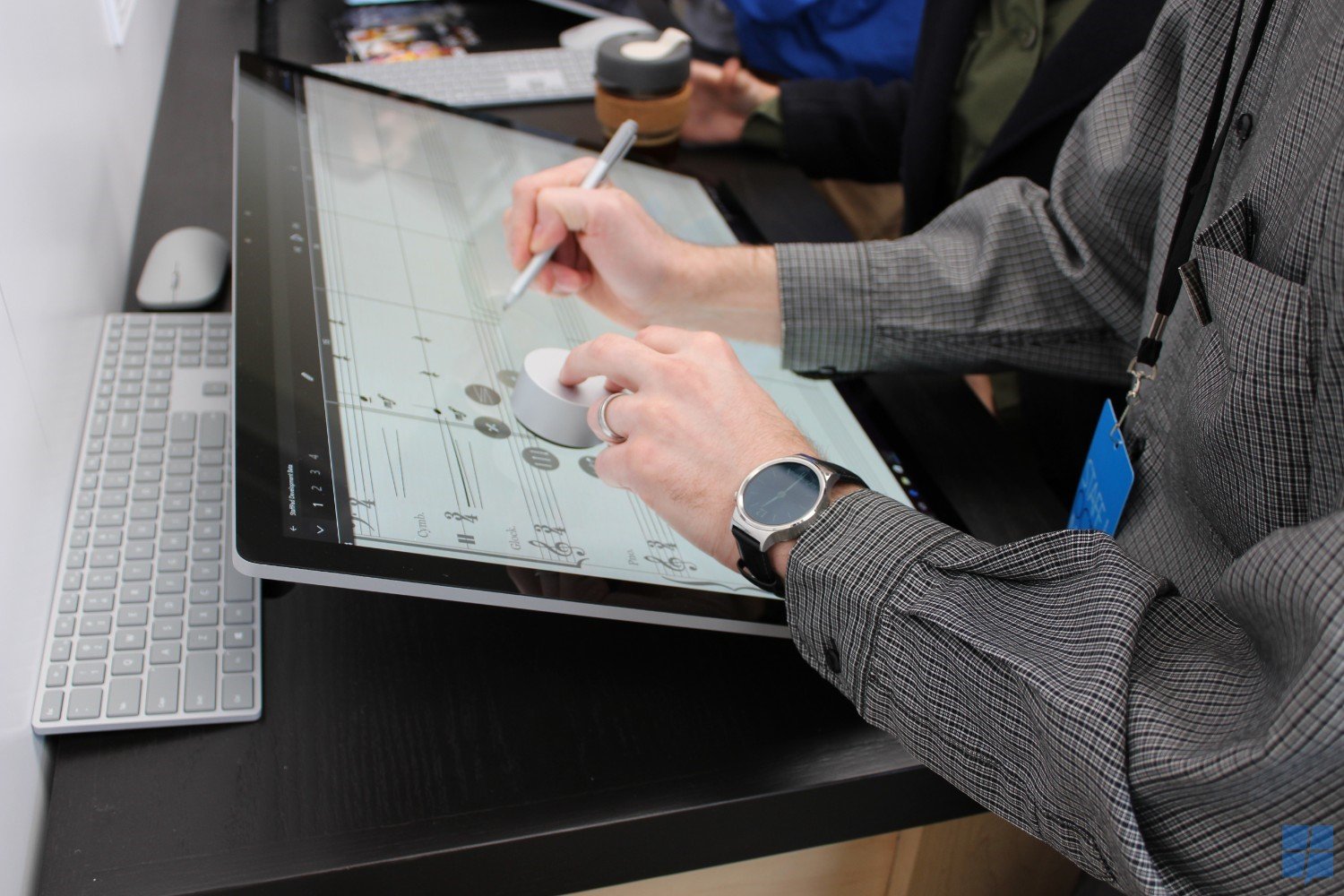
While Microsoft’s Surface Dial exposed new usability features in apps which supported it, users had no way of changing what the Dial was used for in those apps – in the Windows 10 Creators Update, Microsoft is changing that.
The new build released for Insiders today adds a new screen in the settings menu for insiders who want to customize the Surface Dial app by app.
New per app Surface Dial settings: App developers have the option of providing custom tools for the Surface Dial when using it within their app. In addition to this, Windows Insiders with Surface Dials will now be able to customize the default tool set for individual apps starting with this build. Setup the keyboard shortcuts most meaningful for specific apps – like Ctrl + Delete in Word 2016, or CTRL + Tab in Sticky Notes. Head to Settings > Devices > Wheel today to try it out and share your thoughts! We’ve also updated the custom tool creator to now enable you to set keyboard shortcuts that include a number of common symbols.
Microsoft’s Surface Dial is supported by a variety of well-regarded creativity focused apps for Windows including Adobe Photoshop, Sketchable, and Microsoft’s Office apps.In addition to Surface Dial supported apps, the “wheel” settings will also work with Dell’s Totem and any other “wheel” peripherals OEMs choose to release.
Are you using the Surface Dial daily? Let us know in the comments below.


Read our disclosure page to find out how can you help MSPoweruser sustain the editorial team Read more



Improve this guide




User forum
0 messages