
How To Make Two Lines in One Cell in Google Sheets Easily


 1 min. read
  Updated on
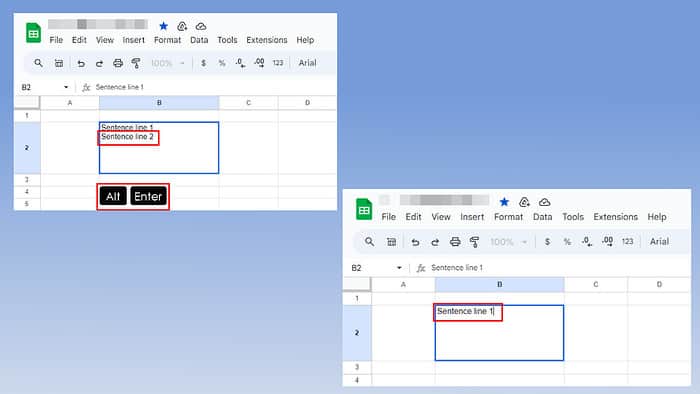
Wondering how to make two lines in one cell in Google Sheets? Read on and follow along:
Step 1: Highlight a cell on your worksheet.
Step 2: Double-click to start typing the first line.
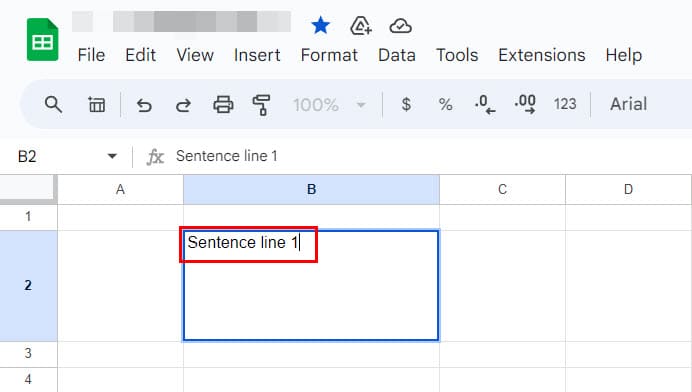
Step 3: Press Alt + Enter on a Windows PC and Chromebook. For Mac, press Option + Enter.
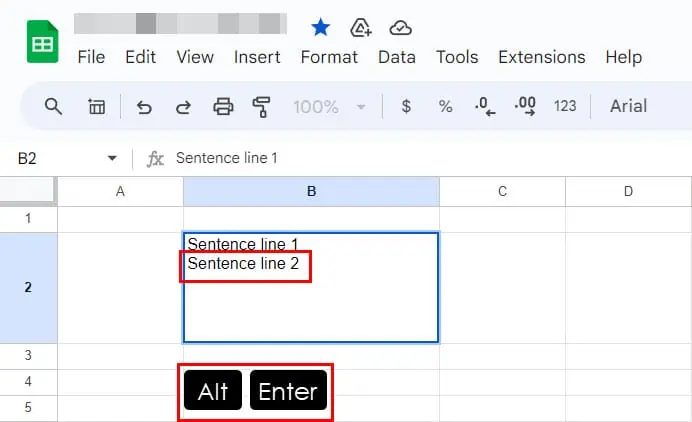
Step 4: Google Sheets will insert a line break. You can type the second line in the same cell.
Step 5: Repeat the steps for more line breaks.
Now you know how to make two lines in one cell in Google Sheets!

Readers help support MSpoweruser. We may get a commission if you buy through our links.

Read our disclosure page to find out how can you help MSPoweruser sustain the editorial team Read more



Improve this guide


User forum
0 messages