
8 Best XML Viewers & File Readers


 7 min. read
  Updated on

XML (Extensible Markup Language) files are commonly used for data storage and transport, but they can be difficult to read in their raw form. An XML viewer or file reader helps to present this data in a more organized and understandable manner. This article explores eight of the best XML viewers and file readers available, highlighting their features and benefits to help you choose the right one for your needs.
Whether you’re a developer, data analyst, or simply need to examine an XML file, having the right tool can save you time and frustration. These viewers offer features like syntax highlighting, tree views, and search capabilities, making it easier to navigate and understand complex XML documents. Let’s dive into the top options.
What Are the Best XML Viewers?
1. Notepad++
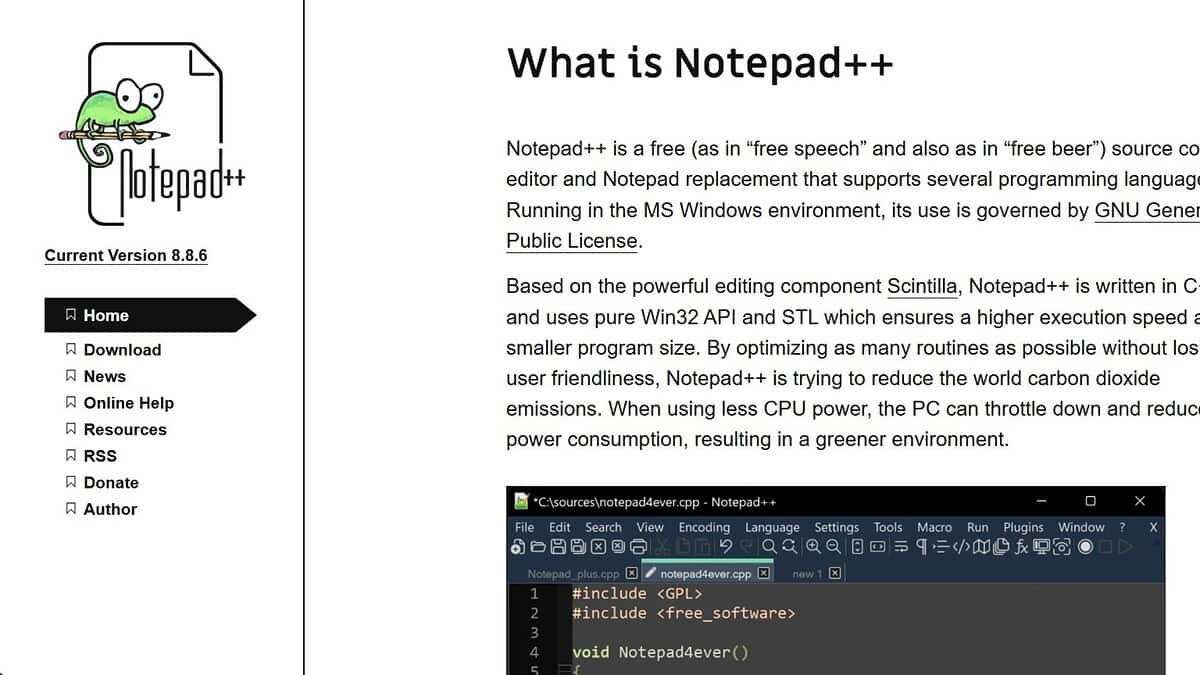
Notepad++ is a free, open-source text editor that supports syntax highlighting for various programming languages, including XML. It’s a lightweight and versatile option for viewing and editing XML files.
- How it Helps: Notepad++ helps users easily read and edit XML files. Its syntax highlighting feature makes it easier to identify different elements and attributes, improving readability and reducing errors. The ability to customize the interface and add plugins further enhances its functionality.
- Technical Highlights: Notepad++ supports tabbed editing, allowing you to open multiple XML files simultaneously. It also features search and replace functionality, auto-completion, and macro recording.
Key Features:
- Syntax highlighting for XML
- Tabbed editing
- Search and replace
- Customizable interface
Pricing: Free
2. Visual Studio Code (VS Code)
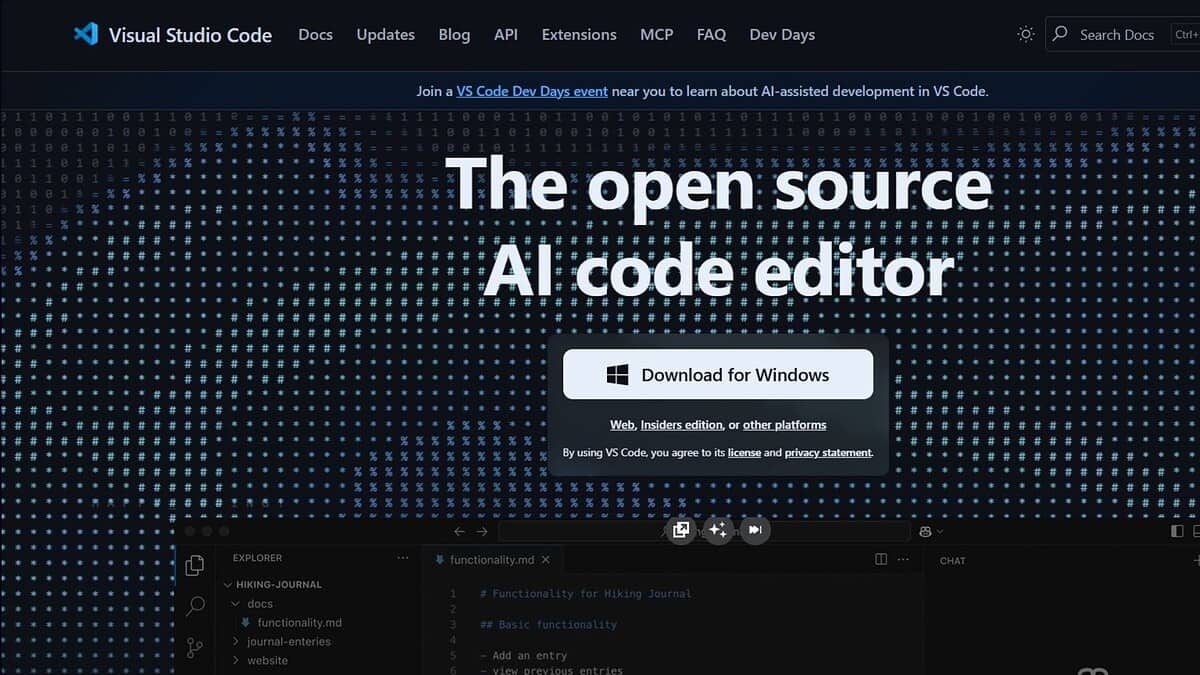
Visual Studio Code is a free, powerful source code editor developed by Microsoft. It offers excellent support for XML, including syntax highlighting, code completion, and validation.
- How it Helps: VS Code offers a robust environment for viewing and editing XML files. Its IntelliSense feature provides intelligent code completion and suggestions, while its built-in debugger helps identify and fix errors. The ability to install extensions further enhances its functionality.
- Technical Highlights: VS Code supports a wide range of programming languages and file formats. It also features Git integration, allowing you to easily manage your XML files within a version control system.
Key Features:
- Syntax highlighting and code completion
- Built-in debugger
- Git integration
- Extensible through extensions
Pricing: Free
3. XML Notepad 2007
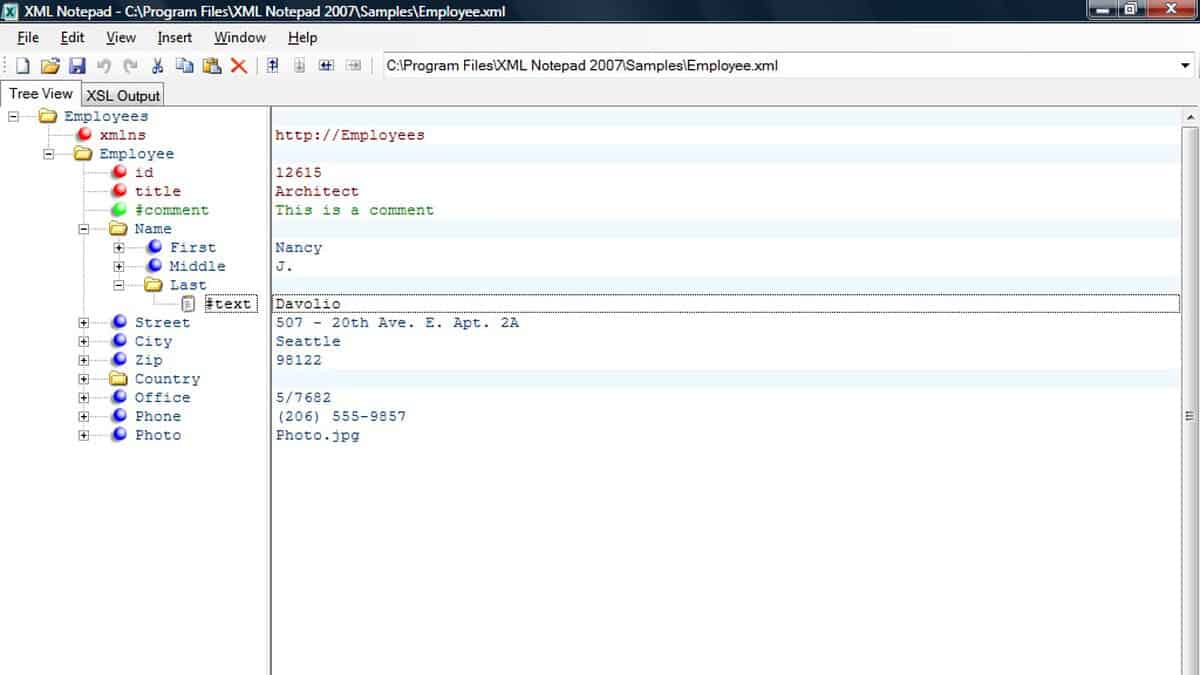
XML Notepad 2007 is a free, open-source XML editor and viewer developed by Microsoft. It offers a user-friendly interface and features like tree view, drag-and-drop editing, and XSLT transformation.
- How it Helps: XML Notepad 2007 is designed specifically for working with XML files. Its tree view provides a hierarchical representation of the XML document, making it easy to navigate and understand the structure.
- Technical Highlights: XML Notepad 2007 supports incremental search, which allows you to quickly find specific elements or attributes within the XML file. It also features a built-in XSLT transformation engine, allowing you to transform XML data into other formats.
Key Features:
- Tree view
- Drag-and-drop editing
- Incremental search
- XSLT transformation
Pricing: Free
4. Oxygen XML Editor
Oxygen XML Editor is a commercial XML editor that offers a comprehensive set of features for working with XML files. It supports syntax highlighting, validation, XSLT debugging, and more.
- How it Helps: Oxygen XML Editor provides a professional-grade environment for viewing, editing, and validating XML files. Its advanced features help users create and maintain high-quality XML documents.
- Technical Highlights: Oxygen XML Editor supports a wide range of XML technologies, including XSLT, XQuery, and XML Schema. It also features a built-in debugger for XSLT and XQuery transformations.
Key Features:
- Syntax highlighting and validation
- XSLT and XQuery support
- Built-in debugger
- Collaboration features
Pricing: Starts at $299
5. Liquid XML Studio
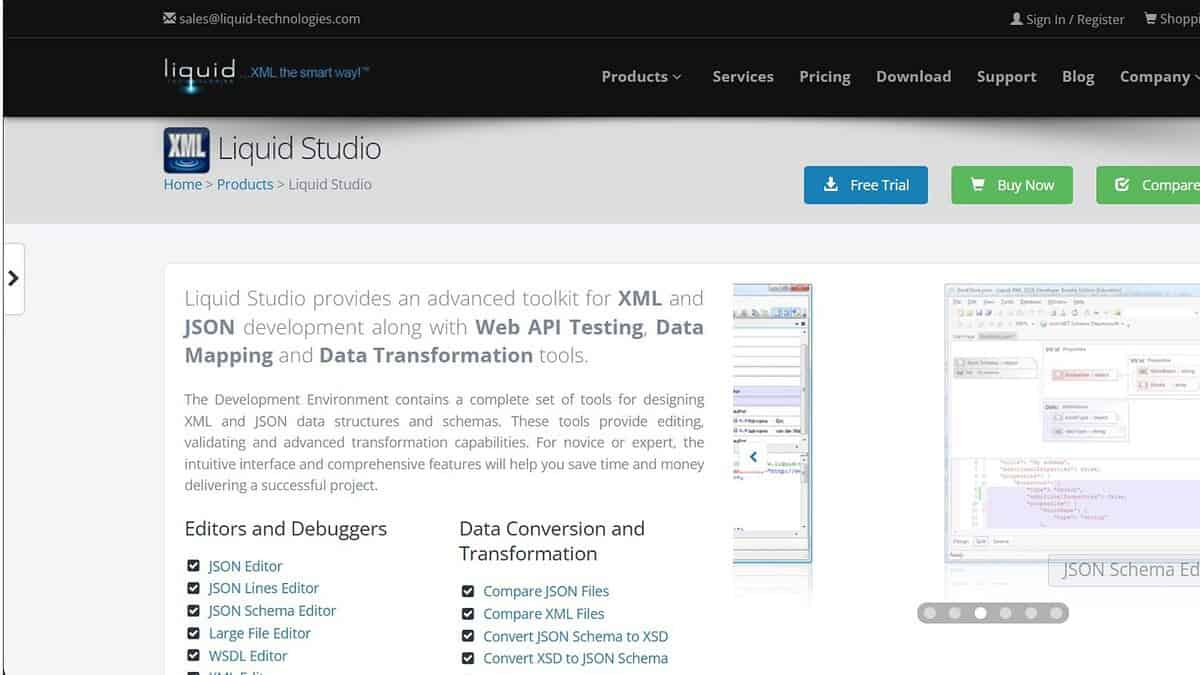
Liquid XML Studio is a commercial XML editor that offers a range of tools for working with XML files, including a visual XML editor, XML schema editor, and XSLT debugger.
- How it Helps: Liquid XML Studio provides a comprehensive suite of tools for working with XML files. Its visual XML editor allows you to create and edit XML documents using a graphical interface, while its XML schema editor helps you design and validate XML schemas.
- Technical Highlights: Liquid XML Studio supports a wide range of XML technologies, including XSLT, XQuery, and XPath. It also features a built-in debugger for XSLT transformations.
Key Features:
- Visual XML editor
- XML schema editor
- XSLT and XQuery support
- Built-in debugger
Pricing: Starts at $499
6. Altova XMLSpy
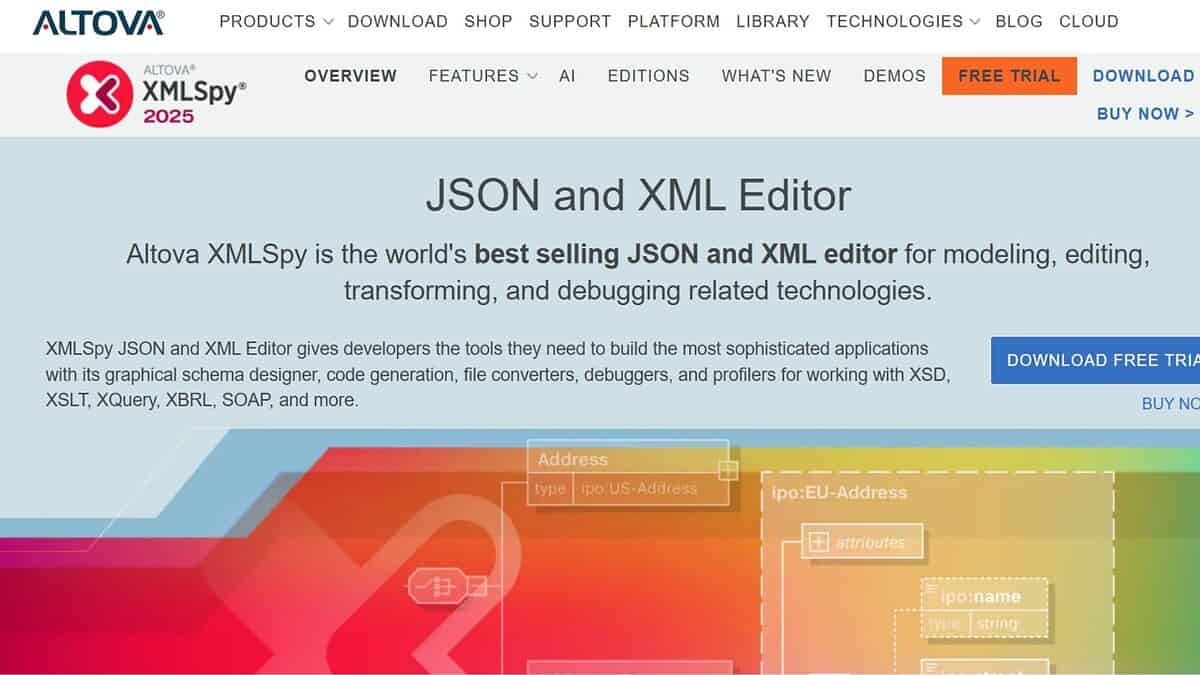
Altova XMLSpy is a commercial XML editor that offers a comprehensive set of features for working with XML files. It supports syntax highlighting, validation, XSLT debugging, and more.
- How it Helps: Altova XMLSpy provides a professional-grade environment for viewing, editing, and validating XML files. Its advanced features help users create and maintain high-quality XML documents.
- Technical Highlights: Altova XMLSpy supports a wide range of XML technologies, including XSLT, XQuery, and XML Schema. It also features a built-in debugger for XSLT and XQuery transformations.
Key Features:
- Syntax highlighting and validation
- XSLT and XQuery support
- Built-in debugger
- Collaboration features
Pricing: Starts at $499
7. Online XML Viewer

Online XML Viewers are web-based tools that allow you to view XML files directly in your browser. They are convenient for quickly viewing XML files without installing any software.
- How it Helps: Online XML Viewers offer a simple and convenient way to view XML files without the need to install any software. They are ideal for users who need to quickly inspect XML files without the overhead of a dedicated XML editor.
- Technical Highlights: Online XML Viewers typically support syntax highlighting and tree view, making it easier to navigate and understand the structure of the XML document.
Key Features:
- Syntax highlighting
- Tree view
- No installation required
- Accessibility from any device
Pricing: Free
8. Firefox Browser

Firefox Browser, with the help of extensions, can be used as an XML viewer. Several add-ons provide syntax highlighting and formatting for XML files.
- How it Helps: Firefox, with the right add-ons, transforms into a functional XML viewer. Extensions enhance the browser’s ability to display XML files in a readable format, offering syntax highlighting and tree-like structures.
- Technical Highlights: The extensions available for Firefox provide features such as collapsible trees, search functions, and the ability to validate XML against a schema.
Key Features:
- Syntax highlighting via extensions
- Collapsible tree structures
- Schema validation (depending on extension)
- Convenient browser integration
Pricing: Free (extensions may vary)
Feature Comparison
| Feature | Notepad++ | VS Code | XML Notepad 2007 | Oxygen XML Editor | Liquid XML Studio | Altova XMLSpy | Online XML Viewer | Firefox Browser |
|---|---|---|---|---|---|---|---|---|
| Syntax Highlighting | Yes | Yes | Yes | Yes | Yes | Yes | Yes | Yes (via ext) |
| Tree View | No | No | Yes | Yes | Yes | Yes | Yes | Yes (via ext) |
| XSLT Support | No | No | Yes | Yes | Yes | Yes | No | No |
| Validation | No | Yes | No | Yes | Yes | Yes | No | Yes (via ext) |
FAQ
What is the best free XML viewer for Windows?
Notepad++, Visual Studio Code, and XML Notepad 2007 are among the best free XML viewers for Windows. They offer syntax highlighting, tree view, and search tools for easier navigation.
Can I view XML files online without installing software?
Yes. Online XML Viewers let you upload and view XML files directly in your browser. They’re ideal for quick inspections or small edits without local installation.
Which XML editor is best for professionals?
Oxygen XML Editor, Liquid XML Studio, and Altova XMLSpy are top professional-grade tools. They include validation, debugging, and collaboration features for enterprise use.
Does Visual Studio Code support XML editing?
Yes. Visual Studio Code supports XML syntax highlighting, code completion, validation, and extensions that make it a robust XML editing environment.
How do I open XML files in a browser?
Most modern browsers like Firefox or Chrome can open XML files directly. For better readability, you can install XML viewer extensions that add tree view and color formatting.
Related reading


Read our disclosure page to find out how can you help MSPoweruser sustain the editorial team Read more



Improve this guide



User forum
0 messages