
Windows 11 Insider Builds 22621.586, 22622.586 now in Beta Channel but offer no new features


 1 min. read
  Updated on
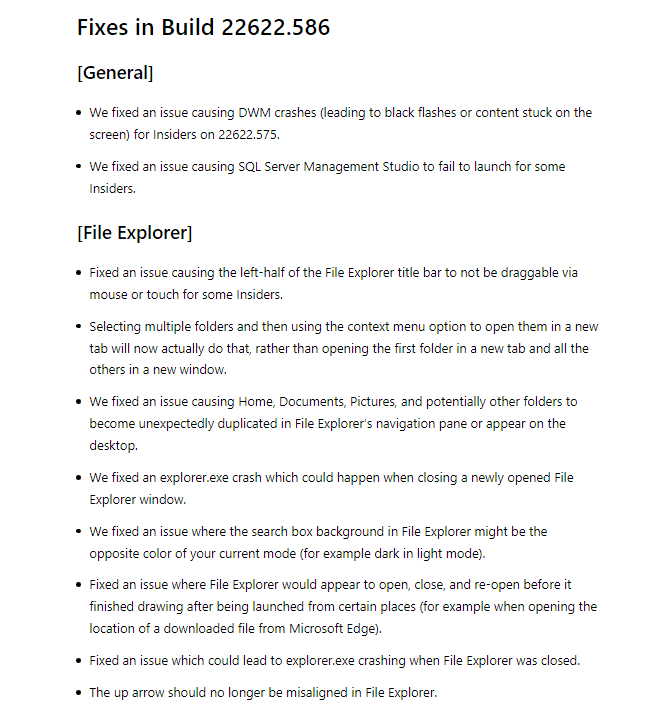
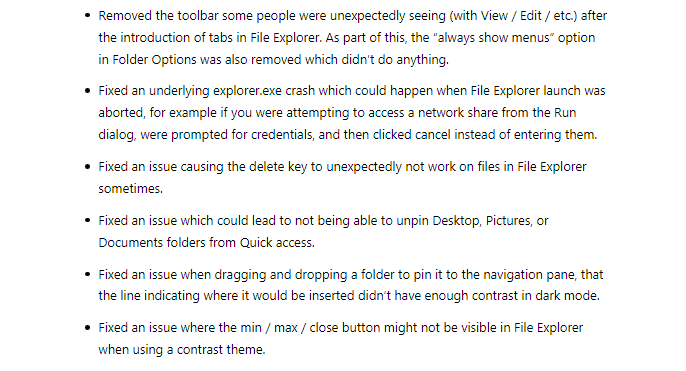
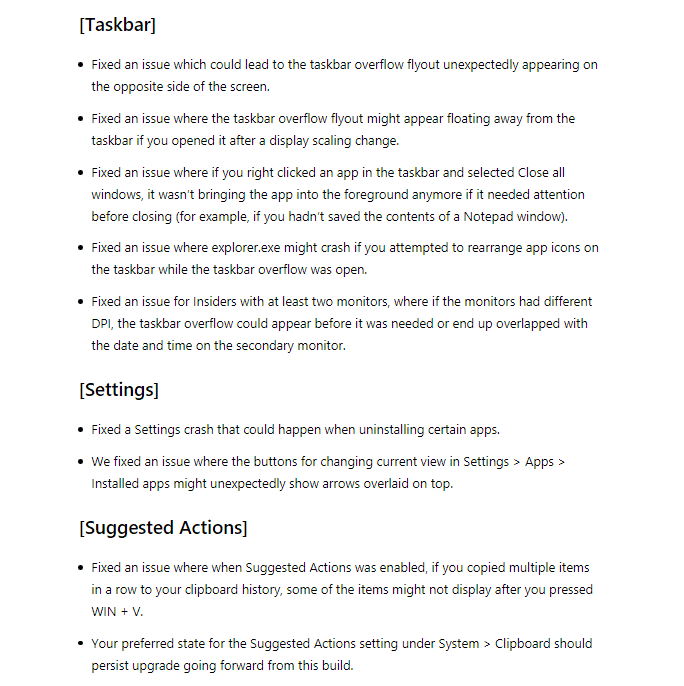
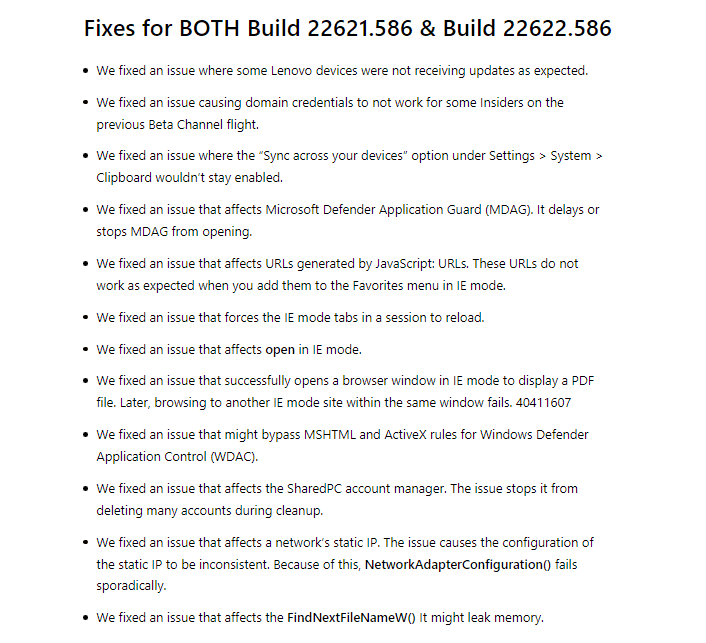
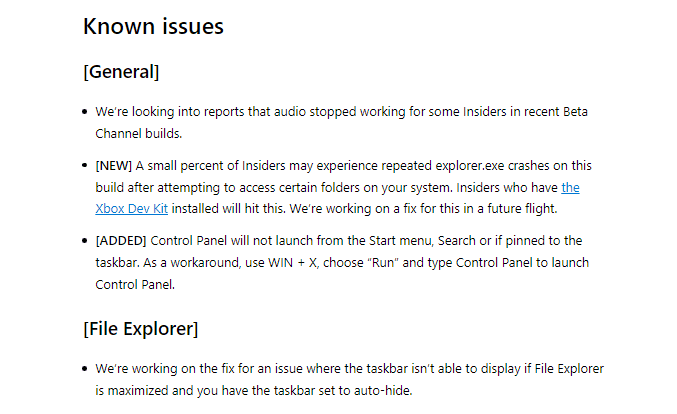
Windows 11 Insiders in the Beta Channel will be greeted by two versions of builds: Build 22621.586 and 22622.586. As usual, this means the Insiders will be split into two groups. Those receiving the higher build number Build 22622.586 will have the new features activated, while the lower build will have the features off by default. However, unlike other previous pairs of builds, KB5016701 won’t come with any new features. Instead, it offers a bunch of fixes for the update. It is worth noting, nonetheless, that the two builds will receive a different set of fixes. And as expected, the builds come with some known issues.


Read our disclosure page to find out how can you help MSPoweruser sustain the editorial team Read more



Improve this guide


User forum
0 messages