
Stop The Stutter: Top 4 Anti-Buffering Software


 6 min. read
  Updated on

Buffering. That dreaded spinning wheel can turn the joy of streaming into a frustrating experience. Whether you’re watching your favorite shows, gaming online, or participating in crucial video conferences, interruptions caused by buffering can be a major nuisance. Fortunately, anti-buffering software offers solutions to minimize these disruptions and ensure smoother, more reliable streaming.
In this article, we’ll explore the top 4 anti-buffering software options available in 2025. We’ll delve into their features, benefits, and pricing to help you choose the best solution for your needs and say goodbye to those annoying interruptions.
What is the Best Anti-Buffering Software?
1. Speedify: The Channel Bonding Master
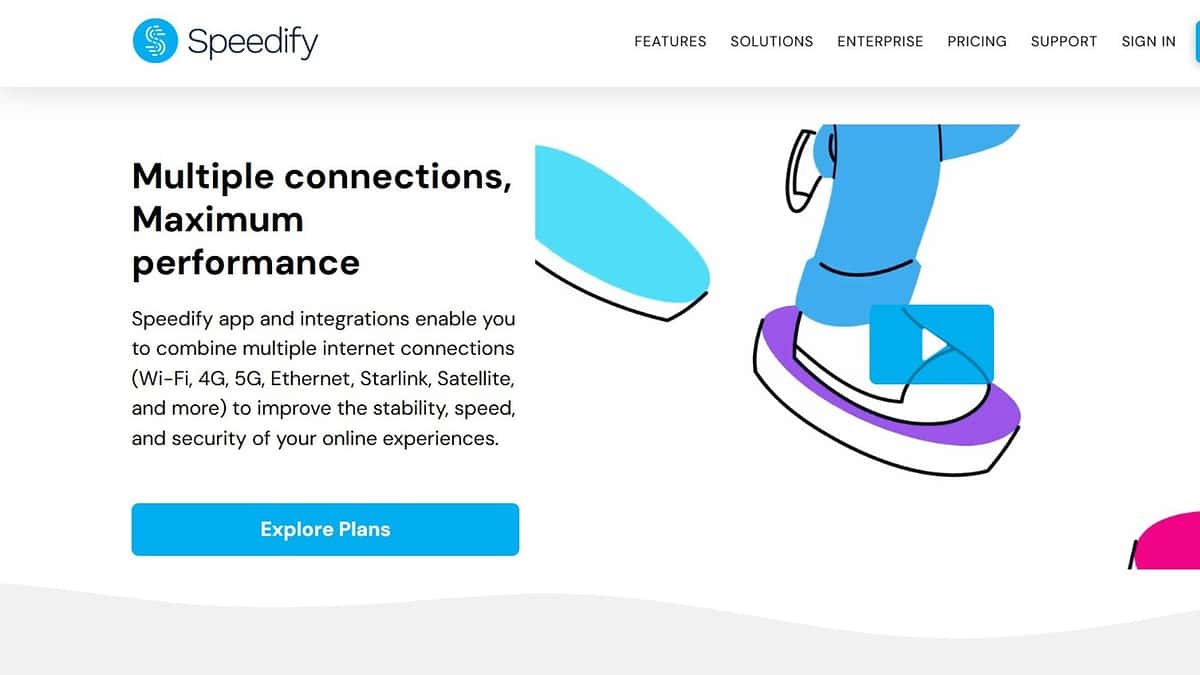
Speedify stands out with its unique channel bonding technology. It combines multiple internet connections – Wi-Fi, cellular, Ethernet, and even tethered smartphones – to create a single, faster, and more reliable connection. This intelligent approach ensures that even if one connection falters, Speedify seamlessly shifts traffic to the others, preventing buffering and maintaining uninterrupted streaming.
Speedify uses advanced algorithms to prioritize real-time traffic, like video streams and online games, ensuring they receive the bandwidth they need to perform optimally. It also offers automatic failover protection, so you can stay connected even if one of your internet connections goes down completely.
- Channel bonding: Combines multiple internet connections for increased bandwidth and reliability.
- Automatic failover: Seamlessly switches to a working connection if one fails.
- Real-time traffic prioritization: Prioritizes video streams and online games for optimal performance.
- VPN encryption: Protects your privacy and security with military-grade encryption.
Pricing: Free plan available with limited bandwidth. Paid plans start at $14.99/month.
2. cFosSpeed: The Traffic Shaping Specialist
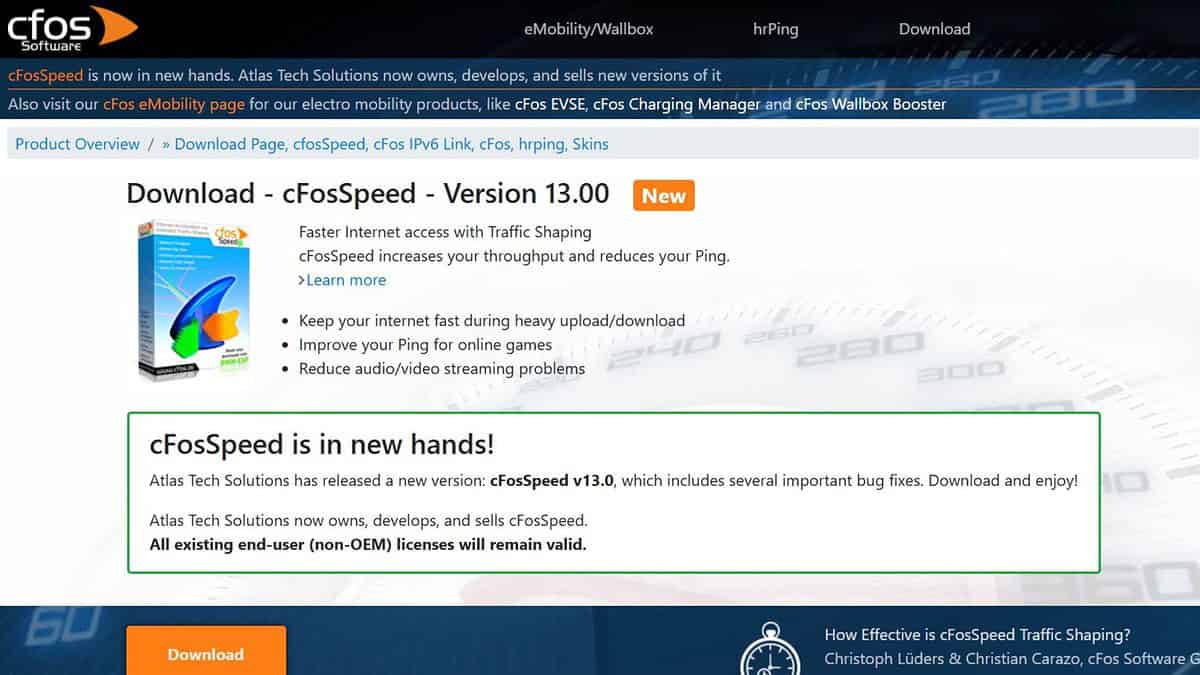
cFosSpeed employs traffic shaping technology to prioritize important network traffic and minimize latency. By analyzing network packets and assigning priorities to different types of data, cFosSpeed ensures that critical applications like video streaming and online gaming receive the bandwidth they need, even during periods of heavy network usage.
This software also helps to reduce ping times, which is crucial for online gaming. It optimizes your network connection to minimize lag and improve responsiveness. cFosSpeed also offers a customizable interface that allows you to fine-tune your network settings to your specific needs.
- Traffic shaping: Prioritizes important network traffic to reduce buffering.
- Ping time reduction: Minimizes lag and improves responsiveness for online gaming.
- Bandwidth management: Allocates bandwidth to different applications based on priority.
- Customizable interface: Allows you to fine-tune network settings to your specific needs.
Pricing: $24.95 for a lifetime license.
3. Net Optimizer: The DNS Tweaker
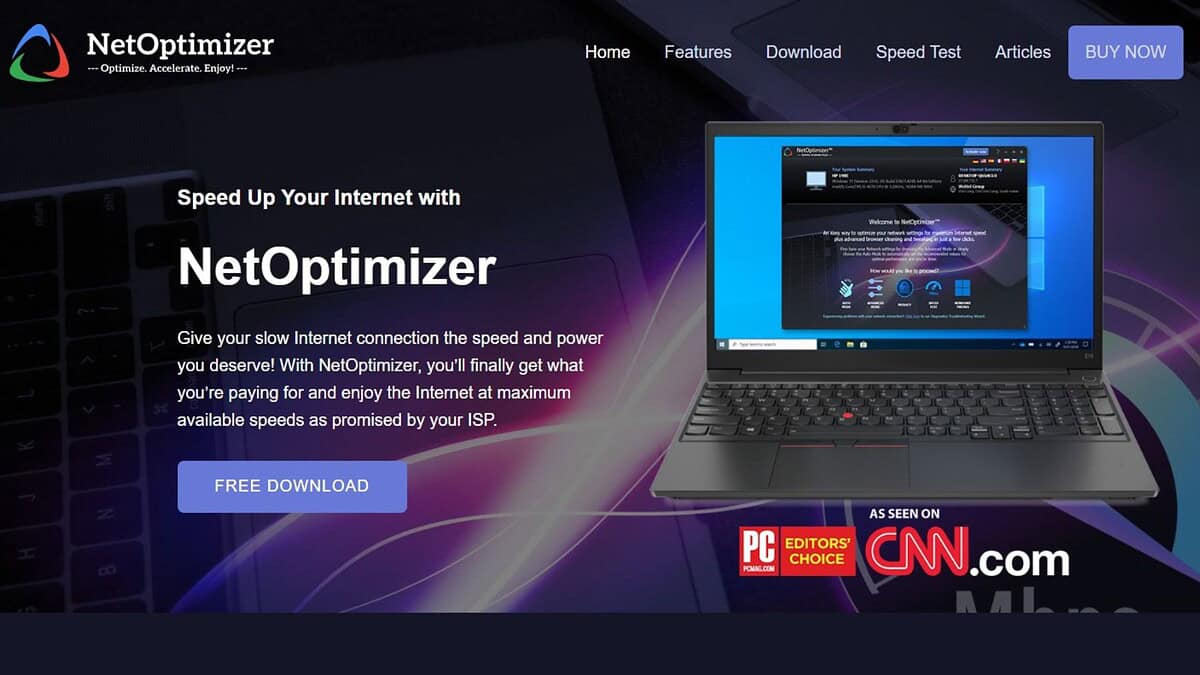
Net Optimizer focuses on optimizing your DNS settings to improve your internet speed and reduce buffering. It scans a list of available DNS servers and identifies the fastest ones for your location. By switching to a faster DNS server, Net Optimizer can significantly improve your browsing speed and reduce the time it takes to load web pages and stream videos.
This software is incredibly easy to use, with a simple interface that allows you to quickly find and connect to the fastest DNS server. It also offers a built-in speed test to verify the performance of your DNS server. Net Optimizer is a lightweight and effective solution for anyone looking to improve their internet speed.
- DNS optimization: Finds and connects to the fastest DNS servers for your location.
- Speed test: Verifies the performance of your DNS server.
- Simple interface: Easy to use for users of all technical levels.
- Lightweight: Doesn’t consume a lot of system resources.
Pricing: Free
4. Internet Accelerator: The All-in-One Booster
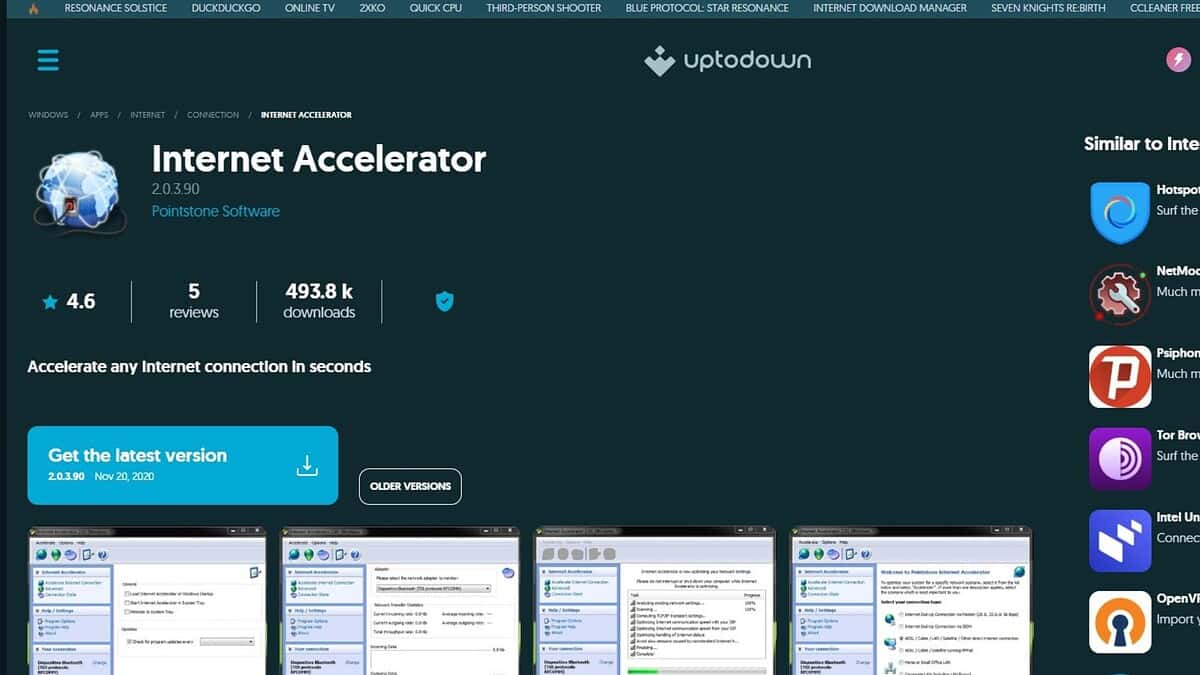
Internet Accelerator is an all-in-one solution designed to optimize and speed up your internet connection. It tweaks various system settings, optimizes network parameters, and cleans up junk files to improve your internet speed and reduce buffering. Internet Accelerator also includes a built-in speed test to measure your internet performance.
This software also offers a range of advanced features, such as MTU optimization and TCP window scaling, which can further improve your internet speed. The user-friendly interface makes it easy to customize your settings and optimize your connection to your specific needs.
- System optimization: Tweaks system settings to improve internet speed.
- Network parameter optimization: Optimizes network parameters for better performance.
- Junk file cleanup: Cleans up junk files that can slow down your connection.
- Advanced features: Includes MTU optimization and TCP window scaling.
Pricing: $29.95 for a one-year license.
Feature Comparison
| Feature | Speedify | cFosSpeed | Net Optimizer | Internet Accelerator |
|---|---|---|---|---|
| Channel Bonding | Yes | No | No | No |
| Network Repair | No | No | No | Yes |
| Traffic Shaping | No | Yes | No | No |
| DNS Optimization | No | No | Yes | Yes |
| Price | $14.99/month | $24.95 (Lifetime) | Free | $29.95/year |
Tips for Reducing Buffering
- Check your internet speed: Make sure you have a fast enough internet connection to support your streaming needs.
- Close unnecessary applications: Close any applications that are using bandwidth in the background.
- Restart your modem and router: This can often resolve temporary network issues.
- Use a wired connection: A wired connection is generally more stable and reliable than Wi-Fi.
- Update your network drivers: Make sure you have the latest network drivers installed on your computer.
Banish Buffering for Good
Choosing the right anti-buffering software can significantly improve your streaming experience and eliminate those frustrating interruptions. Evaluate your needs, consider the features and pricing of each option, and select the software that best fits your requirements. A smooth, uninterrupted streaming experience awaits!
FAQ
What causes buffering?
Buffering occurs when your internet connection is not fast enough to download the data needed to play a video or stream content in real-time.
Does anti-buffering software really work?
Yes, anti-buffering software can improve your streaming experience by optimizing your network settings, prioritizing traffic, and combining multiple internet connections.
Is anti-buffering software safe to use?
Yes, most anti-buffering software is safe to use, but it’s important to download it from a reputable source.
Can anti-buffering software fix slow internet speeds?
Anti-buffering software can help to optimize your existing internet connection, but it cannot magically make a slow connection faster.
How do I choose the best anti-buffering software?
Consider your needs, budget, and technical expertise when choosing anti-buffering software. Look for software that offers the features and functionality that are most important to you.
Related reading


Read our disclosure page to find out how can you help MSPoweruser sustain the editorial team Read more



Improve this guide




User forum
0 messages