
Microsoft will allow you to install any Android APK file in Windows 11


 1 min. read
  Published on

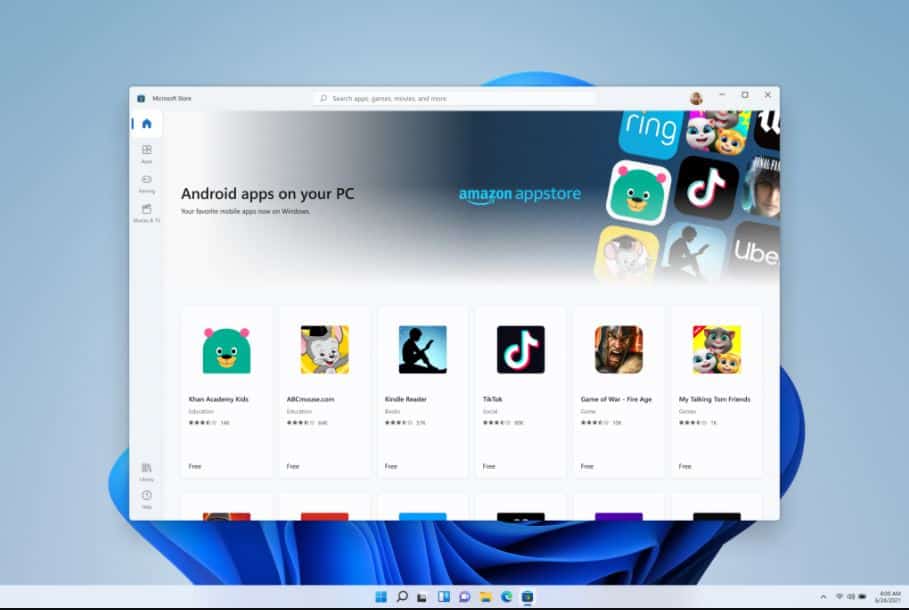
During the Windows 11 launch event, Microsoft surprised everyone by announcing Android apps support in Windows 11. Windows 11 users will be able to find their favorite Android apps from the new Amazon App Store section that will be available inside the revamped Microsoft Store.
Microsoft’s Android app support is based on AOSP (Android Open Source Project), so the apps that depend on Google Play Services will not run on Windows 11. You can read more about the Android app limitation on Windows 11 here.
Microsoft has now confirmed that it will allow users to install any Android APK on Windows 11 devices. Yes, you can download a 3rd party Android APK file and install it on your Windows 11 device. This is a great decision by Microsoft as it enables consumers to install their favorite Android apps from various sources.
Are you happy with Microsoft’s decision to support Android apps on Windows 11? Please let us know your thoughts in the comments section below.
Source: Miguel


Read our disclosure page to find out how can you help MSPoweruser sustain the editorial team Read more



Improve this guide




User forum
0 messages