
Logitech K380 keys act like a Mac keyboard on Windows? Change its OS mode


 2 min. read
 Published on
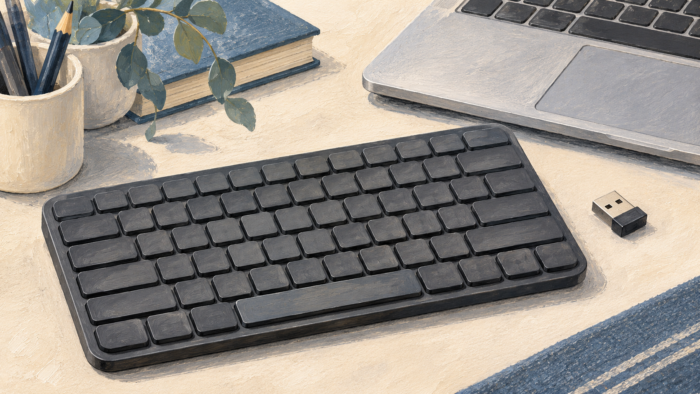
If a Logitech K380 uses the wrong operating-system shortcuts on your Windows PC, select its Windows mode by holding Fn + P for three seconds. The keyboard normally detects the connected operating system automatically, but Logitech provides this manual override.
Use this when modifier-key behavior is wrong after moving between devices. If only punctuation is misplaced—for example, a printed symbol produces a different character—also check the keyboard language and layout selected in Windows. Those are separate settings.
Select Windows mode on the active connection
- Briefly press the Easy-Switch key assigned to the Windows PC.
- Open a blank document so you can test without changing important work.
- Hold Fn and P together for three seconds, then release both keys.
- Test a familiar shortcut, such as copying and pasting a short line within that document.
Separate a mode problem from a layout problem
Write down one exact key combination that fails. Test it again after changing the OS mode. If the shortcut starts working but punctuation remains wrong, changing the mode again is unlikely to answer the remaining question.
Compare Windows' selected keyboard layout with the physical key legends. A UK keyboard used with a US layout, for example, needs a layout correction rather than another Bluetooth pairing.
Do not change every saved connection while diagnosing one PC. Work on the selected channel, check the result, and then switch back to another device only if you also need to verify its behavior. This keeps the test tied to the computer that showed the problem.
Manufacturer documentation: Guide.


Read our disclosure page to find out how can you help MSPoweruser sustain the editorial team Read more



Improve this guide

User forum
0 messages