
How to find a Brother HL-L2350DW IP address


 2 min. read
 Published on
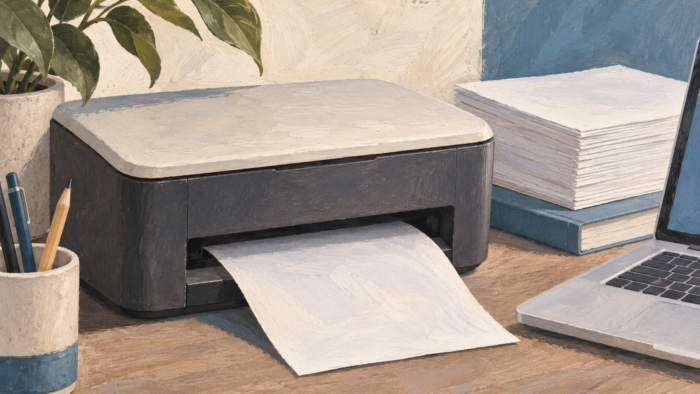
Print the HL-L2350DW's Network Configuration report to find its current IP address. The report also records network details such as the node name and MAC address, which help distinguish this printer from other devices.
Use a newly printed report when diagnosing a connection. A saved address from an earlier router configuration may be out of date.
Print the Network Configuration report
- Use the arrow buttons to select Print Reports, then press OK.
- Select Network Config and press OK.
- Press Go.
- Find the IP-address entry on the printed sheet.
If the report shows 0.0.0.0, Brother advises waiting one minute and printing it again. Record the result rather than treating that value as a usable printer address.
Use the report to identify the right device
In a home office with more than one printer, keep the model and network identifier beside the address. This prevents you from troubleshooting a different device that happens to have a similar name.
When comparing settings with a computer, use the complete address exactly as printed. Do not guess the final digits from an old setup note.
If you need to ask for help, describe whether an address was present and whether it changed after the one-minute wait. Those observations are more informative than simply saying the printer is “offline.”
Avoid posting the entire report publicly. Share only the fields necessary for the diagnosis, and keep your full configuration record private.
After changing network settings, print another report and mark the old one as superseded so it does not become the basis for a later mistake.
Manufacturer documentation: Guide.


Read our disclosure page to find out how can you help MSPoweruser sustain the editorial team Read more



Improve this guide
User forum
0 messages