
How to align the print head on a Canon TS3522


 2 min. read
 Published on
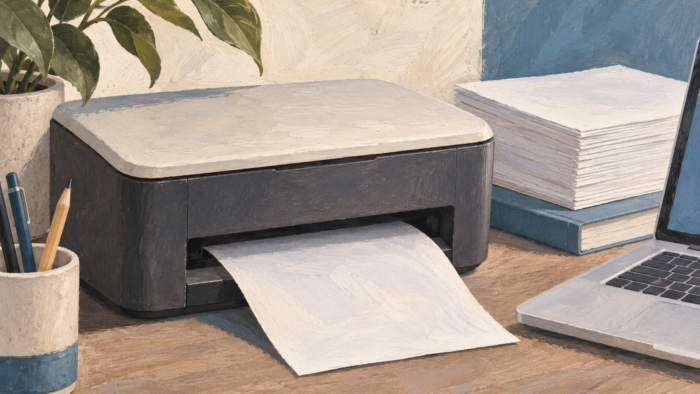
The TS3522 alignment procedure prints a pattern and then scans that same sheet. Keep the printed page: the process is not finished when it comes out of the printer.
Use this documented alignment workflow when needed, including after replacing a FINE cartridge. It is separate from cleaning blocked nozzles.
Print the alignment sheet
- Turn on the printer and load one sheet of A4 or Letter plain paper.
- Press Setup until 4 appears.
- Press Black or Color and wait for the alignment pattern to print.
Scan the pattern to finish
- Place the printed side face down on the glass.
- Align the mark at the upper-left corner of the sheet with the corresponding positioning mark on the platen, as shown in Canon's instructions.
- Close the cover and press Black or Color.
- Keep the printer still and the cover closed while it scans. Wait until the ON lamp stops flashing and stays lit.
Verify the result with your own document
Print a short sample that makes the original problem visible, such as text or straight lines. Compare it with the earlier output instead of relying only on the completion lamp.
If the printer does not accept the pattern, inspect the sheet's orientation and placement. Scanning the blank reverse side cannot complete the intended measurement.
Do not throw away the alignment sheet midway through the procedure or substitute a page from a different printer. The printed pattern and its scan form one operation.
If missing ink prevents a usable pattern from printing, address that print-quality problem rather than repeatedly attempting to align from an unreadable sheet.
Manufacturer documentation: Guide.


Read our disclosure page to find out how can you help MSPoweruser sustain the editorial team Read more



Improve this guide
User forum
0 messages