
Best Screen Recorders For Windows 10 In 2025


 7 min. read
  Updated on
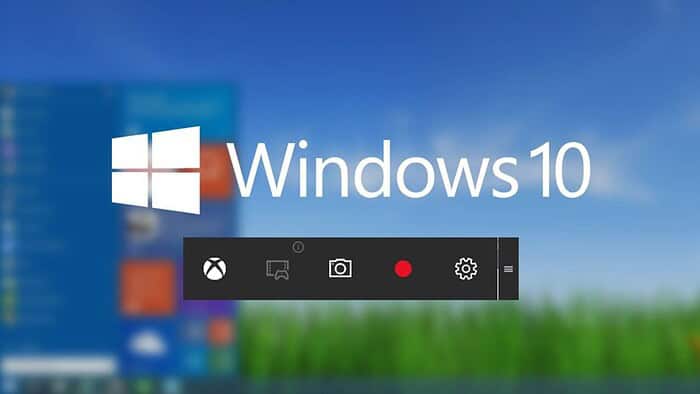
Finding the right screen recorder for Windows 10 can feel overwhelming with so many options available. Whether you’re creating tutorials, recording gameplay, or capturing important meetings, the ideal screen recorder should be easy to use, offer high-quality output, and fit your specific needs. In this guide, we’ll explore the top screen recorders for Windows 10 in 2025, highlighting their key features and benefits to help you make an informed decision.
As technology evolves, so do screen recording tools. We’ve carefully curated a list of the best screen recorders, considering factors like performance, user interface, editing capabilities, and pricing. By examining these options, you’ll be well-equipped to choose the perfect screen recorder to enhance your productivity and content creation.
Which Screen Recorder is Right for You?
OBS Studio
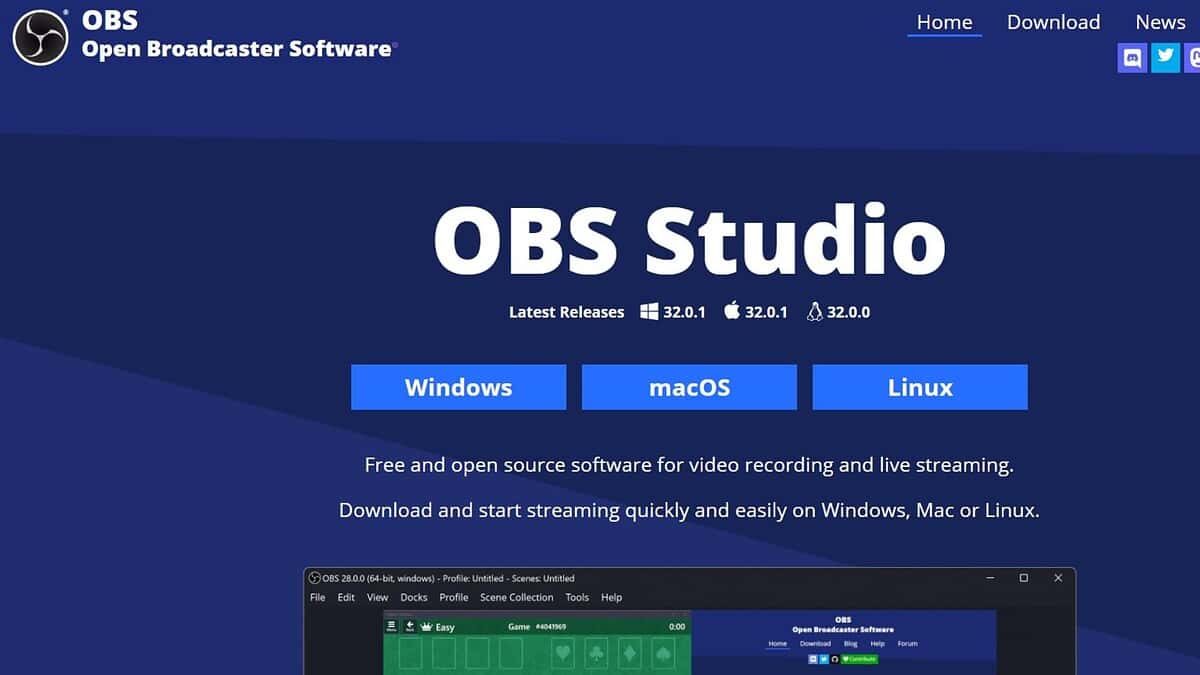
OBS Studio (Open Broadcaster Software) is a free and open-source screen recording and live streaming software. It’s a powerful tool used by professionals and hobbyists alike, offering extensive customization options. OBS Studio can record your entire screen, specific windows, or even individual applications.
OBS Studio is highly versatile, allowing you to configure multiple sources, apply filters, and create scenes for seamless transitions. It supports a wide range of video and audio formats, making it suitable for various recording needs. Whether you’re a gamer, educator, or content creator, OBS Studio provides the flexibility and control you need.
- Free and open-source
- High-performance real-time video/audio capturing and mixing
- Unlimited number of scenes and sources
- Customizable hotkeys
- Powerful configuration options
Pricing: Free
Filmora Scrn
Filmora Scrn, now known as Wondershare DemoCreator, is a user-friendly screen recorder designed for creating engaging video tutorials and presentations. It features a clean interface and a range of editing tools, making it easy to record, edit, and share your screen recordings.
Wondershare DemoCreator excels in its simplicity and functionality. It allows you to record your screen, webcam, and audio simultaneously, then enhance your recordings with annotations, effects, and transitions. It’s a great option for educators, trainers, and anyone looking to create professional-looking video content quickly.
- Easy-to-use interface
- Screen and webcam recording
- Built-in video editor
- Annotations and effects
- Green screen support
Pricing: From $45.99/year
Camtasia
Camtasia is a robust screen recording and video editing software developed by TechSmith. It’s known for its comprehensive feature set and professional-grade editing tools, making it a popular choice for creating high-quality video tutorials, presentations, and demos.
Camtasia offers advanced editing capabilities, including multi-track editing, animations, effects, and interactive elements. It allows you to record your screen and webcam simultaneously, then refine your recordings with precise editing tools. Camtasia is ideal for businesses, educators, and content creators who demand professional-quality results.
- Screen and webcam recording
- Advanced video editing tools
- Multi-track editing
- Animations and effects
- Interactive elements
Pricing: $299.99
ShareX
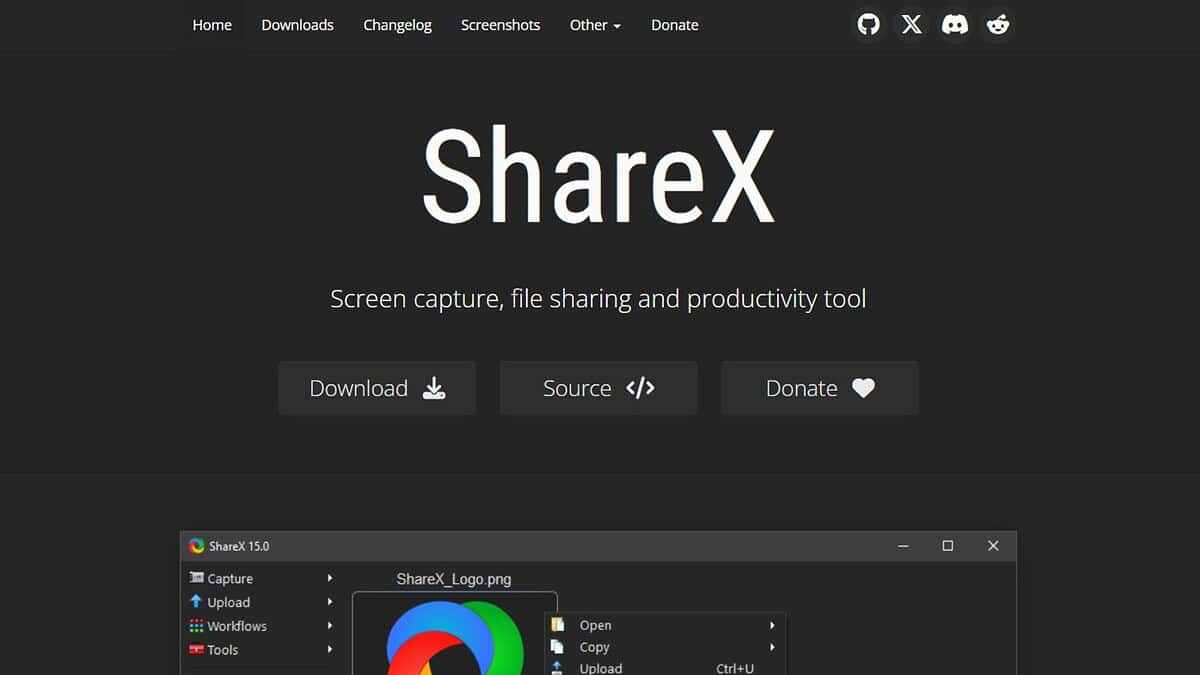
ShareX is a free and open-source screen capture and screen recording tool for Windows. It’s a lightweight yet powerful application that offers a wide range of capture methods, editing tools, and sharing options. ShareX is perfect for users who need a versatile tool without the hefty price tag.
ShareX stands out for its extensive customization options and integration with various online services. It allows you to capture your screen in multiple ways, including full-screen, window, region, and scrolling capture. You can then edit your captures with annotations, effects, and watermarks before sharing them directly to social media, cloud storage, or other platforms.
- Free and open-source
- Multiple capture methods
- Built-in image editor
- Extensive sharing options
- Customizable workflows
Pricing: Free
ActivePresenter
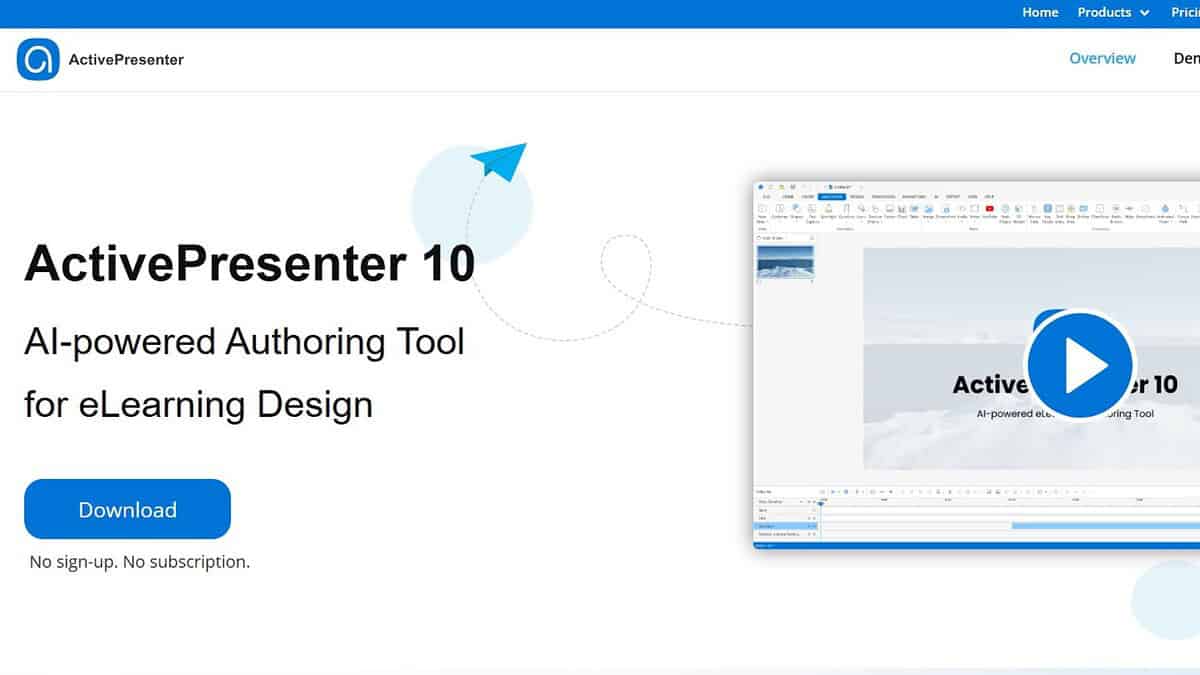
ActivePresenter is a comprehensive screen recorder and eLearning authoring tool developed by Atomi Systems. It’s designed for creating interactive training courses, software simulations, and video tutorials. ActivePresenter combines screen recording, video editing, and eLearning features in a single application.
ActivePresenter offers advanced features such as branching scenarios, quizzes, and interactive simulations. It allows you to create engaging and effective eLearning content for various platforms. Whether you’re an educator, trainer, or instructional designer, ActivePresenter provides the tools you need to create professional-quality eLearning materials.
- Screen recording and video editing
- eLearning authoring tools
- Interactive quizzes and simulations
- Branching scenarios
- SCORM and HTML5 support
Pricing: Free (limited features), Standard $199, Pro $399
Bandicam
Bandicam is a lightweight and user-friendly screen recorder for Windows. It’s known for its high-performance recording capabilities and low system resource usage. Bandicam is a great choice for gamers and anyone who needs to record their screen without sacrificing performance.
Bandicam offers three recording modes: Screen Recording, Game Recording, and Device Recording. It allows you to record your screen, gameplay, or external devices such as webcams and game consoles. Bandicam supports a wide range of video codecs and resolutions, ensuring high-quality recordings with minimal impact on your system.
- Lightweight and user-friendly
- High-performance recording
- Game recording mode
- Device recording mode
- Real-time drawing
Pricing: $39.95
Icecream Screen Recorder
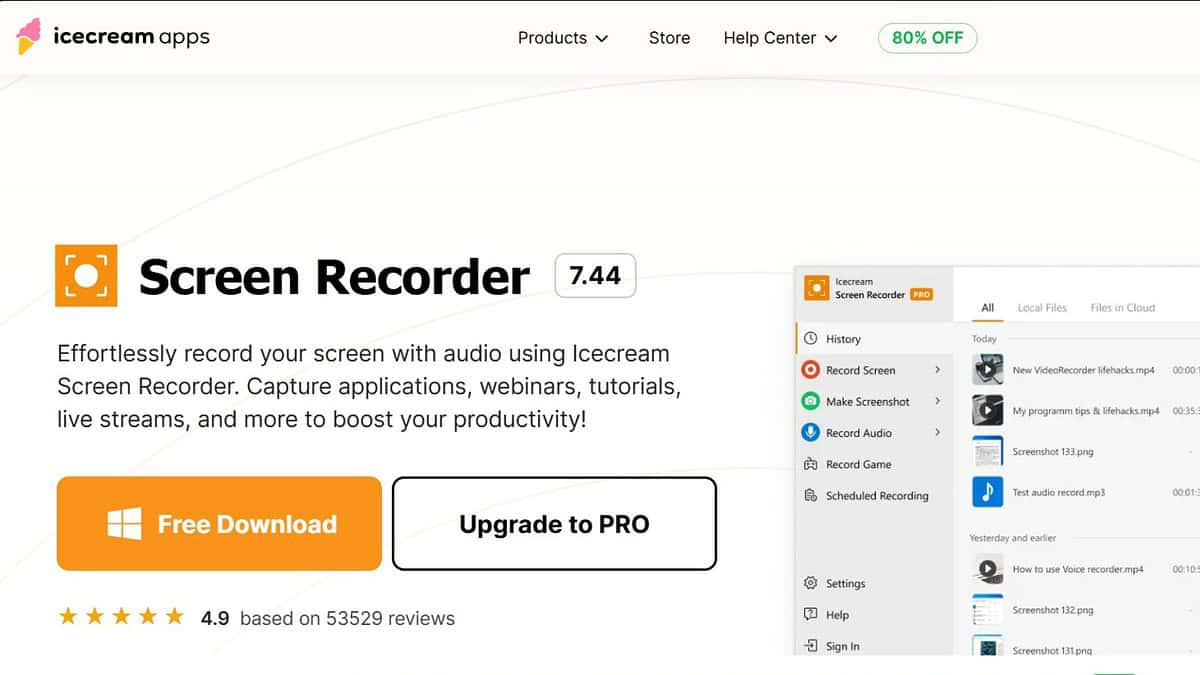
Icecream Screen Recorder is a simple and intuitive screen recording tool for Windows. It offers a straightforward interface and essential features for capturing your screen, webcam, and audio. Icecream Screen Recorder is perfect for users who need a quick and easy solution for basic screen recording tasks.
Icecream Screen Recorder allows you to select a specific area of your screen to record or capture the entire screen. You can add annotations, draw shapes, and highlight important areas during recording. It also supports scheduling recordings and saving them in various video formats.
- Simple and intuitive interface
- Area selection tool
- Annotations and drawing tools
- Scheduled recordings
- Easy sharing options
Pricing: Free (limited features), PRO $29.95
Feature Comparison
| Feature | OBS Studio | Filmora Scrn (DemoCreator) | Camtasia | ShareX | ActivePresenter | Bandicam | Icecream Screen Recorder |
|---|---|---|---|---|---|---|---|
| Price | Free | From $45.99/year | $299.99 | Free | From $199 | $39.95 | From $29.95 |
| Screen Recording | Yes | Yes | Yes | Yes | Yes | Yes | Yes |
| Webcam Recording | Yes | Yes | Yes | No | Yes | Yes | Yes |
| Video Editing | Basic | Intermediate | Advanced | Basic | Intermediate | Basic | Basic |
| Annotations | Yes | Yes | Yes | Yes | Yes | Yes | Yes |
| Ease of Use | Moderate | Easy | Moderate | Moderate | Moderate | Easy | Easy |
| Ideal For | Streaming | Tutorials | Pro Use | Quick Captures | eLearning | Gaming | Simple Recordings |
Tips for Choosing a Screen Recorder
- Consider your needs: Determine what you’ll be using the screen recorder for. Are you creating tutorials, recording gameplay, or capturing meetings?
- Evaluate features: Look for features that are important to you, such as screen and webcam recording, video editing tools, and annotation options.
- Check compatibility: Make sure the screen recorder is compatible with your operating system and hardware.
- Read reviews: Research user reviews to get an idea of the screen recorder’s performance and reliability.
- Try free trials: Take advantage of free trials or free versions to test out different screen recorders before making a purchase.
Making the Right Choice
Selecting the best screen
FAQ
How do I stop 7 best screen recorders for windows 10 in 2025?
Open the relevant control, then choose Stop or Disconnect to end the session.
Does 7 best screen recorders for windows 10 in 2025 affect battery life?
Yes, it uses extra power for video and networking; keep the device charged.
Why can’t my TV or receiver be found during 7 best screen recorders for windows 10 in 2025?
Both devices must share the same Wi-Fi and the feature must be enabled on the receiver.
Is a wired method more reliable for 7 best screen recorders for windows 10 in 2025?
Usually yes; a cable removes Wi-Fi interference and lowers latency.
Related reading


Read our disclosure page to find out how can you help MSPoweruser sustain the editorial team Read more



Improve this guide




User forum
0 messages