
6 Top Tools For Perfect YouTube Thumbnails


 4 min. read
  Updated on
Looking for the top YouTube thumbnail maker to boost your views? A great thumbnail grabs attention and tells viewers exactly what your video offers. With the right tool, you can design pro-looking thumbnails in minutes no design skills needed.
If you’re shooting custom photos, silence distractions first here’s how to turn off your Apple Watch so notifications don’t ruin your shots.
What Are the Best Tools for YouTube Thumbnails?
1. Canva
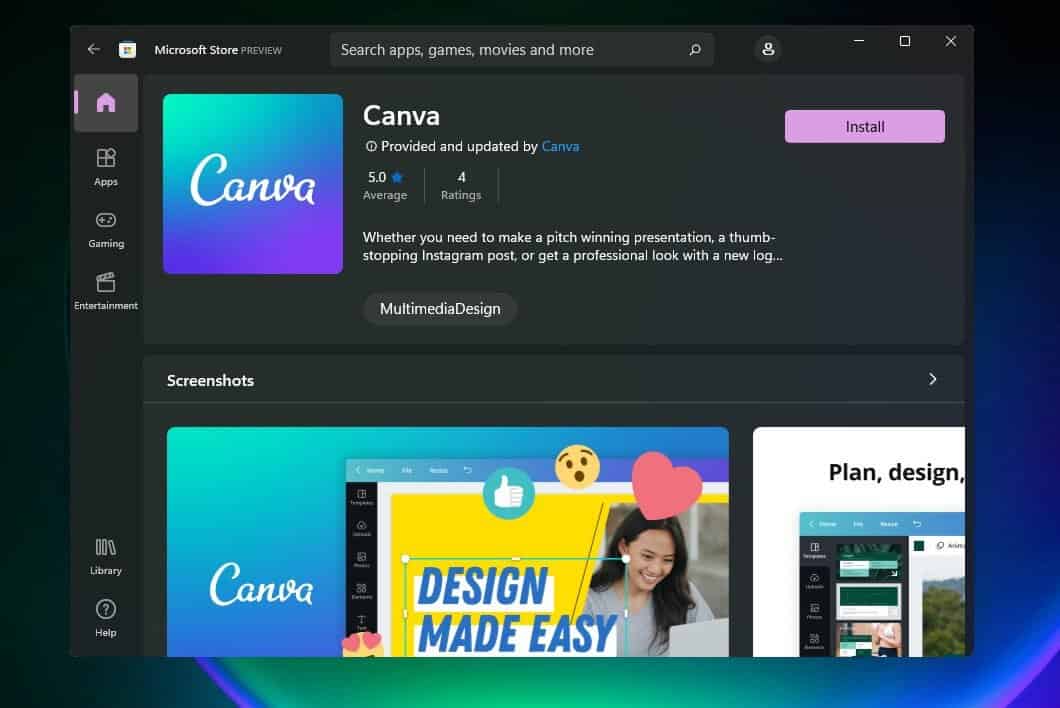
Canva makes layout work simple with drag-and-drop controls and a massive template library. You can swap images, tweak fonts, and match brand colors in minutes.
Use grids and guides to align subject, logo, and headline. Lock your brand kit so every thumbnail follows the same type scale and color accents.
Key Features:
- Extensive template library
- Drag-and-drop interface
- Customizable fonts and colors
- Built-in image editor
Pricing: Free plan available; Canva Pro starts at $12.99/month.
2. Adobe Express
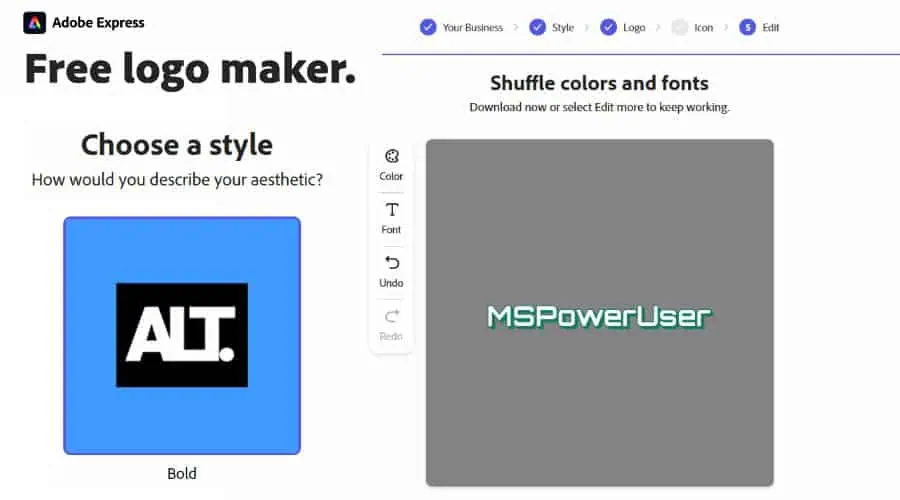
Adobe Express streamlines thumbnail creation with ready-made layouts, quick text styles, and one-click effects. You can export in platform-perfect sizes and reuse brand assets from Creative Cloud.
Add subtle animation when you design shorts covers or community post graphics to keep your brand consistent across surfaces.
Key Features:
- Pre-designed templates
- Easy-to-use interface
- Animation tools
- Integration with Adobe Creative Cloud
Pricing: Free plan available; Premium plan starts at $9.99/month.
3. PicMonkey
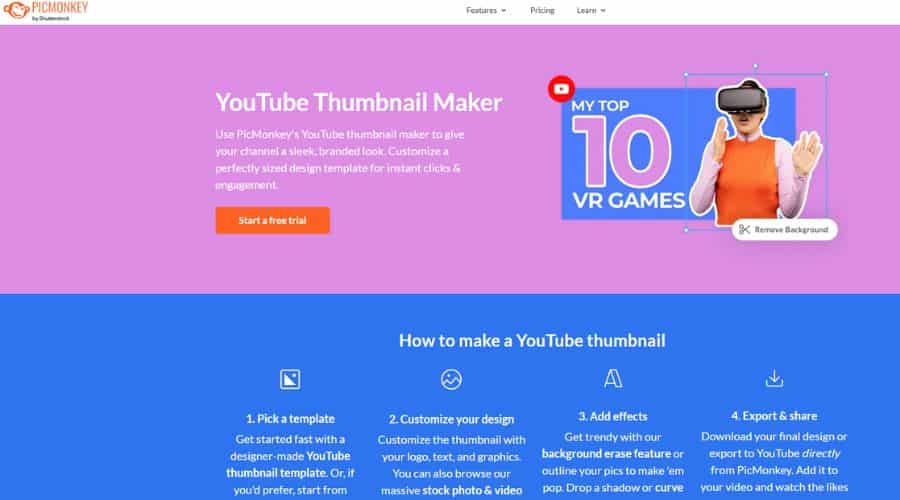
PicMonkey focuses on photo finishing: skin tone fixes, color correction, and text effects. Use background removal and targeted adjustments to make your subject pop.
Refine exposure and clarity first, then add bold, readable text with a tight drop shadow for contrast against the subject.
Key Features:
- Advanced photo editing tools
- Extensive template library
- Customizable fonts and graphics
- Background removal
Pricing: Basic plan starts at $7.99/month.
4. Fotor
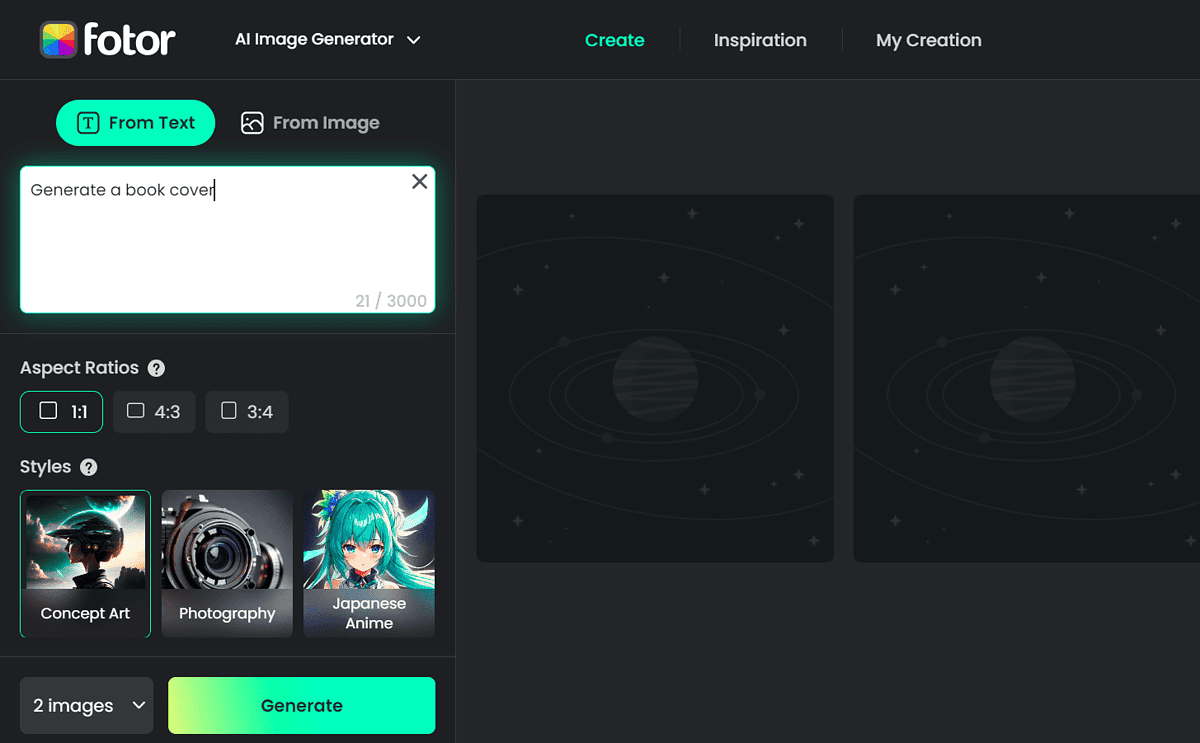
Fotor pairs quick presets with solid manual controls. Batch tools help when you need multiple thumbnails in one session with consistent looks.
Tweak HSL and curves to lock in a style, then reuse the same look across your series playlist.
Key Features:
- Photo editing tools
- Templates and effects
- Batch processing
- HDR support
Pricing: Fotor Pro starts at $8.99/month.
5. Snappa
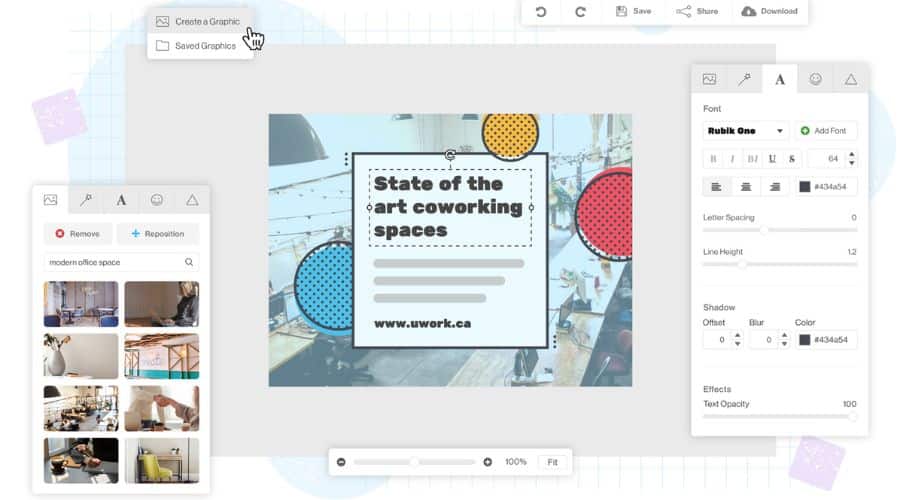
Snappa prioritizes speed. Start from a social-ready canvas, drop in a background, add a subject cutout, and finish with an outline or glow.
Export variants for A/B tests and track CTR changes per video.
Key Features:
- Pre-designed templates
- Drag-and-drop interface
- Social media integration
- Team collaboration
Pricing: Free plan available; Pro plan starts at $10/month.
6. Visme
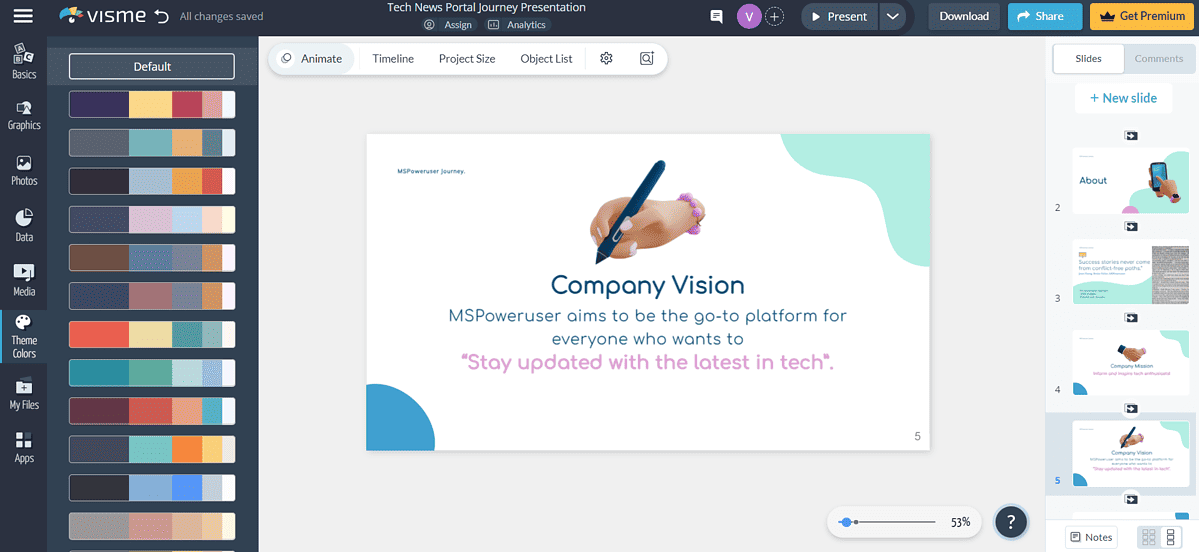
Visme goes beyond thumbnails with presentation and infographic tools. You can build a full brand system type, colors, iconography—and reuse it for thumbnails, end screens, and channel art.
Leverage charts or data callouts when your channel covers analytics or finance, then translate those visuals into a bold thumbnail hook.
Key Features:
- Templates for varied projects
- Animation tools
- Data visualization
- Interactive elements
Pricing: Basic plan is free; Standard plan starts at $29/month.
Thumbnail Tool Comparison
| Feature | Canva | Adobe Express | PicMonkey | Fotor | Snappa | Visme |
|---|---|---|---|---|---|---|
| Templates | Extensive | Pre-designed | Extensive | Many | Pre-designed | Many |
| Ease of Use | Very Easy | Easy | Easy | Easy | Very Easy | Moderate |
| Photo Editing | Basic | Basic | Advanced | Good | Basic | Basic |
| Animation | Yes | Yes | No | No | No | Yes |
| Pricing | Free/$12.99/mo | Free/$9.99/mo | $7.99/mo+ | $8.99/mo+ | Free/$10/mo | Free/$29/mo+ |
Tips
- Use high-quality images: Capture sharp, well-lit photos for clean cutouts. If you plan green-screen shots for thumbnail stills, pick from the best green screen software for Windows to key backgrounds quickly.
- Keep it simple: Focus on one subject, one reaction, and one clear headline. Avoid clutter.
- Use contrasting colors: Punchy foreground vs. background improves readability on mobile.
- Cut out subjects cleanly: For precise edges on hair or motion frames, try tools from our 2025 rotoscoping software picks and then import the cutout into your thumbnail editor.
- Typeset formulas clearly: Education and STEM channels can render crisp equations with top LaTeX editors for Windows and export them as high-res PNG/SVG for thumbnails.
- Streamline approvals: If your team collaborates via secure email, make sure reviewers can receive assets; here’s how to set up Outlook Army email when you work with DoD or government partners.
- Test variations: Swap colorways, crops, and verbs; track CTR and watch time per variation.
FAQ
What size works best for YouTube thumbnails?
Use 1280×720 (16:9), under 2MB, JPG or PNG.
How much text should I use?
Keep it short—3–5 words with strong nouns and verbs.
How do I make text readable on mobile?
Use bold fonts, high contrast, and a subtle stroke or shadow.
Do faces really help?
Yes. Close-ups with clear emotion usually lift CTR.
How do I stay consistent?
Create a brand kit: two fonts, two accent colors, fixed logo placement, and a reusable layout.


Read our disclosure page to find out how can you help MSPoweruser sustain the editorial team Read more



Improve this guide




User forum
0 messages