
WSATools Backups will let you back up your Windows 11 WSA Android apps easily


 1 min. read
  Updated on

Simone Franco, the developer of WSATools, a tool to easily sideload Android apps into the Windows SubSystem for Android on Windows 11, is working on a new module for the utility which will allow you to easily backup your Android app installations on Windows.
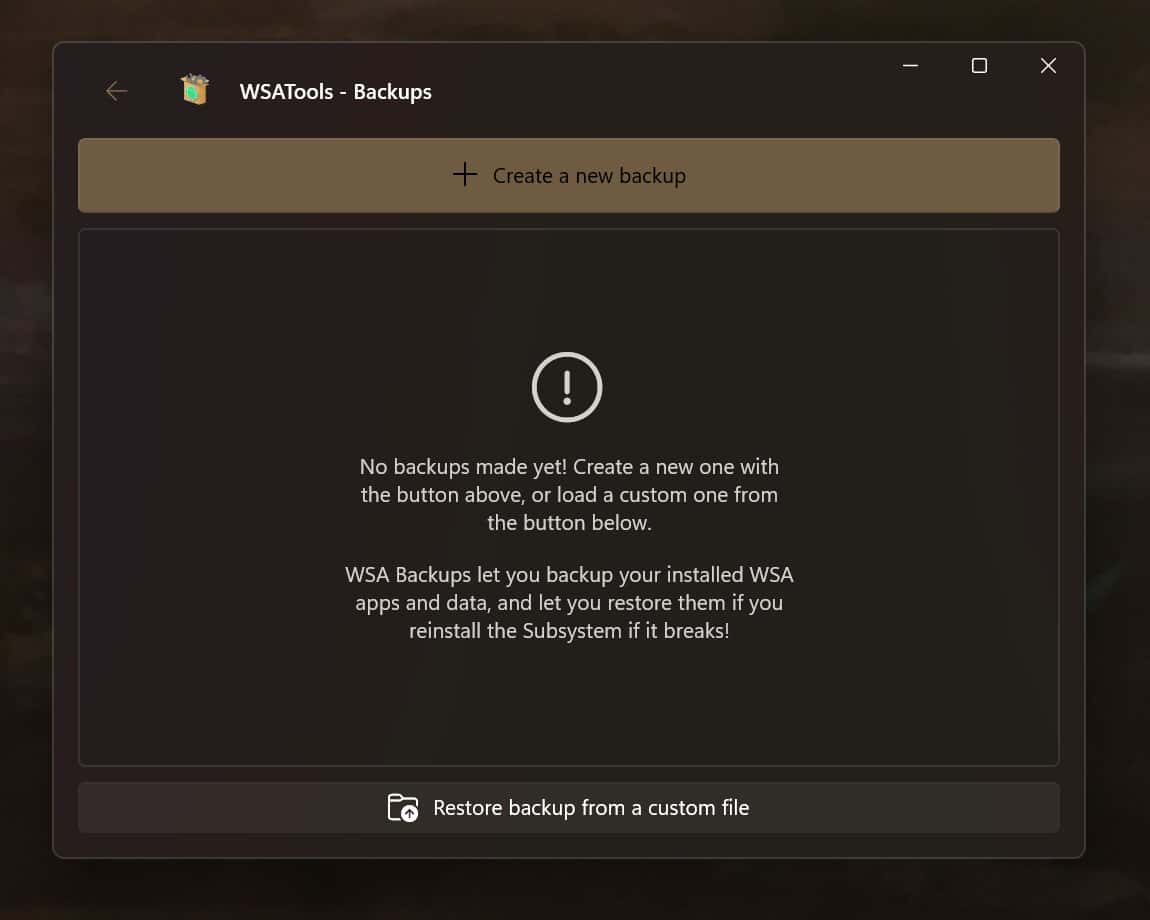
The tool would be useful to restore your apps and data if you corrupt or need to re-install WSA, helping to maintain game progress for example.
The tool works by copying the data VHDX and restoring it to the right place on need, and will form part of WSATools 0.2 when that is released.
Keep an eye on the GitHub page for the next release here and consider donating to the developer here if you find his work helpful.


Read our disclosure page to find out how can you help MSPoweruser sustain the editorial team Read more



Improve this guide



User forum
0 messages