
Windows 7 users upgrading to Windows 11 will need to clean install


 1 min. read
  Published on
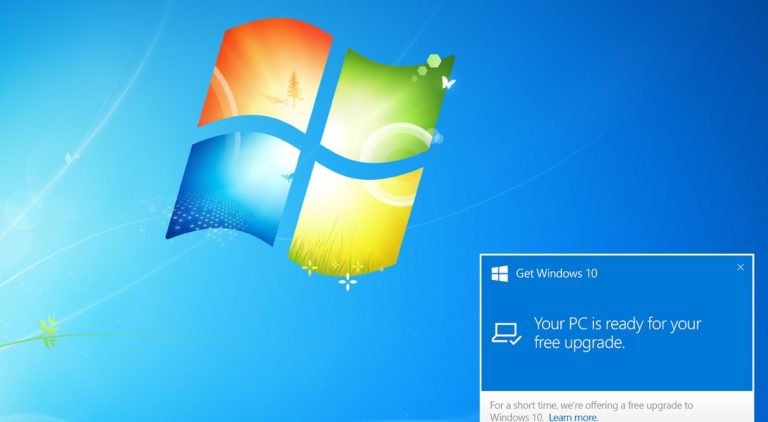
Many corporate networks run a Windows 7 image on brand-new hardware because this is what the company standardised on.
If you want to make the big jump from Windows 7 to Windows 11 however, it turns out Microsoft will not be much help.
In a support document from Lenovo the company confirmed that apps and settings will not be migrated if you install Windows 11 on a Windows 7 PC, with Lenovo saying:
What is the upgrade path from Windows 10 to Windows 11? My company still has some Windows 7 devices. If they meet the hardware floor, can these devices be upgraded directly to Windows 11?
Most devices available for purchase now will be upgradeable to Windows 11. You will have the option to upgrade, clean install, or reimage Windows 10 devices to move to Windows 11. For Windows 7 devices that meet hardware requirements, you will need to clean install or reimage to go directly to Windows 11.
If it is essential to retain settings, it may make more sense to upgrade to Windows 10 first before attempting the jump to Windows 7.
The full support document can be seen here.
via WindowsLatest


Read our disclosure page to find out how can you help MSPoweruser sustain the editorial team Read more



Improve this guide




User forum
0 messages