
Microsoft releases Windows 11 Build 22621.169 (KB5014958) to the Release Preview Channel


 1 min. read
  Updated on
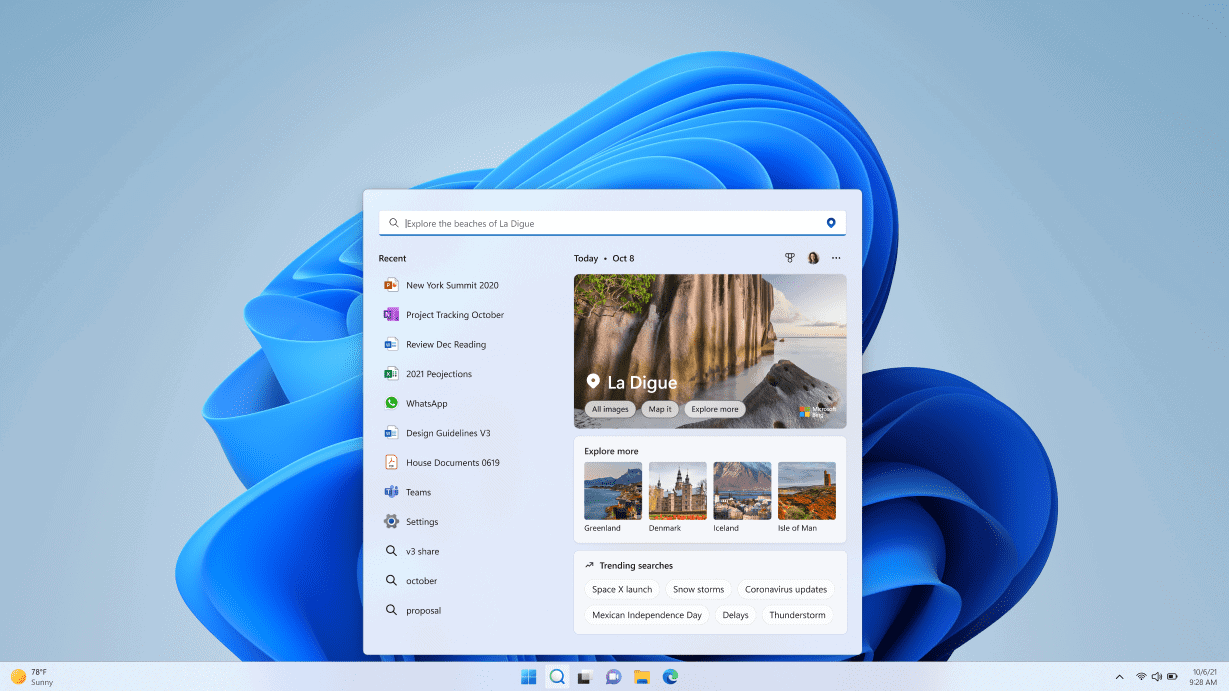
Two weeks after releasing its last Release Preview build, Microsoft has started rolling out a fresh Windows 11 Insider Preview Build 22621.169 (KB5014958) to the Insiders in the Release Preview Channel.
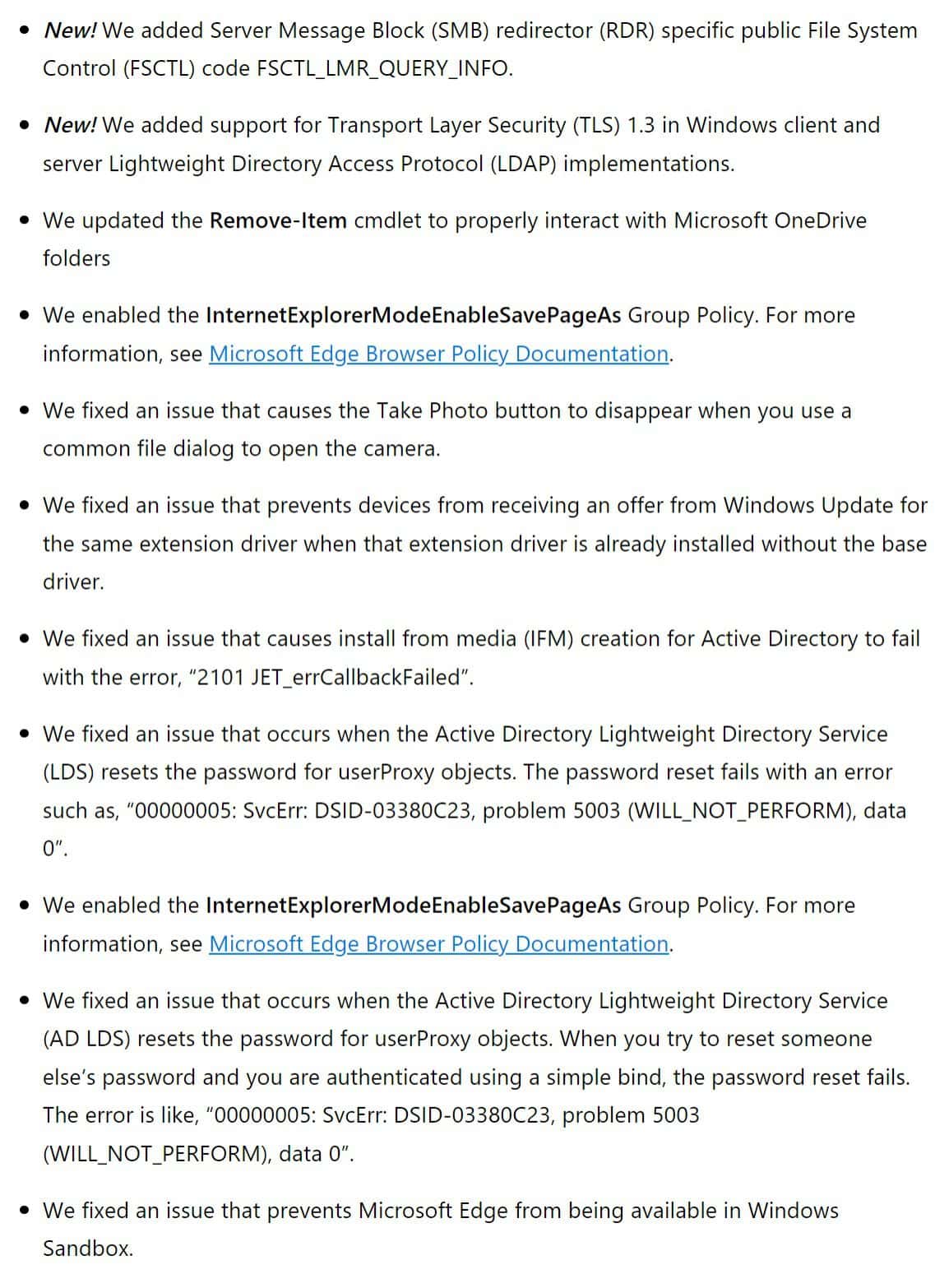
The latest Release Preview build doesn’t have anything noteworthy in it, but you get a good set of fixes and improvements. You can read the complete official changelog below to learn more about the changes.
Windows 11 Build 22621.169 (KB5014958) Changelog
In other Windows 11 news, Microsoft released a new build in the Dev Channel yesterday, though it offers only fixes and no new features. It was the last build for this month for the Dev Channel Insiders. The same holds true for the Release Preview Channel Insiders as well; build 22621.169 (KB5014958) will be the last in June. Hopefully, we will see Microsoft introducing some new features to Windows 11 Insiders in the Dev Channe. We will, of course, keep you updated about all the latest features Microsoft adds to future updates.
Meanwhile, you can upgrade to the latest Windows 11 Release Preview Build by navigating the Settings app> Windows Update> Check for Updates. If you are an Insider in the Release Preview Channel, share your experience in the comments section.


Read our disclosure page to find out how can you help MSPoweruser sustain the editorial team Read more



Improve this guide




User forum
0 messages