
Watch Call of Duty: Modern Warfare for Windows 11 play on the OnePlus 6T


 1 min. read
  Published on
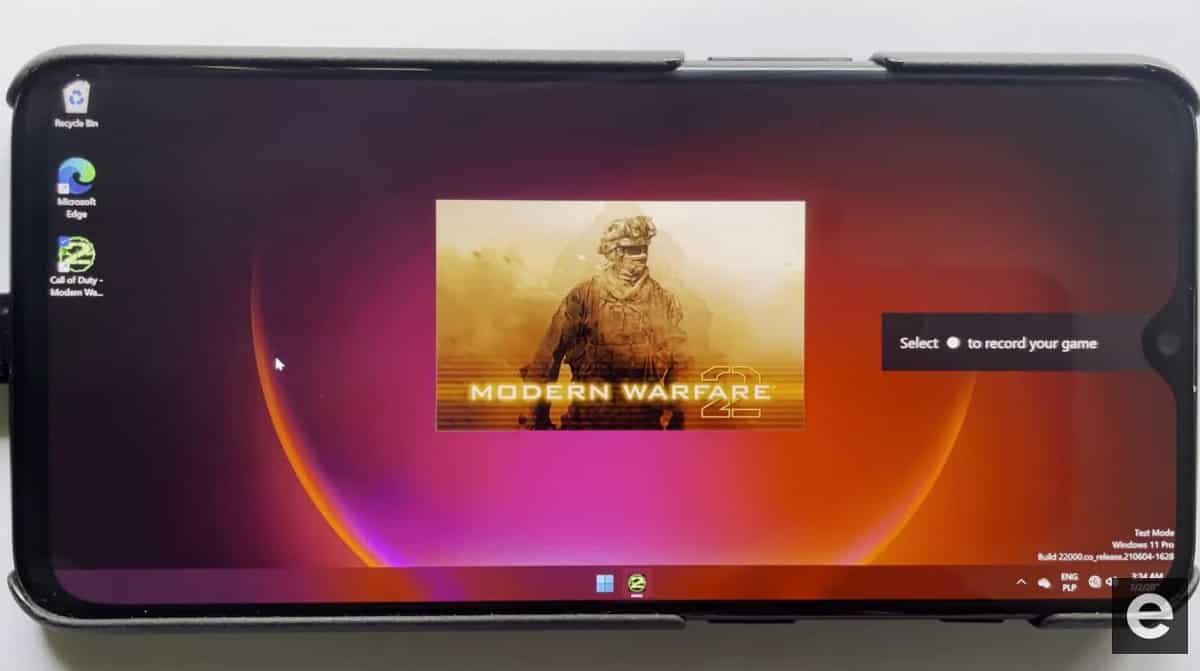
We wrote a few days ago about the effort to get Windows 11 on ARM on Android handsets, and it turns out hackers have been working at Windows 10 on ARM for various Android devices for a few months now.
Polish hacker Adrian “edi194” Misiak appears to have been instrumental in the effort and has posted a number of videos of desktop Windows games running on the humble OnePlus 6T.
The current status of the work is that the Snapdragon 845 CPU and GPU is working, as is the touch screen, USB, and Bluetooth.
What is not working is:
- wifi (workaroud: ethernet dongle)
- audio (workaround: bluetooth audio)
- cellular
- sensors
- and pretty much everything else
The effort started on Windows 10, but the team is currently running the latest Insider version of Windows 11.
What is surprising is the performance of these desktop games on what is after all a mid-range smartphone.
See Call of Duty: Modern Warfare 2 and 3DMark demoed below:
Check out more videos at Ardian’s channel here and read more about the effort Renegade Project here.
via Autoevolution


Read our disclosure page to find out how can you help MSPoweruser sustain the editorial team Read more



Improve this guide




User forum
0 messages