
Unpaved Roads on Google Maps - How To Identify Them


 2 min. read
  Updated on
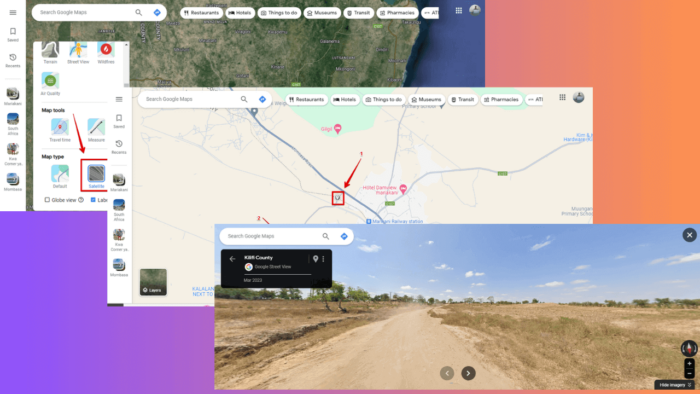
Exploring unpaved roads on Google Maps can be exciting. Below, I’ll show you how to identify them and find amazing places that aren’t on the regular routes.
Ready?
How To Find Unpaved Roads on Google Maps
You can use keyboard shortcuts and Satellite View to identify these roads.
Use Ctrl + Shift + 4
- Go to Google Maps. For this example, I’ll use the browser version.
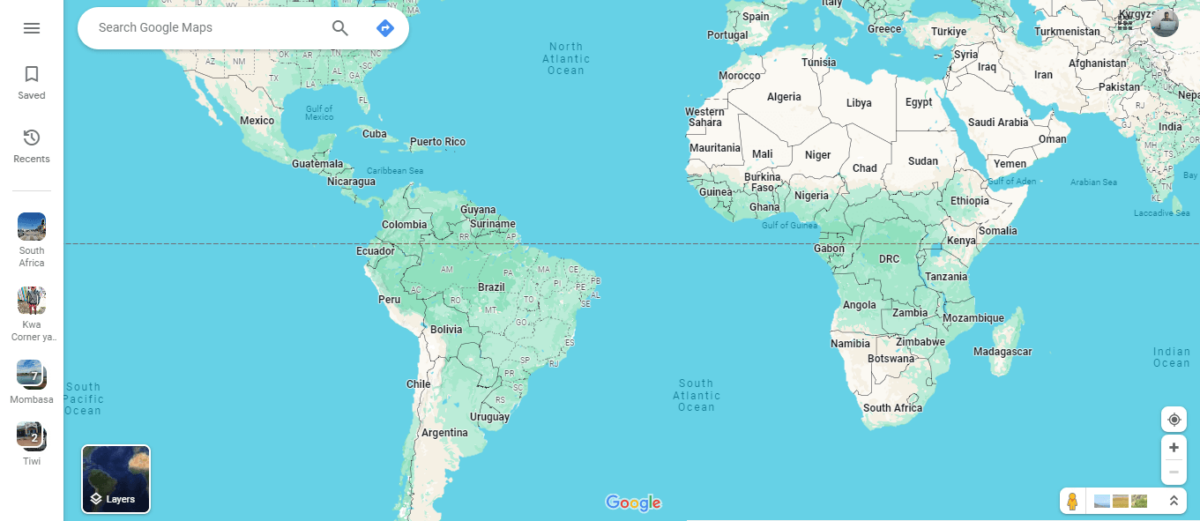
- Press Ctrl + Shift + 4 and you’ll see settings with labels for different roads including dirt/unpaved.
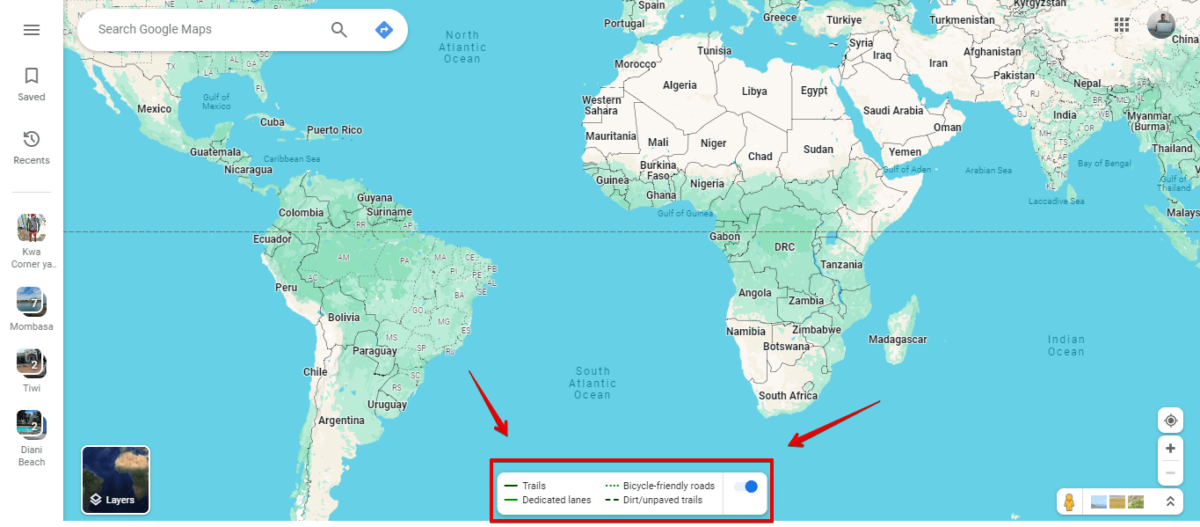
- Zoom in on the map using the “+” icon on the right side below the screen to identify the unpaved roads.
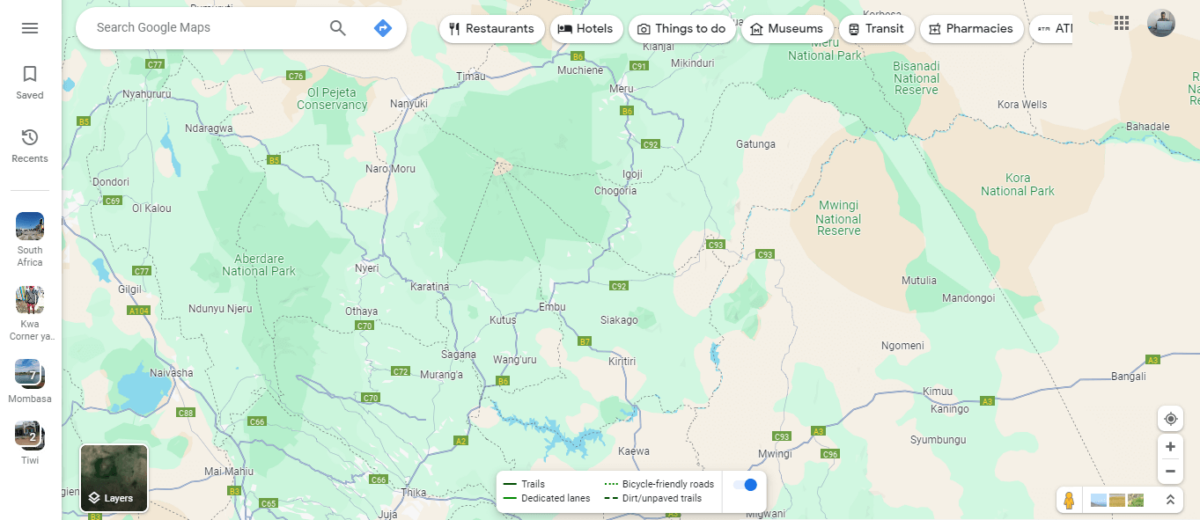
- Now tap on one road and click the street view to confirm if it’s an unpaved one.
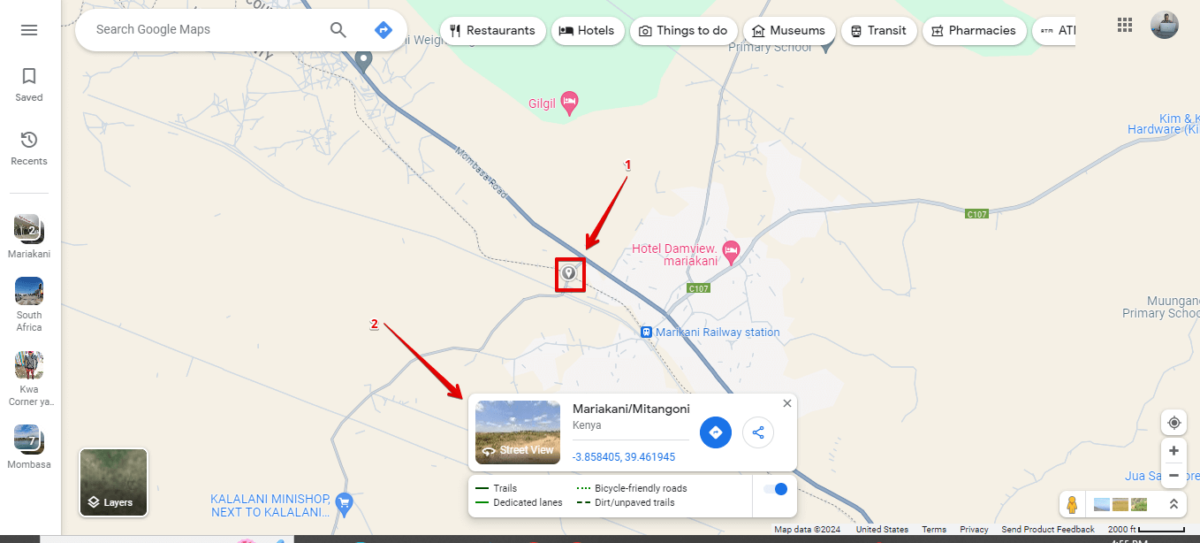
- Here’s the one I found!
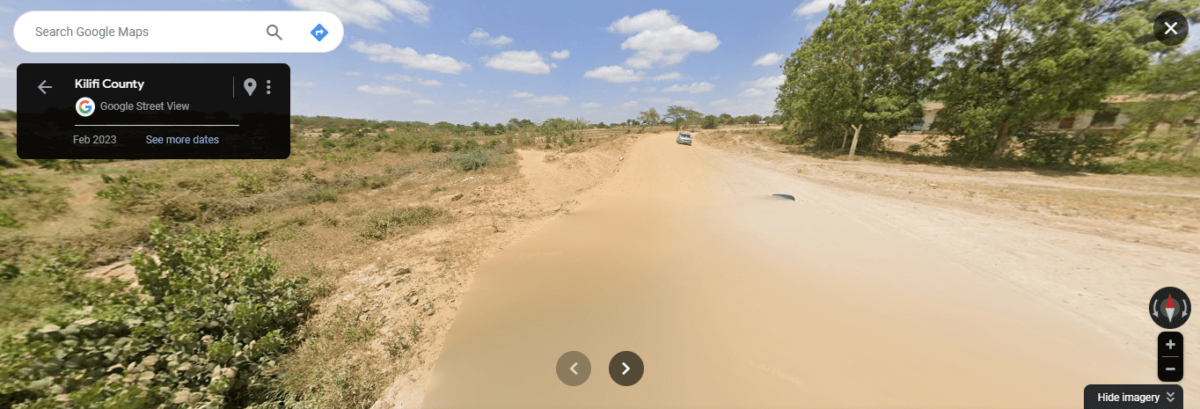
Use Satellite View
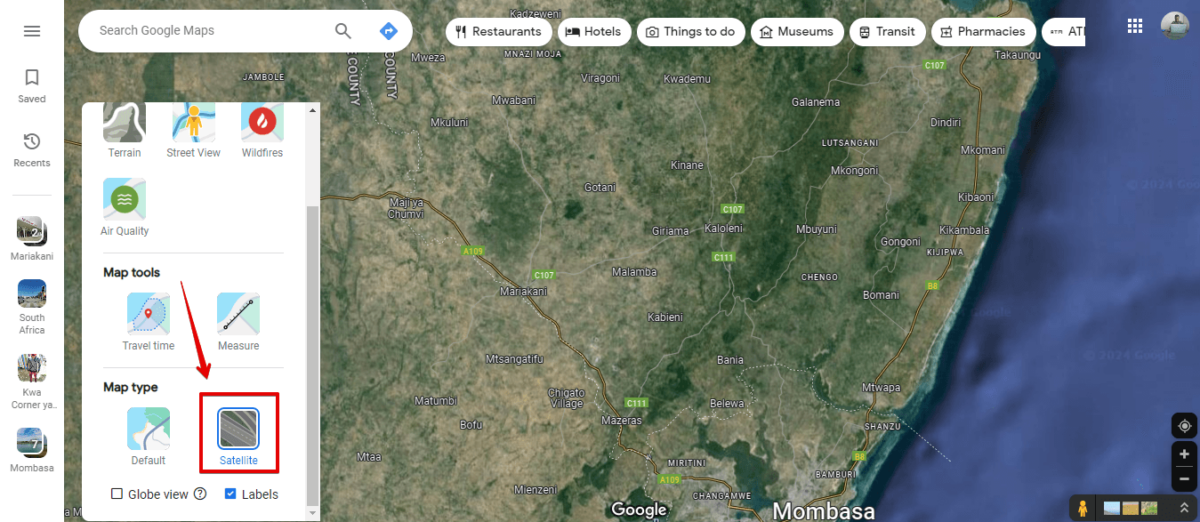
- Go to Google Maps, tap the layers button, click More, then select Satellite.
- Zoom in on the map using the “+” icon to see the earth’s surface and identify roads. Pick a road that’s away from towns or cities.
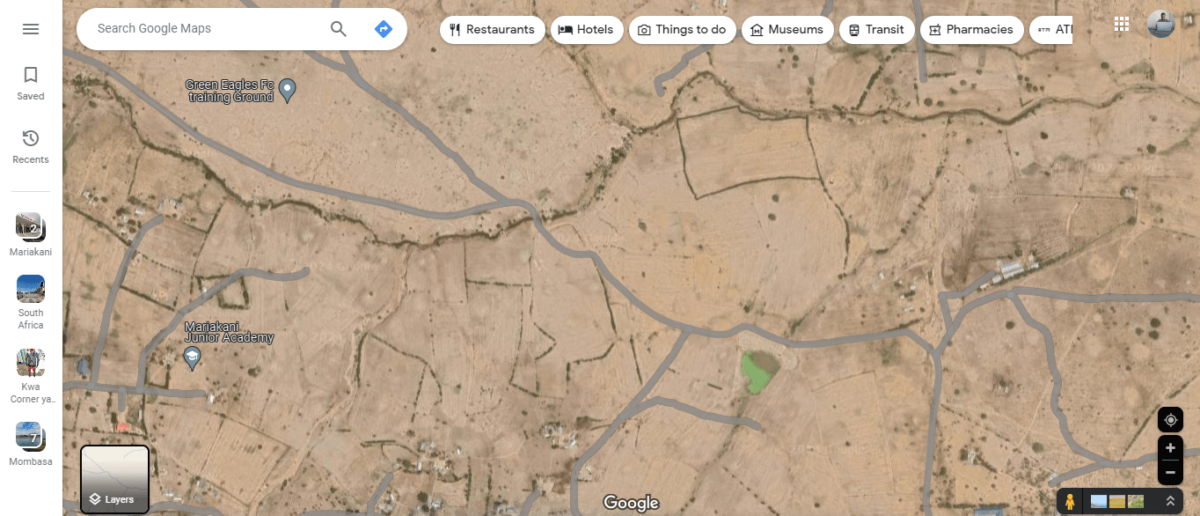
- Tap on it, then click the street view.
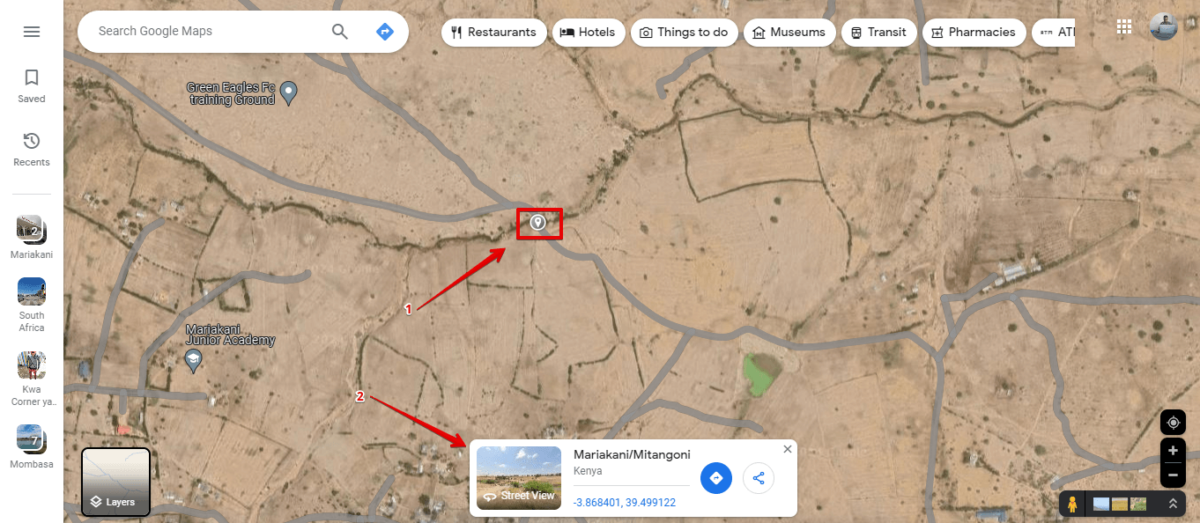
- You’ll see the unpaved road.
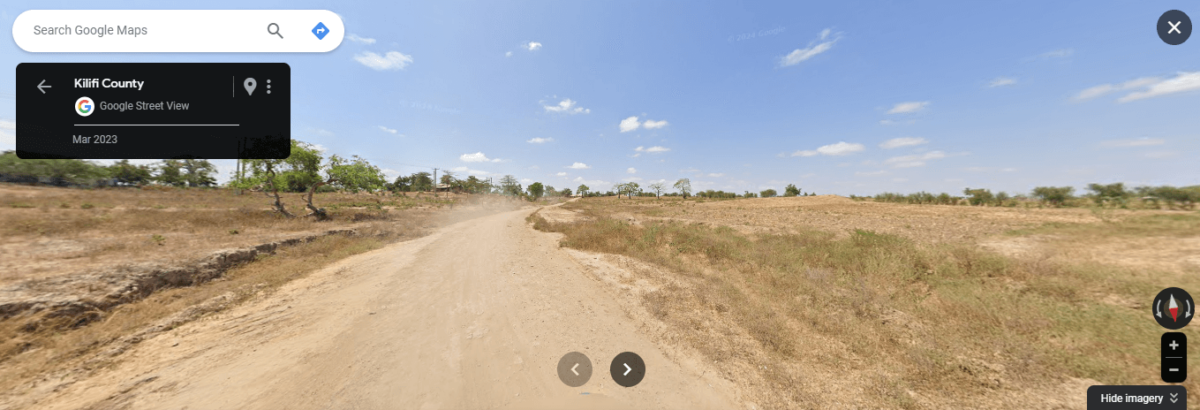
Unpaved roads on Google Maps can lead you to unexpected beauty. You can search along your route to find untamed wilderness. If you discover a cool place, don’t forget to mark down its coordinates!

Readers help support MSpoweruser. We may get a commission if you buy through our links.

Read our disclosure page to find out how can you help MSPoweruser sustain the editorial team Read more



Improve this guide



User forum
0 messages