
How to factory-reset a Netgear EX3700 range extender


 2 min. read
 Published on
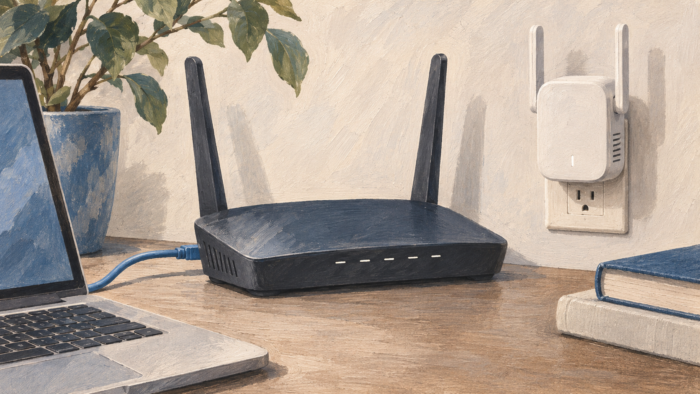
Use the EX3700's recessed Factory Reset button when you intend to return the extender to its default settings and configure it again. Locate the reset opening carefully; do not confuse it with an ordinary connection control.
Have the network details needed for setup available before starting. A reset is not the same operation as briefly disconnecting power.
Reset with the hardware button
- Locate Factory Reset on the bottom of the extender.
- Use a paper clip to press and hold it for at least five seconds.
- Watch for the Device to Extender indicator to blink amber, as described by Netgear.
- Release the button and let the extender reboot.
- Run the extender's setup process again and test the connection.
Decide what success looks like
If you are resetting because the extender was configured for a previous router, the goal is a working connection to the current network. The indicator responding to the reset only confirms one stage of that task.
Keep a note of the original symptom before changing the configuration. If the same problem returns after setup, that record helps separate a setup issue from one that the reset did not address.
Verify at the place you use it
After configuration, connect a device and test the task that originally failed. Start near the extender, then repeat at the location where you need coverage.
Record any difference between those two checks instead of immediately resetting again. A connection that works nearby but not in a particular room is a more specific observation than “the extender does not work.”
Keep the new setup details securely so a future network change does not depend on memory.
Manufacturer documentation: Guide.


Read our disclosure page to find out how can you help MSPoweruser sustain the editorial team Read more



Improve this guide

User forum
0 messages