
Microsoft releases Windows 11 Insider Preview Build 25158


 1 min. read
  Updated on
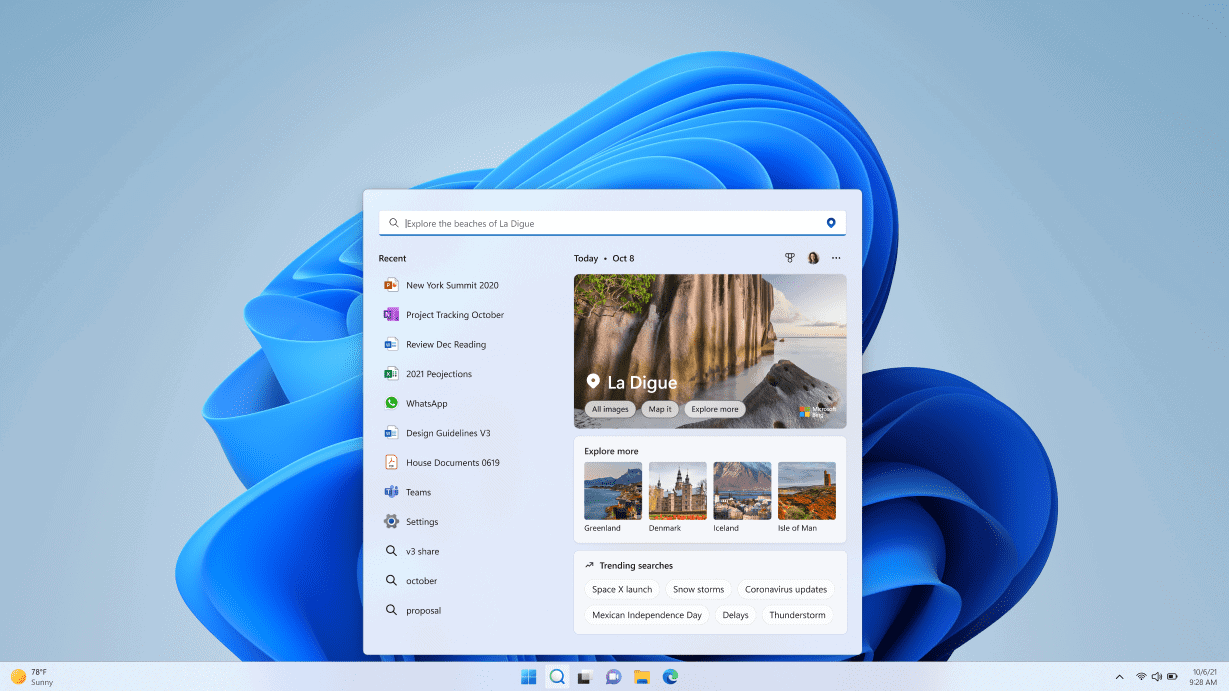
Microsoft has released Windows 11 Preview Build 25158 for Insiders in the Dev Channel. The latest build adds a couple of new features and other interesting changes. Additionally, it comes with a number of improvements and fixes.
Windows 11 Build 25158 brings dynamic Widgets content to your taskbar with notification badging for Widgets. Microsoft has also introduced some visual treatments for Search on Taskbar. It will introduce more in the future Dev Channel builds. Meanwhile, you can learn more about changes that come with Build 25158 from the complete official changelog below.
Changelog
New features in Windows 11 Insider Preview Build 25158
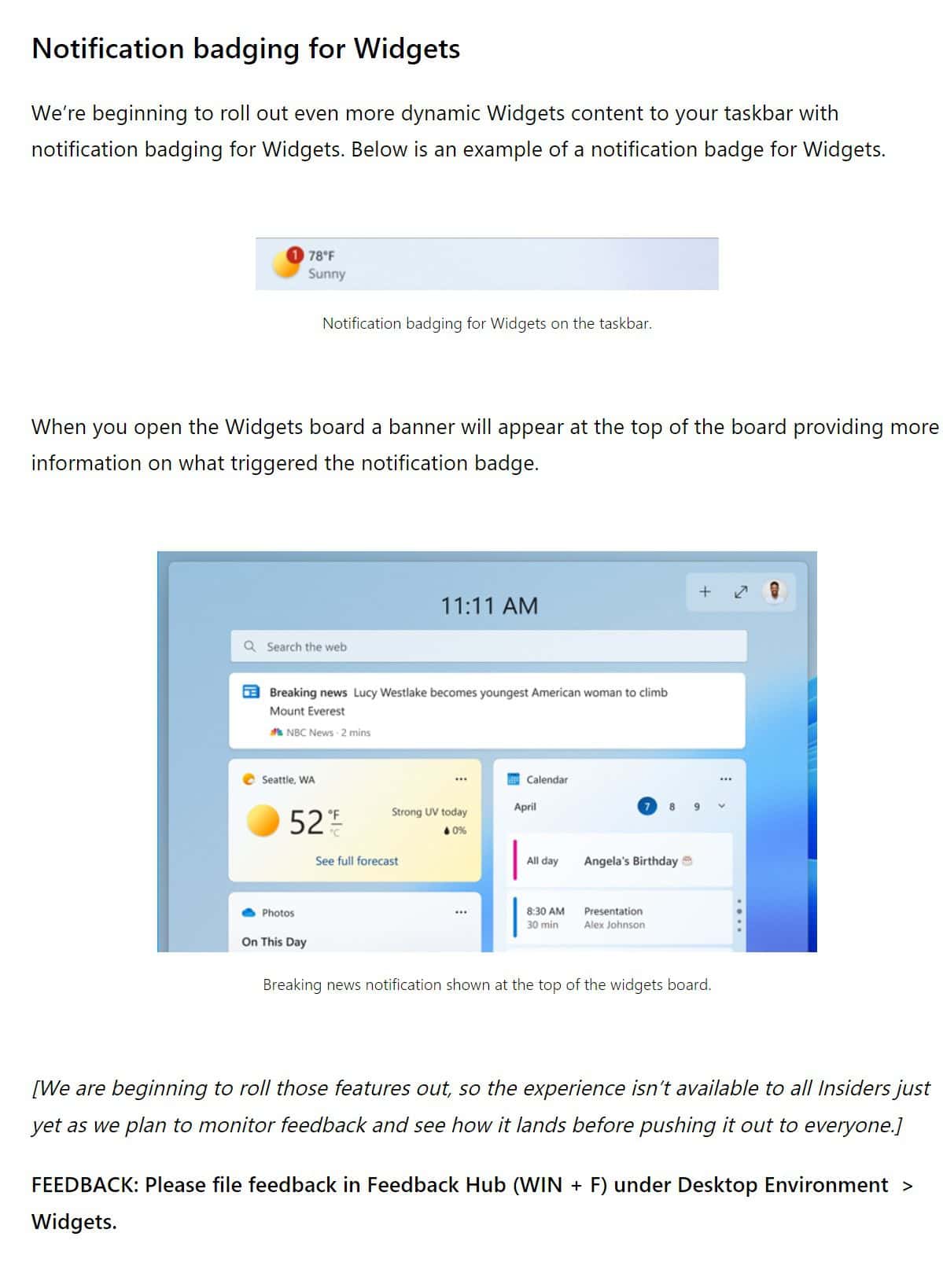
Fixes and improvements in Windows 11 Insider Preview Build 25158

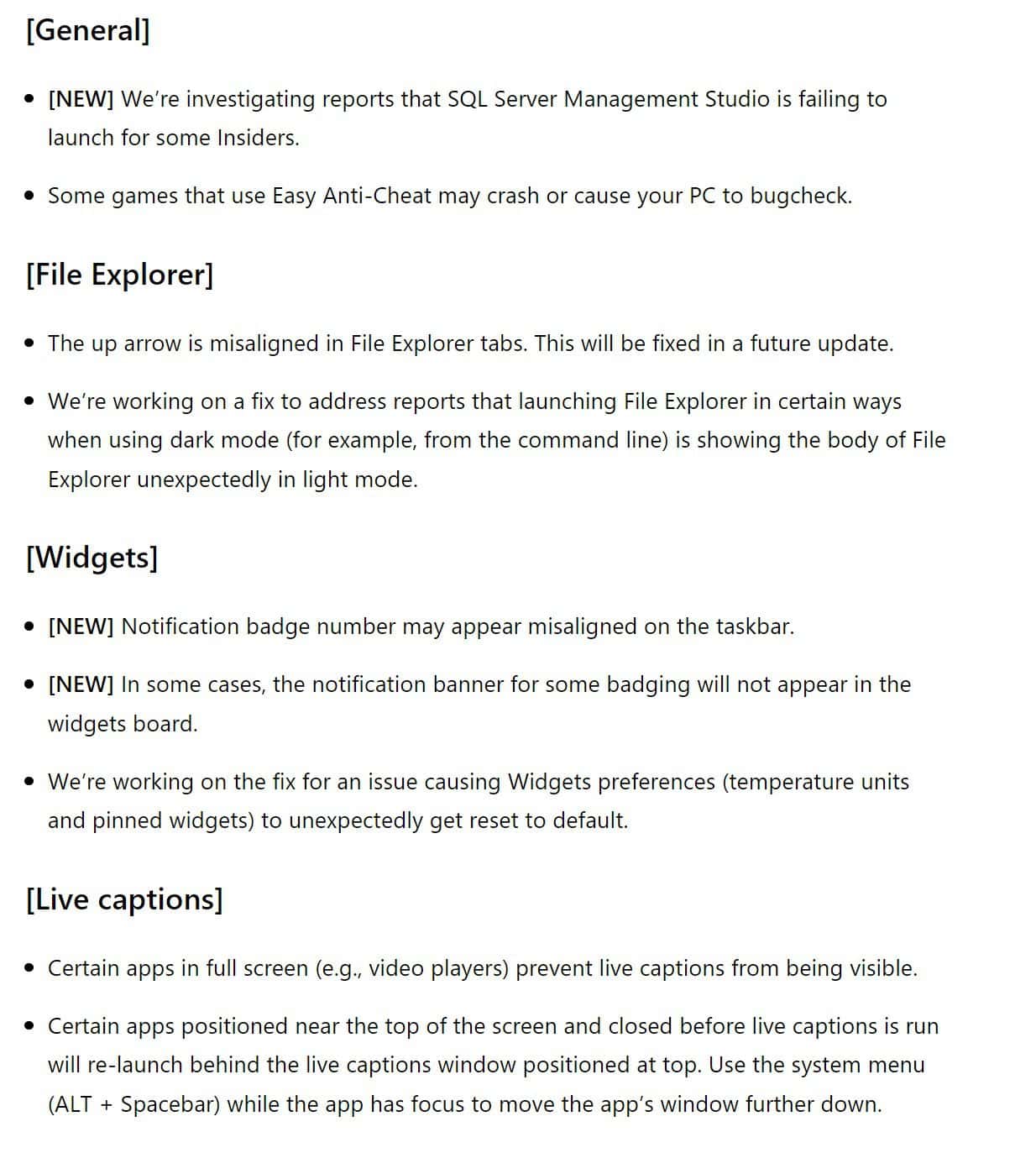
Known issues in Windows 11 Insider Preview Build 25158
 To update your Windows Insider Preview Build, you can go to the Settings app> Windows Update> Check for Updates. If you’re an Insider in the Dev Channel, share your experience in the comments section.


Read our disclosure page to find out how can you help MSPoweruser sustain the editorial team Read more



Improve this guide




User forum
0 messages