
Microsoft Narrator Gets Smarter on Copilot+ PCs - Here’s What It Can Do


 1 min. read
  Published on
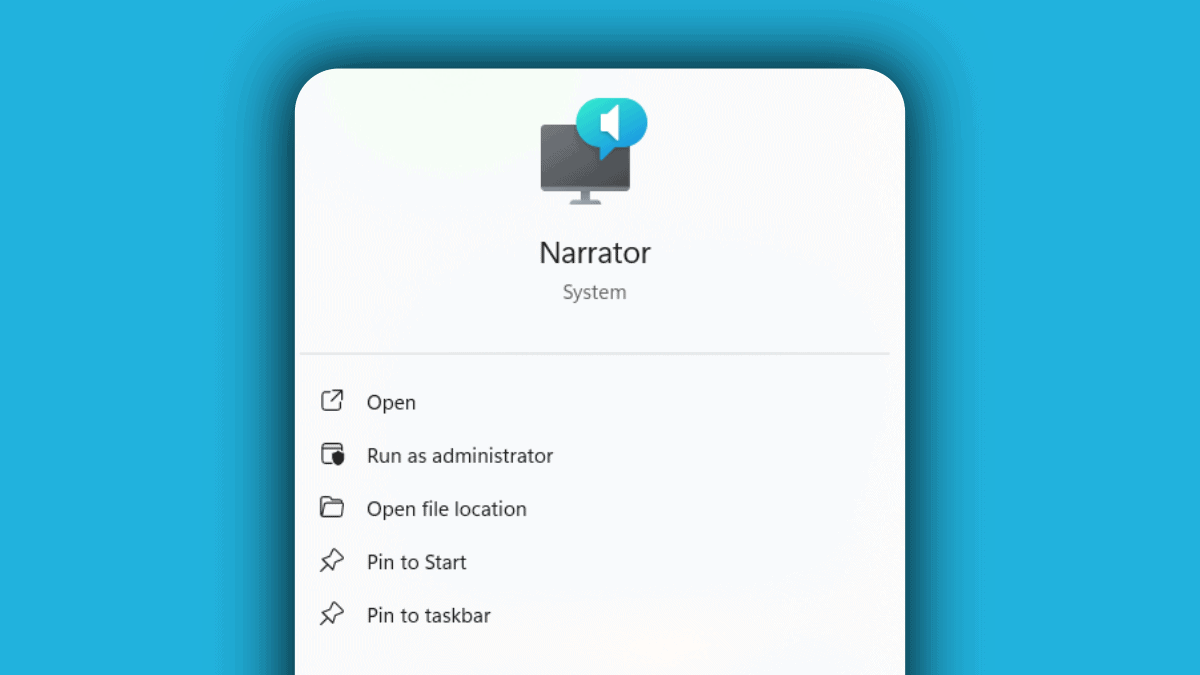
Microsoft is testing a major upgrade to Narrator that brings smarter, more detailed image descriptions to Copilot+ PCs, starting with Snapdragon-powered devices in the Windows Insider Beta Channel.
Also read: Microsoft Introduces New Copilot Features on 50th Anniversary
For users who are blind or have low vision, images without alt text have long been a barrier. This update tackles that head-on. Pressing Narrator key + Ctrl + D now triggers a contextual description of images—highlighting people, objects, colors, text, and numbers. For instance, a graph showing Microsoft’s stock performance will now be described with reference to dates, stock tickers, and trends, instead of just being labeled as “graph” or “image.”
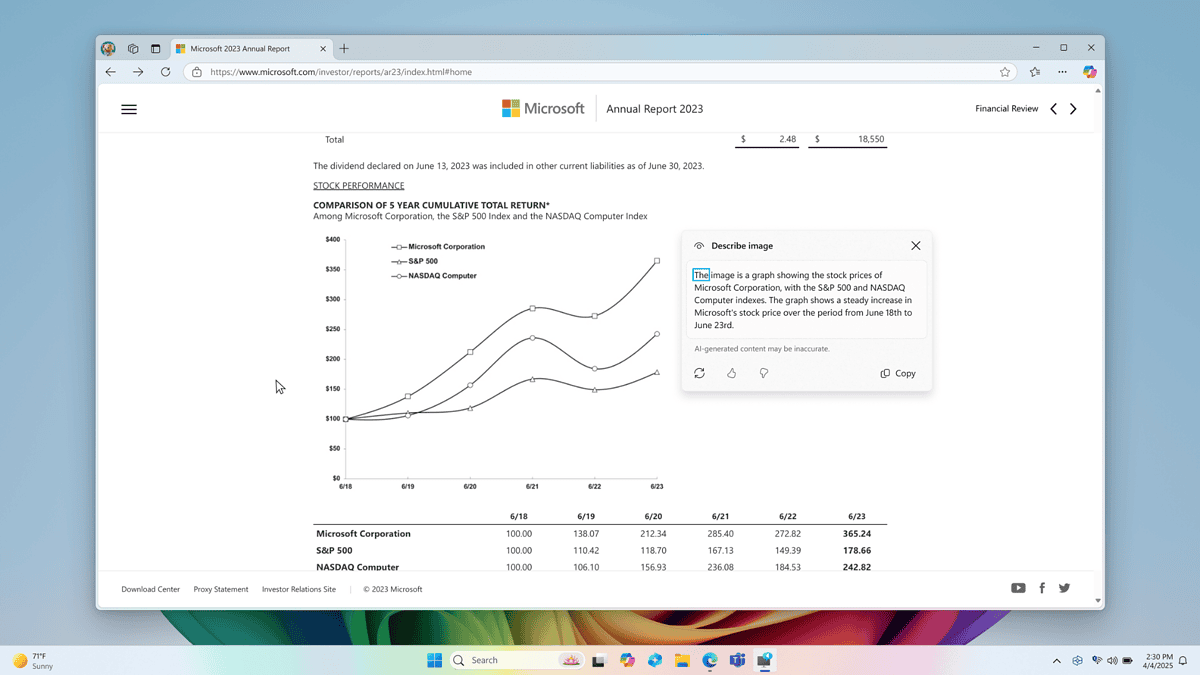
On older or non-Copilot+ machines, image descriptions remain basic, but Copilot+ devices use new local models to generate richer outputs. First-time use will download the required data, and progress can be tracked in Windows Update settings.
The feature is being gradually rolled out, with AMD and Intel-powered Copilot+ PCs set to follow. Narrator can be turned on via Ctrl + Windows + Enter, or by searching for it in the Start menu.
More info and guides are available on Microsoft’s official blog which you can find here.


Read our disclosure page to find out how can you help MSPoweruser sustain the editorial team Read more



Improve this guide




User forum
0 messages