
Microsoft Edge beats Chrome and Firefox in browser phishing test


 3 min. read
  Published on
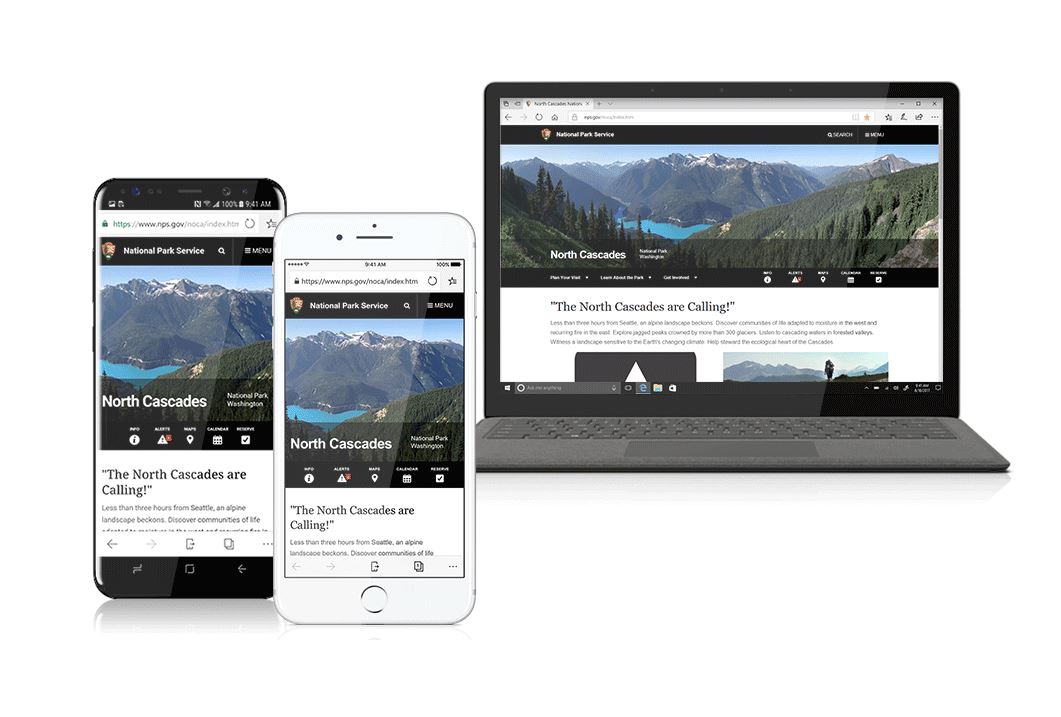
Microsoft has been working on perfectly Edge for a while now and while the browser lacks a few features, it compensates it with the security. Just over two weeks back we reported that Microsoft Edge is immune to the Download Bomb exploit.
Now it looks like you can add Phishing to the list as Edge beats both Firefox and Chrome in the phishing test. Naked Security Labs recently conducted an experiment to test how well different browsers can block socially-engineered malware.
After 23 days of continuous tests between 23 August and 15 September this year, Edge version 38 blocked 96% of the socially-engineered malware (SEM) samples thrown against it in the form of malicious links and pop-ups, compared to 88% for Chrome version 60 and 70% for Firefox version 55. (The researchers describe SEM attacks as “a dynamic combination of social media, hijacked email accounts, false notification of computer problems, and other deceptions to encourage users to download malware”.)
Not only that, Naked Security Labs also tested the ability to block phishing websites and Edge was the winner.
Edge did even better when it came to phishing, blocking 92% of malicious URLs, compared to Chrome’s 75% and Firefox’s 61%.
Lastly, they also tested the zero-hour threat protection, which is how long it takes for each browser to block a new threat once it has been introduced into the test. Again Microsoft Edge managed to beat both Chome and Firefox with a score of 99.8% (SEM Threats) and 89% (Phishing Attacks).
For zero-hour SEM, Chrome started at 75% before climbing to a peak of 95% after seven days, while Firefox started at 54%, climbing to a peak rate of only 80% over the same period. Compare that to Edge which managed a steady 99.8% from hour one.
For zero-hour phishing URLs, the results weren’t quite as wide, but even here Edge started at 82% to Chrome’s 59% and Firefox’s 51%. Firefox clawed back some of the gap by day seven, scoring a peak rate of 81% to Chrome’s weakening 65%, but still ended up lagging Edge’s 89%.
Naked Security also went in and explained how blocking malware worked on Microsoft Edge, Chrome and Firefox. Microsoft has been using a technology called SmartScreen Filter on both Internet Explorer and Edge while Google uses Safe Browsing API on Chrome.
Edge uses Microsoft’s SmartScreen (also used by Internet Explorer), while Chrome and Firefox use Google’s Safe Browsing API (also used by Apple’s Safari, Opera and Vivaldi as well by other Google services such as Gmail).
Lastly, they point out to the fact that these tests don’t actually tell the complete story. The results can vary in different conditions and at the end, it’s the customer that has to be careful and make sure they are aware of the threats. That said, Microsoft did do the job better than Google and Mozilla when it comes to security. The company is working hard to bring more features to Edge.
Source: Naked Security Labs


Read our disclosure page to find out how can you help MSPoweruser sustain the editorial team Read more



Improve this guide




User forum
0 messages