
Microsoft releases new Cumulative Update for Windows 11 PCs


 1 min. read
  Updated on

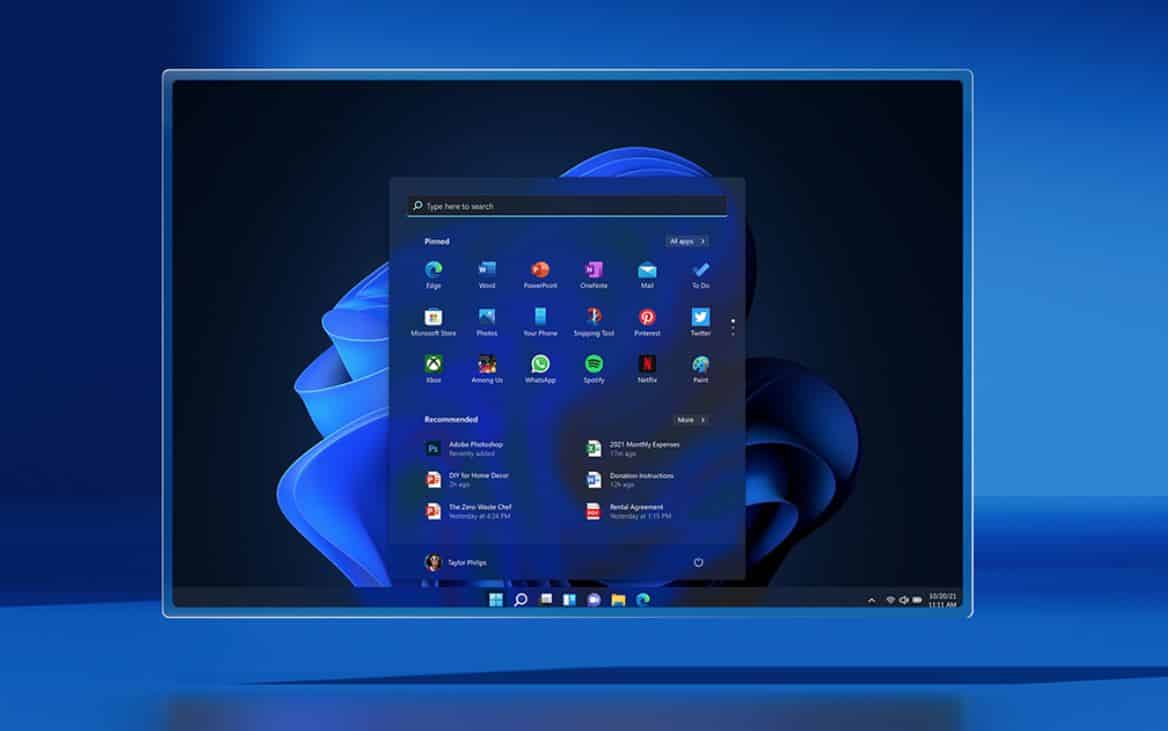
Microsoft today released KB5009566 (OS Build 22000.434) Cumulative Update for Windows 11 PCs. This update fixes several security vulnerabilities and a known issue that affects Japanese Input Method Editors (IME). Find the official change log below.
This security update includes quality improvements. Key changes include:
Addresses a known issue that affects Japanese Input Method Editors (IME). When you use a Japanese IME to enter text, the text might appear out of order or the text cursor might move unexpectedly in apps that use the multibyte character set (MBCS). This issue affects the Microsoft Japanese IME and third-party Japanese IMEs.
This update also comes with the following known issue.
After installing Windows 11, some image editing programs might not render colors correctly on certain high dynamic range (HDR) displays. This is frequently observed with white colors, which could display in bright yellow or other colors.
This issue occurs when certain color-rendering Win32 APIs return unexpected information or errors under specific conditions. Not all color profile management programs are affected, and color profile options available in the Windows 11 Settings page, including Microsoft Color Control Panel, are expected to function correctly.
Microsoft will be providing a solution for this known issue in late January.
Source: Microsoft


Read our disclosure page to find out how can you help MSPoweruser sustain the editorial team Read more



Improve this guide




User forum
0 messages