
How To Use Wine on Linux - Quick Guide


 2 min. read
  Updated on

Don’t know how to use Wine on Linux to run Windows software? Wine development has completely transformed the way to install and run apps on your Linux operating system.
In this guide, I’ll show you how to install it and use it. So, let’s go!
How To Install Wine on Linux
1. Press CTRL+ALT+T to launch the terminal and run the “lscpu” command to check your system architecture.

2. To install Wine on the x86 version, type “sudo apt-get install wine32“. Or, execute “sudo apt-get install wine64” for x64 version.
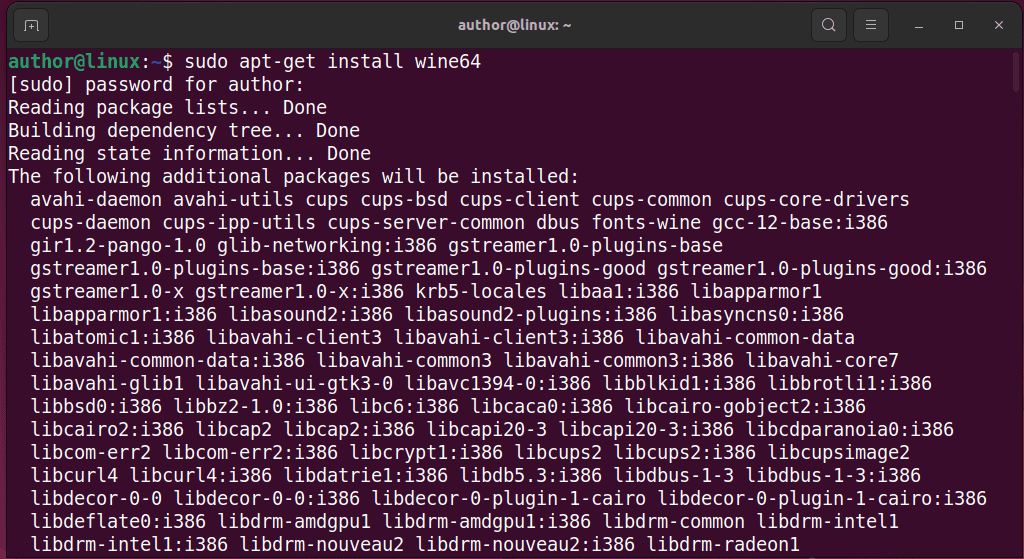
3. Verify Wine installation with “wine –version“.

How To Use Wine on Linux
Before using Wine on your system, you should configure it first:
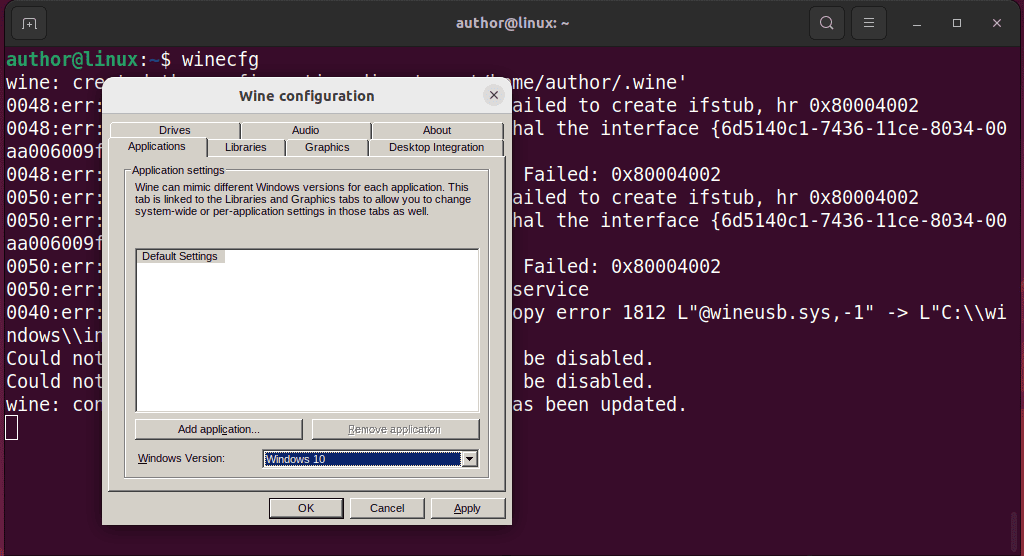
1. Type “winecfg” in the terminal and hit Enter. This creates a Windows home directory for wine.
2. Select the Windows Version from the drop-down menu, click Apply, and then OK.
3. To install a Windows program using Wine, first download its “.exe” or “.msi” file. For instance, I’ll download the Notepad++ installer file for Windows.

4. Navigate to the Downloads directory with cd.

5. Execute the downloaded installer file using the “wine installer_file_name” command.

6. Follow the onscreen instructions to complete the installation.

7. Now, your Windows app is ready to use on Linux.

You may also be interested in:
So, now you know how to use Wine on Linux. Feel free to share which Windows app you have installed with Wine in the comments below!


Read our disclosure page to find out how can you help MSPoweruser sustain the editorial team Read more



Improve this guide




User forum
0 messages