
How to Use Snapchat on Your PC or Laptop


 2 min. read
  Published on
Want to use Snapchat on your computer? You don’t need an emulator anymore. Snapchat now works directly in your web browser.
Here’s how you can set it up in just a few minutes.
Table of contents
The Easiest Way: Use Snapchat for Web
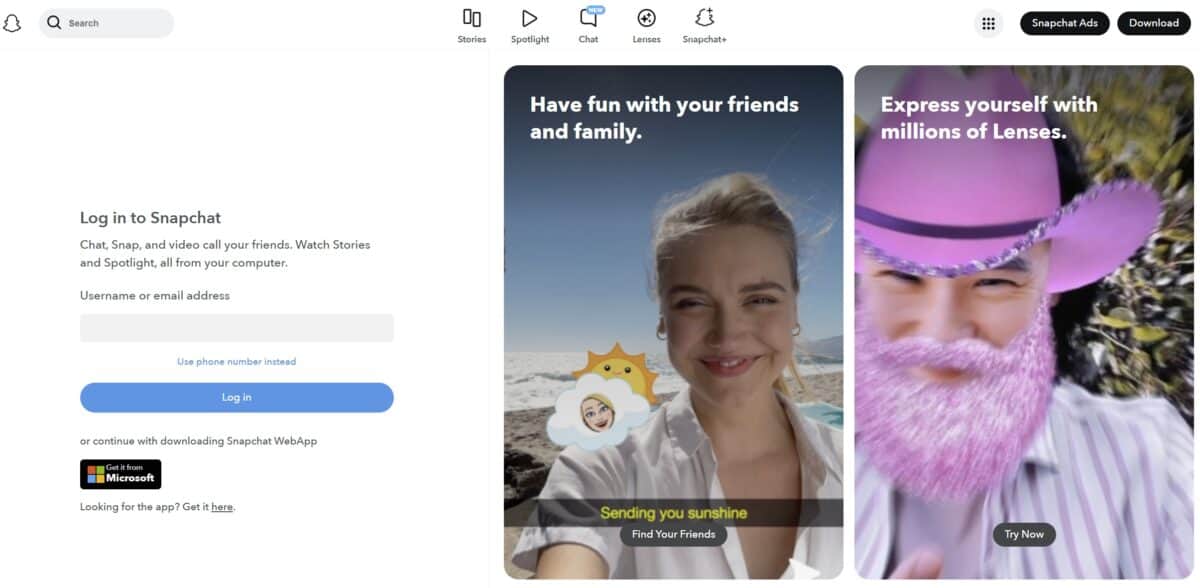
Snapchat has an official web version called Snapchat Web. It works on most browsers, but won’t work on Firefox.
Steps:
- Open web.snapchat.com in Chrome, Edge, or Safari.
- Log in with your Snapchat username and password.
- You can now:
- Chat with friends
- Make video or voice calls
- View Stories
- Post to Spotlight
- Upload pictures from your computer
Tip:
On Windows, you can install it like an app:
- Click the browser’s three-dot menu ? Install Snapchat.
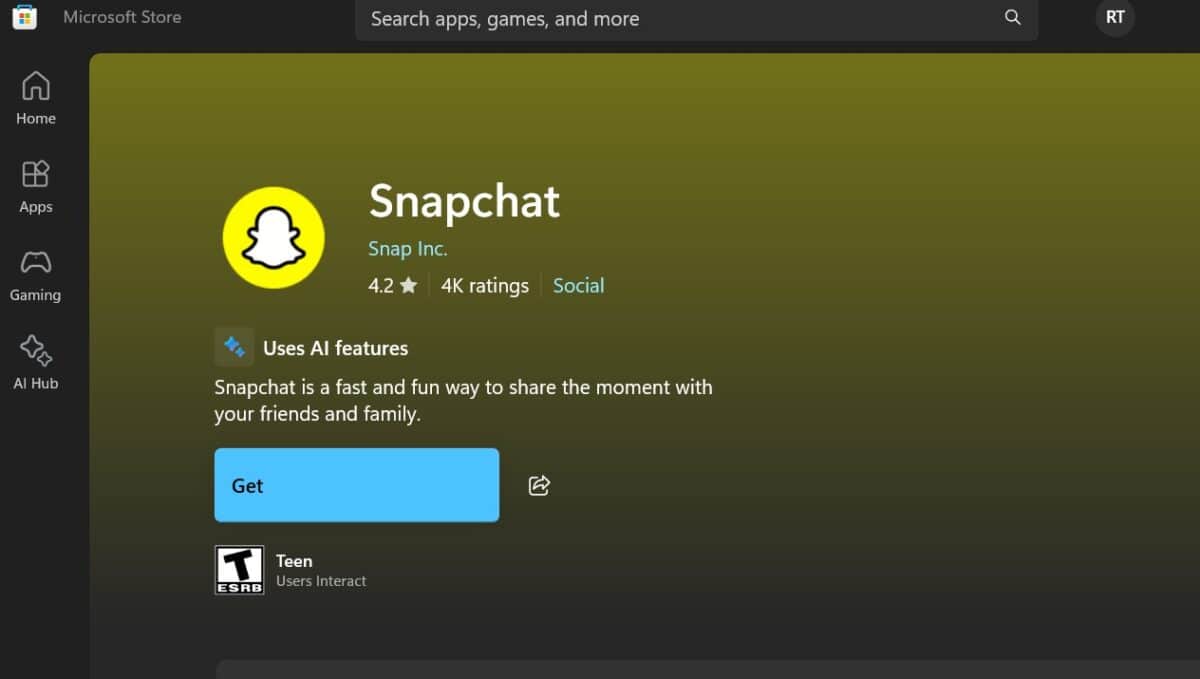
Or, even easier, you can download the official app from the Microsoft store from here.
Avoid Emulators
Apps like BlueStacks or Nox used to let you run Snapchat on PC, but they don’t work well anymore. Snapchat often blocks emulator access, and your account could get locked.
It’s safer and easier to just use the web version.
What You Can & Can’t Do on Snapchat Web
| What Works | What Doesn’t Work |
|---|---|
| Sending messages | Using filters/lenses |
| Making video/audio calls | Accessing Snap Map |
| Uploading images/videos | Editing your profile |
| Viewing Stories & Spotlight | Adding new friends |
? Summary
- Best way: Use web.snapchat.com
- Don’t use emulators – they’re buggy and risky
- Works great for chatting, calls, and sharing content


Read our disclosure page to find out how can you help MSPoweruser sustain the editorial team Read more



Improve this guide




User forum
0 messages