
How To Find Restaurants Along a Route on Google Maps Easily


 1 min. read
  Updated on
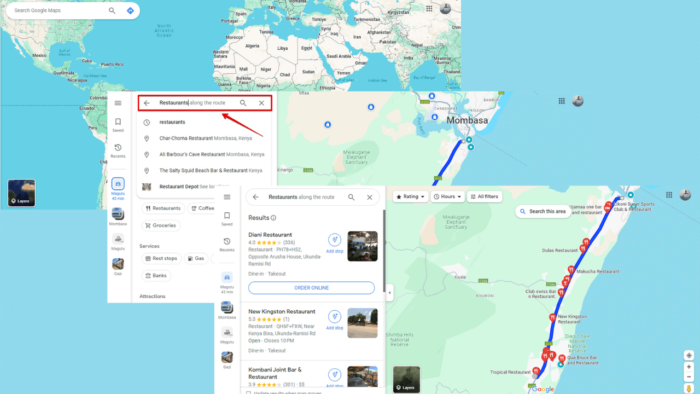
Wondering how to find restaurants along a route on Google Maps? I’ll walk you through the steps so you can easily discover dining options that suit your tastes and preferences.
Let’s begin!
How To Find Restaurants Along a Route on Google Maps
Follow the below steps:
- Go to Google Maps on your device. For this example, I’ll use the browser version.
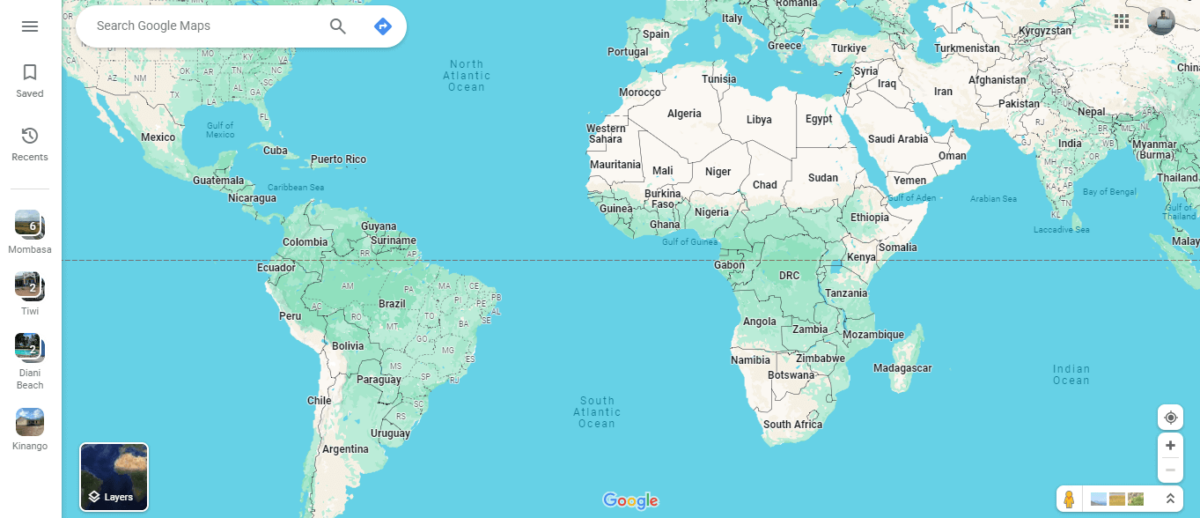
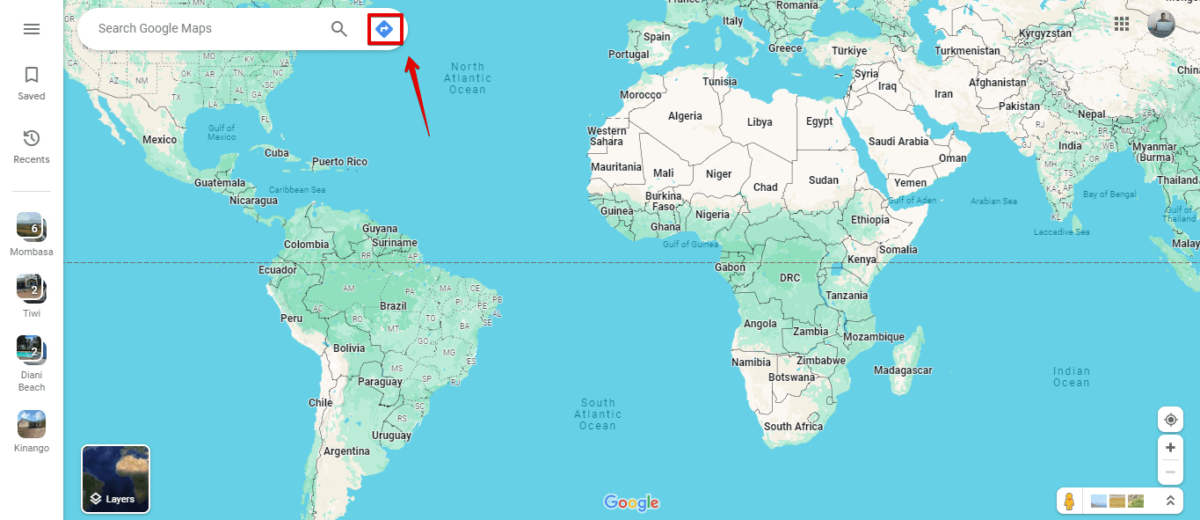
- Tap on the Direction button to add your route.
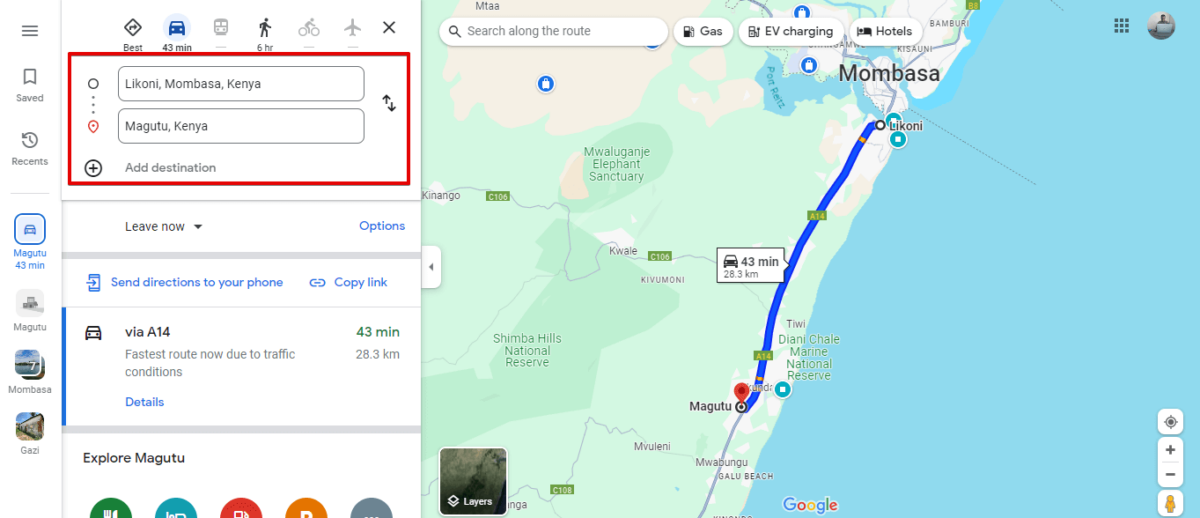
- Add your route by selecting your starting point and the destination. Google Maps will automatically show it.
- Tap on the search button and type “restaurants”. Then click enter.
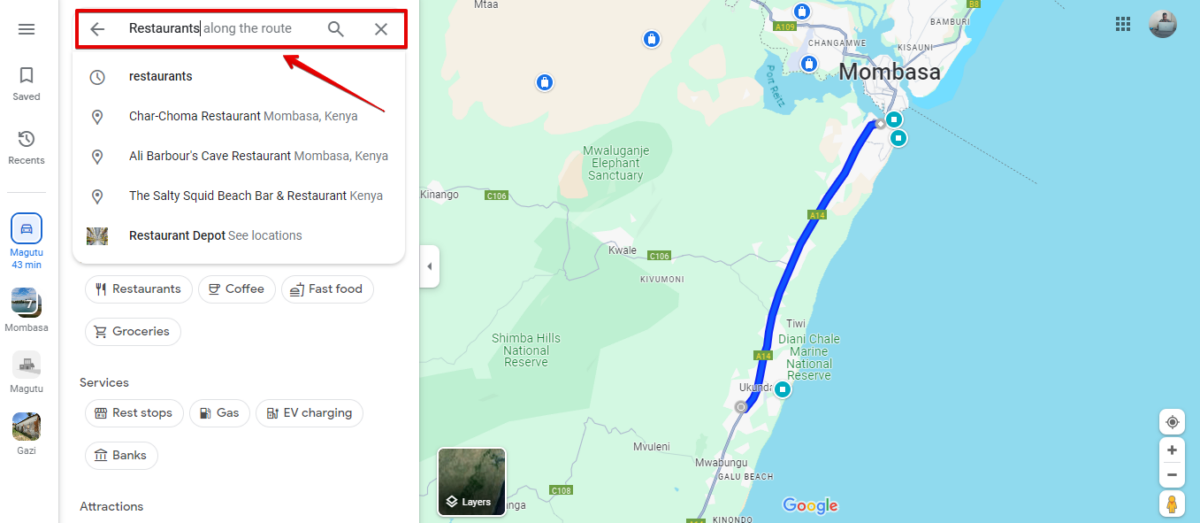
- All the restaurants available on the route will appear on the map.
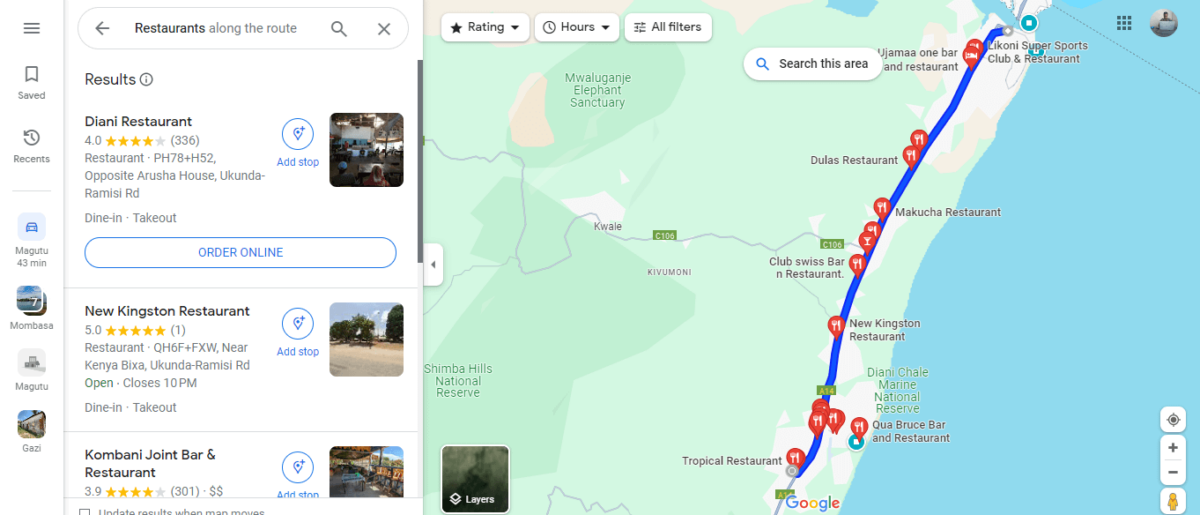
With Google Maps as your trusted navigation companion, finding restaurants along your route has never been easier. You can now discover delightful dining experiences wherever your travels take you!

Readers help support MSpoweruser. We may get a commission if you buy through our links.


Read our disclosure page to find out how can you help MSPoweruser sustain the editorial team Read more



Improve this guide




User forum
0 messages