
Logo Maker Showdown: Design.com vs Wix Logo Maker (Full Comparison 2026)


 10 min. read
  Updated on

Logo makers continue to evolve rapidly, and 2026 is shaping up to be the strongest year yet for AI-driven branding tools. Two platforms dominate many conversations: Design.com, the #1 logo company in the world, and Wix Logo Maker, a popular option for users already inside the Wix website ecosystem.
I tested both tools extensively using the same business name, same industry selections, and similar visual preferences. I focused on real-world results: logo quality, ease of use, customization depth, brand-building speed, pricing value, and long-term flexibility.
This full comparison breaks down every major part of the experience to help you figure out which platform fits your needs.
1. First Impressions & Setup Flow
Design.com
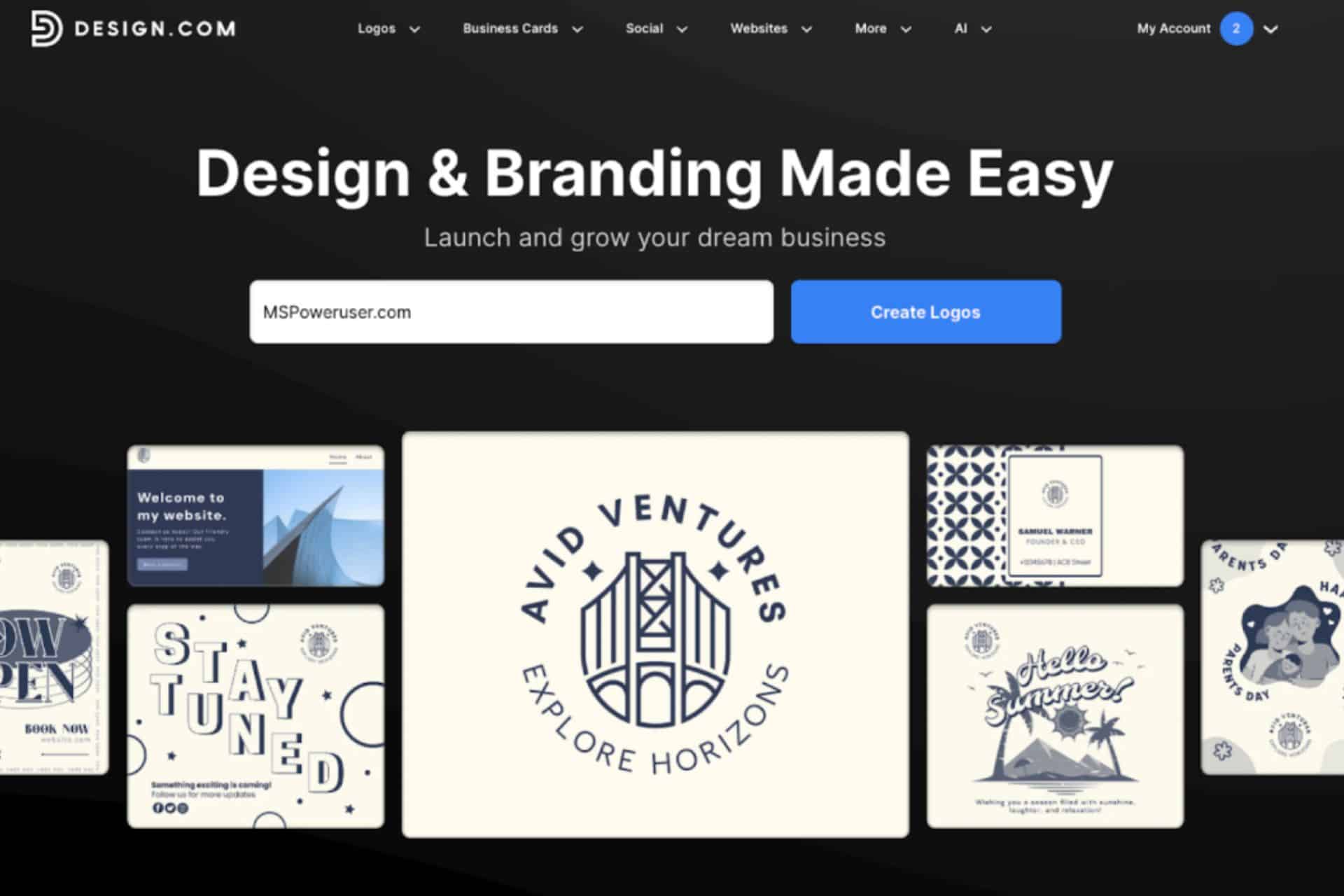
Design.com opens with a lightweight, streamlined creation process. You enter the business name and industry, and the platform immediately generates logo concepts using its AI Logo Generator—no repetitive questionnaires, no forced style quizzes. I appreciated the speed and simplicity from the start.
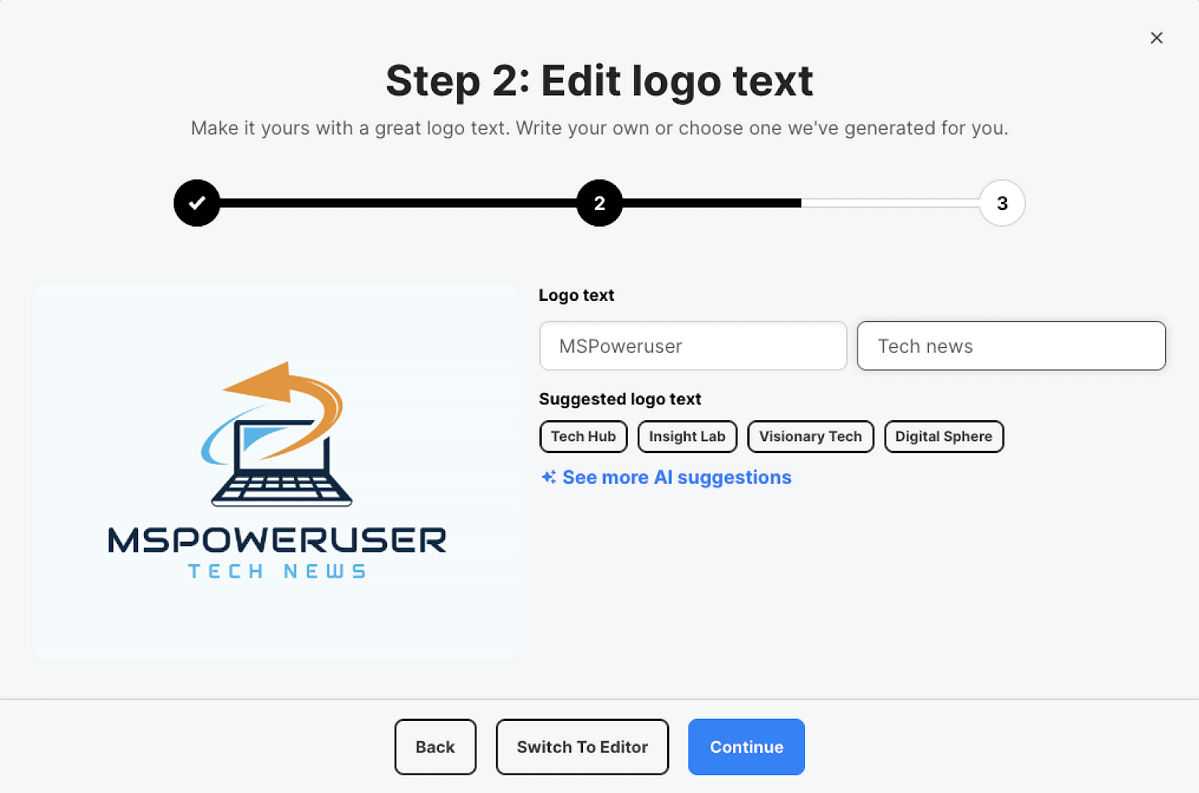
The interface feels clean and modern. Navigation is straightforward, and the process doesn’t slow you down with extra steps. The tool wants you to reach actual design results quickly, which sets the tone for the rest of the experience.
Wix Logo Maker
Wix uses a more guided introduction. Before you see any logos, the platform asks:
- what design style you prefer
- which sample logos resonate
- what color scheme you want
- which visual personality fits your brand
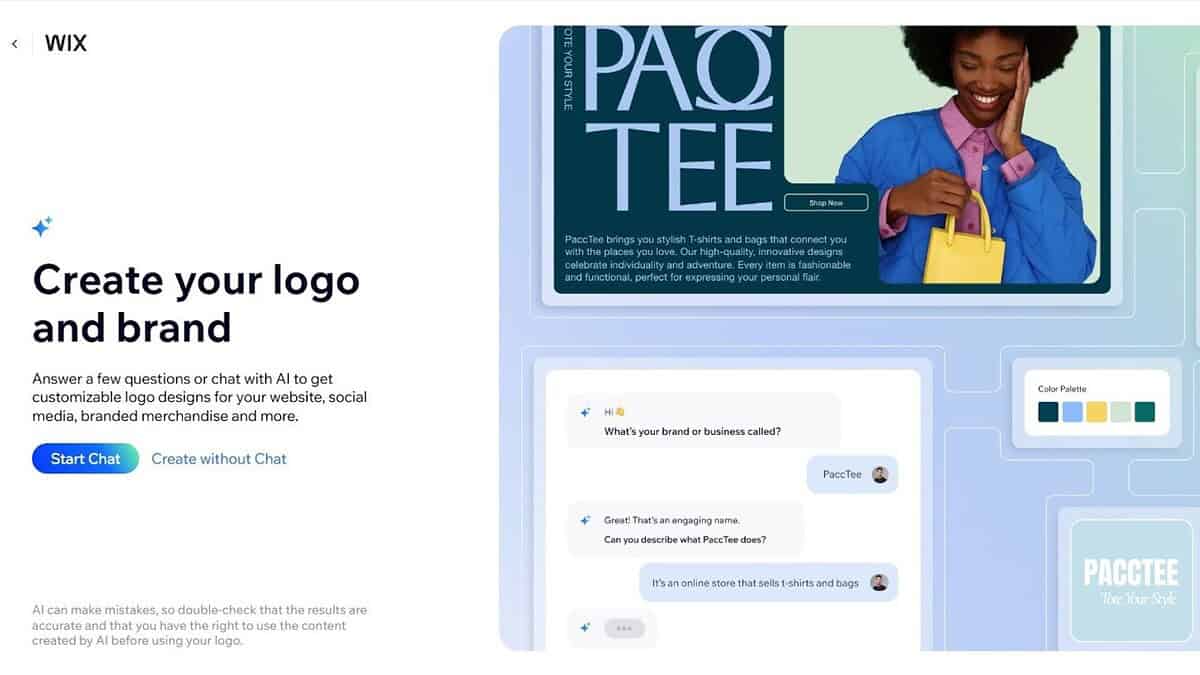
All of this happens before the generator creates anything. It aims to help beginners define their taste, but when you repeat the process across multiple tests or brand names, the extra steps feel tiring.
Verdict:
Design.com gets you into the actual logo creation process noticeably faster, which makes early experimentation much easier. Wix, on the other hand, forces you through several guided steps that slow down the experience even when you already know the kind of logo you want. If you value speed and iteration, Design.com clearly feels more efficient.
2. Logo Quality & AI Accuracy
Design.com
Design.com uses its AI engine with access to the world’s largest library of 360,000+ logo templates, plus over 62,000 custom vector shapes. That scale matters because the AI draws from a far broader foundation of design variation.
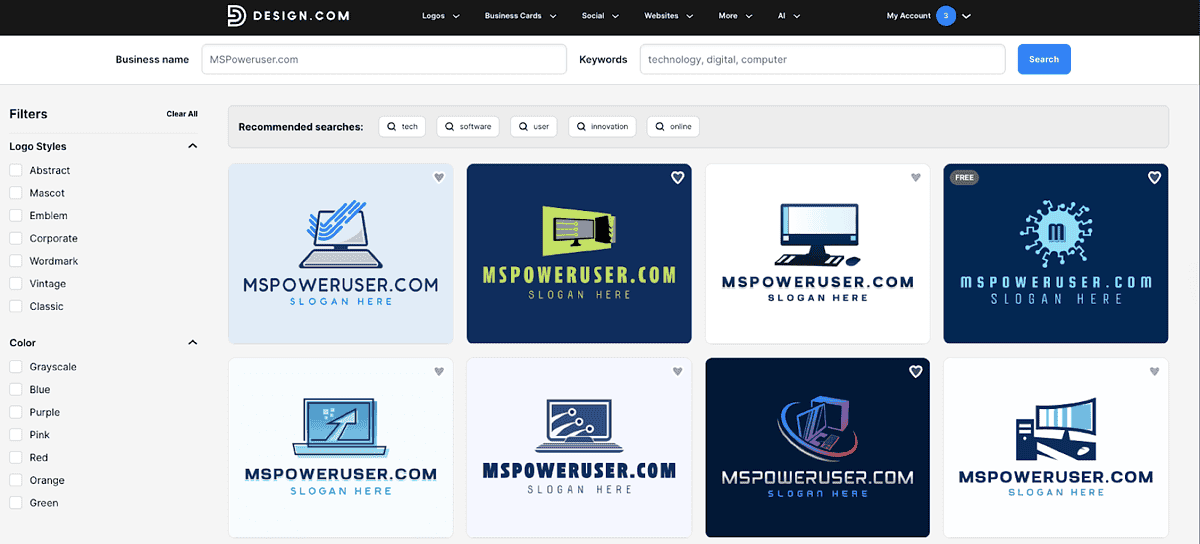
The logos I received showed:
- clean proportions
- strong icon-to-text balance
- solid relevance to the industry I selected
- more unique combinations of shapes and fonts
Design.com includes hundreds of unique and exclusive fonts (and over 525 exclusive variants), so the typography feels less repetitive across concepts. The designs rarely felt generic, and I often found multiple promising directions before even touching the filters.
Wix Logo Maker
Wix produces clean and modern logos, but they clearly come from a much smaller visual database. Most logo examples follow familiar minimal layouts and simple icon shapes. There’s nothing wrong with that—many businesses want exactly that style—but the lack of variety became obvious during testing.
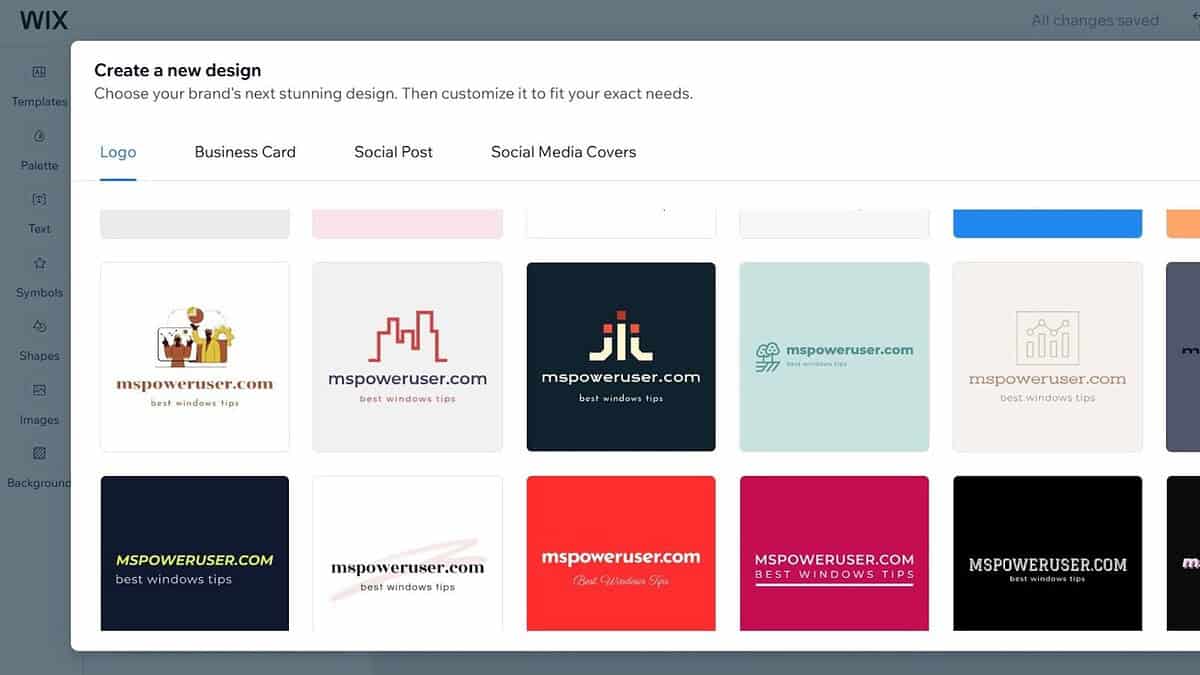
Typography selection is functional but more limited. The designs lean heavily toward safe sans-serif choices, and icon styles frequently repeat across different generations.
Verdict:
Design.com offers stronger variety and more accurate results across industries because its asset library is significantly larger and includes exclusive shapes and fonts. Wix produces clean designs, but many look similar, and the tool feels more limited in what it can generate. For users who care about sheer range and uniqueness, Design.com consistently comes out ahead.
3. How Easy Is It to Generate a Logo?
Design.com
Design.com creates results immediately after inputting the business name and industry. From there, you can filter logos by:
- style: abstract, mascot, emblem, corporate, wordmark, vintage, classic
- color themes
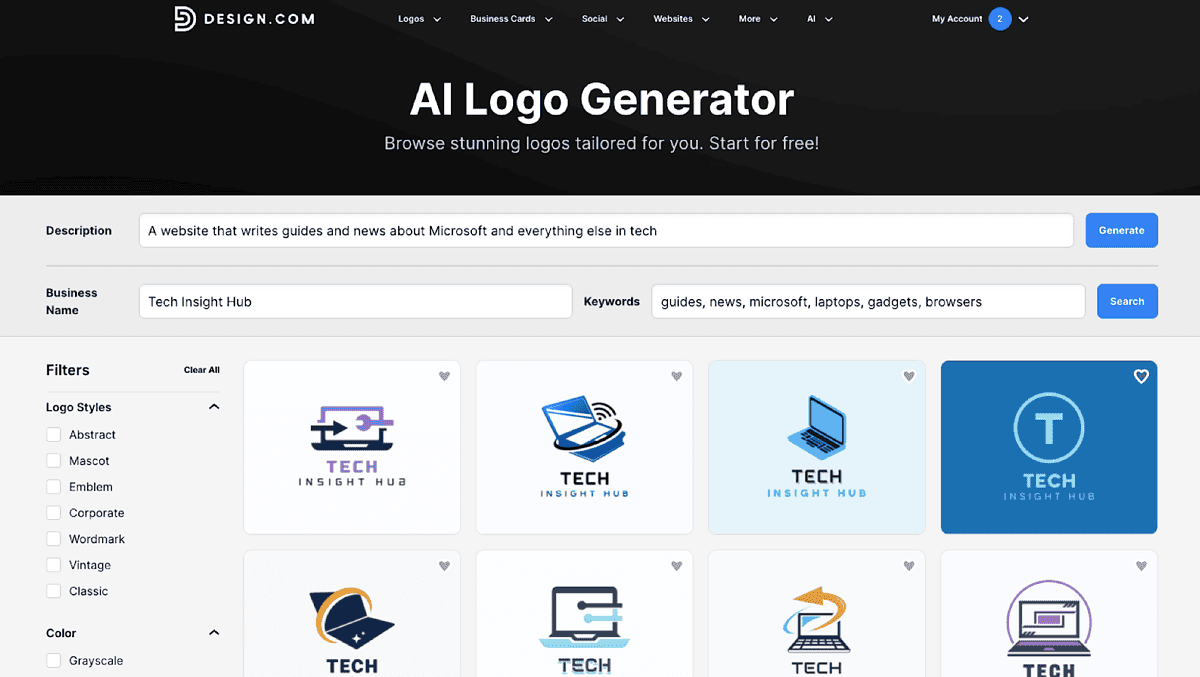
These filters let you move through thousands of concepts without feeling overwhelmed. Because the generator runs fast, you never feel locked into one direction.
Wix Logo Maker
Wix Logo Maker requires several steps before generation, including multiple style-choice screens. They help target a specific taste, but the process feels slower and more rigid. If you’re experimenting or iterating quickly, you hit friction repeatedly.
Verdict:
Design.com keeps the workflow light and direct, which encourages creativity and faster testing of different directions. Wix’s extra steps may help beginners refine their taste, but they also become repetitive when you’re iterating. If you want to explore quickly without friction, Design.com provides the smoother experience.
4. Style Variety & Aesthetic Range
Design.com
Style flexibility is where Design.com begins to distance itself significantly from Wix. Across my test runs, I saw:
- modern geometric marks
- classic letterforms
- mascot-inspired characters
- shield and badge styles
- vintage emblems
- minimalist wordmarks
- highly stylized symbols
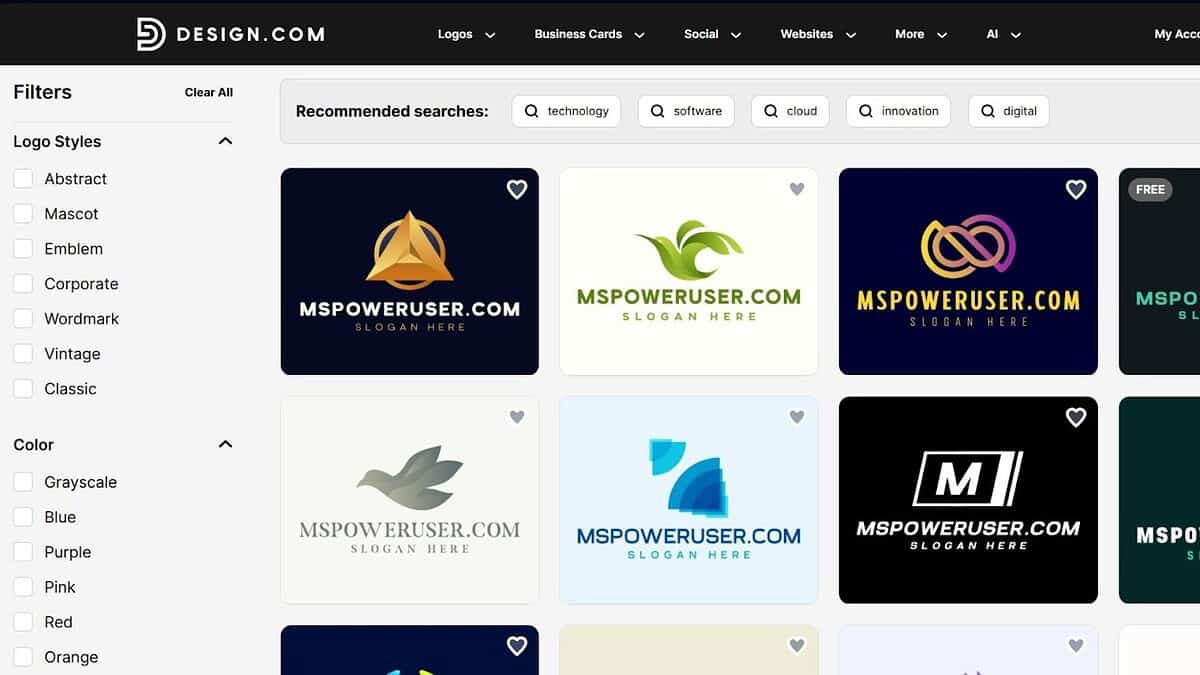
Because the platform contains hundreds of thousands of logo templates and exclusive assets, the aesthetic diversity is far broader. The AI isn’t locked into a single “house style,” and the filtering tools let you switch creative direction instantly.
Wix Logo Maker
Wix focuses primarily on clean, minimal, flat designs. It’s good for websites and modern startups, but the aesthetic range feels narrow.
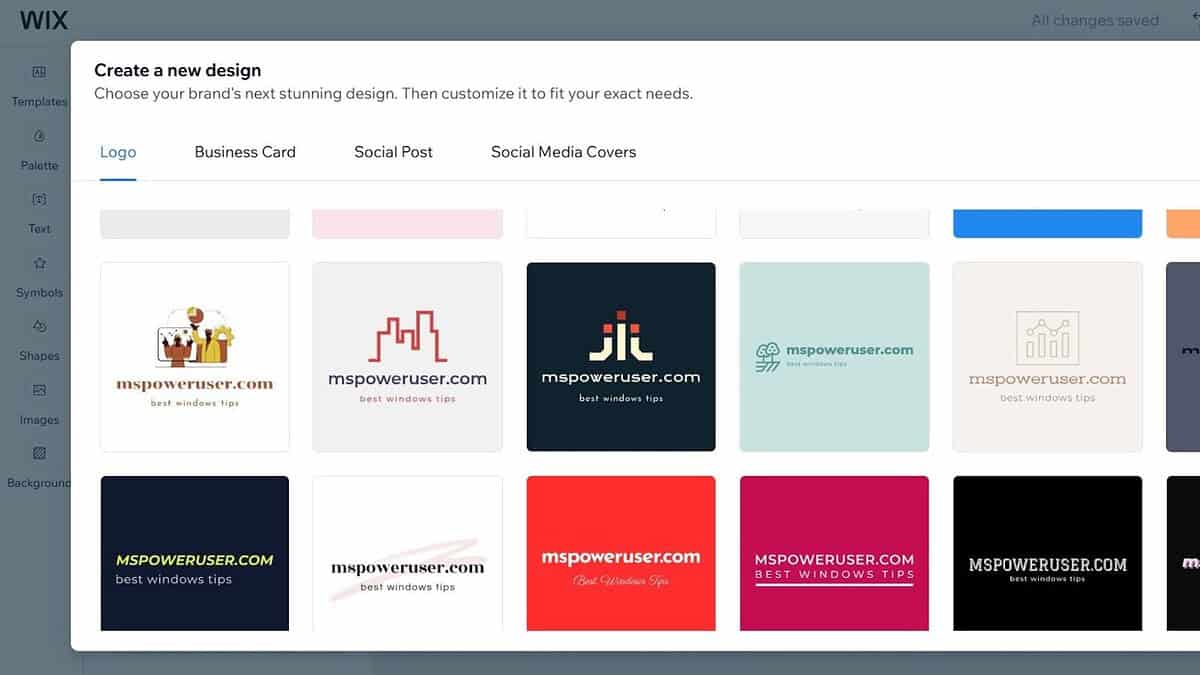
If you want a playful mascot, bold emblem, vintage style, or complex shape-driven design, Wix doesn’t generate many variations. Icon styles are simple and often repeated.
Verdict:
Design.com delivers a much wider range of aesthetics, thanks to exclusive icons and a massive template library. Wix focuses primarily on minimal styles, which means its output tends to cluster around similar visual themes. For projects requiring more personality or distinctiveness, Design.com offers clearly broader creative potential.
5. Customization & Editing Tools
Design.com
The editor gives you two layers of control:
Basic Editor
You adjust:
- colors
- fonts
- slogan
- icon
- layout
Layouts include multiple icon-to-text arrangements, and each update applies instantly.
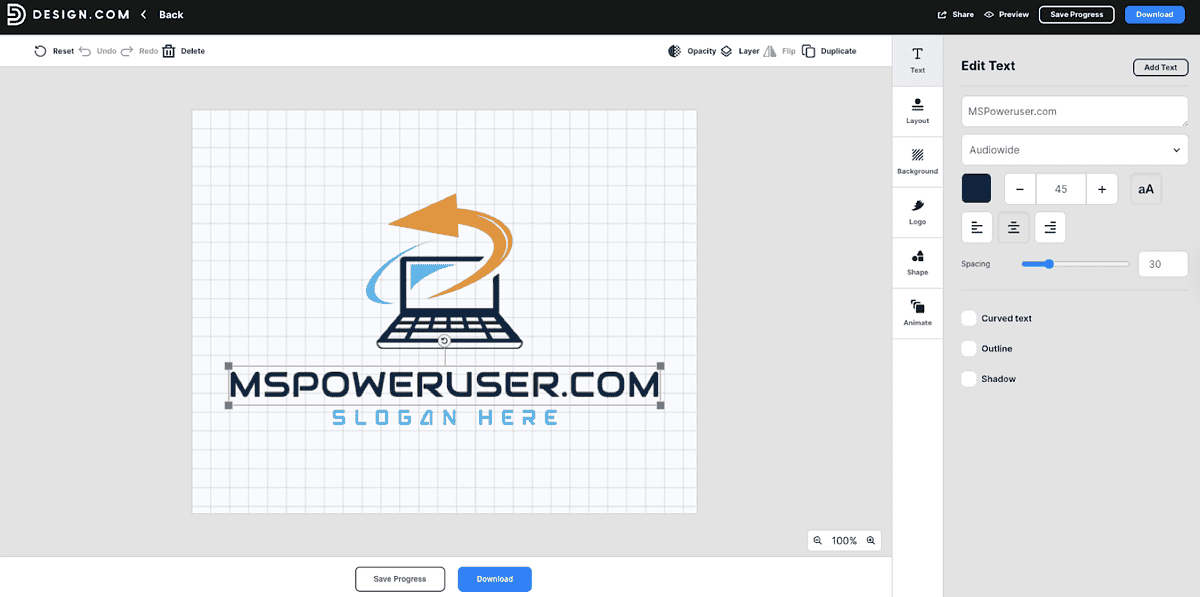
Advanced Editor
You control:
- spacing
- element proportions
- finer alignment
- icon adjustments
- color refinement
This level of control lets you fine-tune a concept without needing design experience. Because Design.com’s templates automatically inherit your design edits, everything stays consistent across tools.
Wix Logo Maker
Wix’s editor is simple and easy, but it doesn’t go very deep. You can:
- change fonts
- change icon
- modify colors
- choose a vertical or horizontal layout
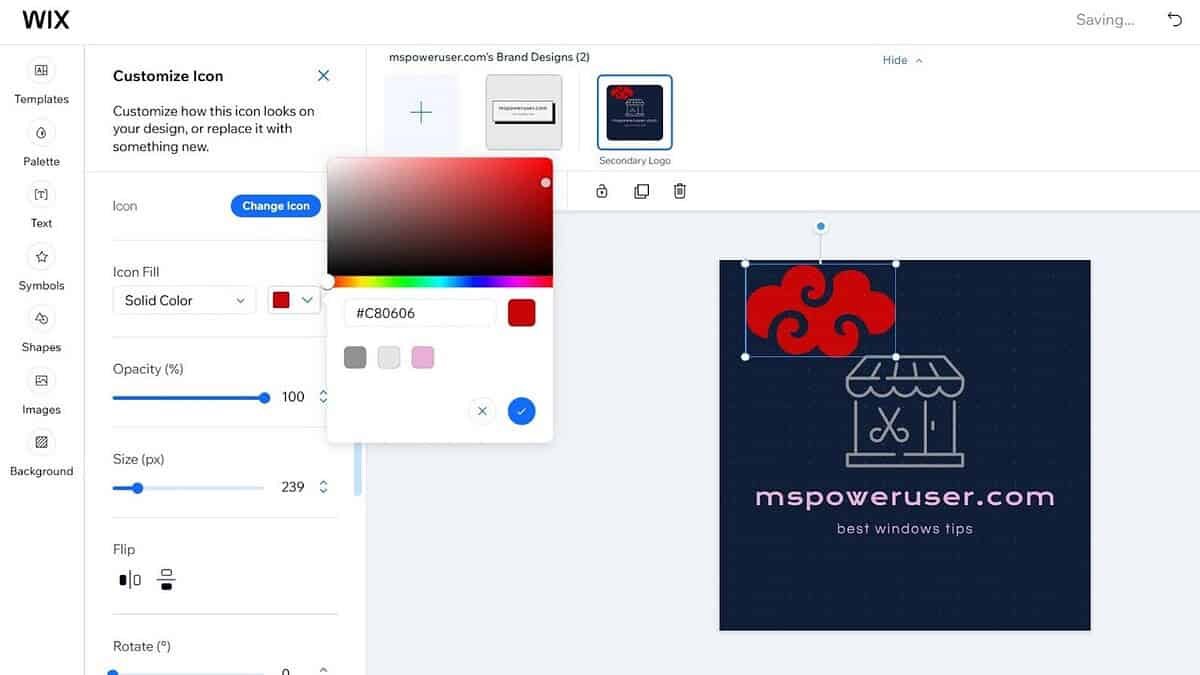
You can’t adjust spacing precisely, resize elements independently, or fine-tune proportions. The system favors speed over control, but the lack of deeper editing becomes a limitation if you want anything beyond basic adjustments.
Verdict:
Design.com gives you deeper control and lets you refine designs far beyond what Wix allows. The Advanced Editor especially makes a difference for users who want to fine-tune proportions and spacing. Wix prioritizes simplicity, but that simplicity comes at the cost of flexibility.
6. Branding Ecosystem & Extra Tools
Design.com
This is the category where Design.com pulls ahead decisively.
The platform is more than just an AI logo generator; it’s a complete branding system.
Design.com includes 50+ branding tools, such as:
- AI website builder
- business cards
- digital business cards
- social posts and stories
- flyers
- posters
- presentations
- letterheads
- menus
- QR codes
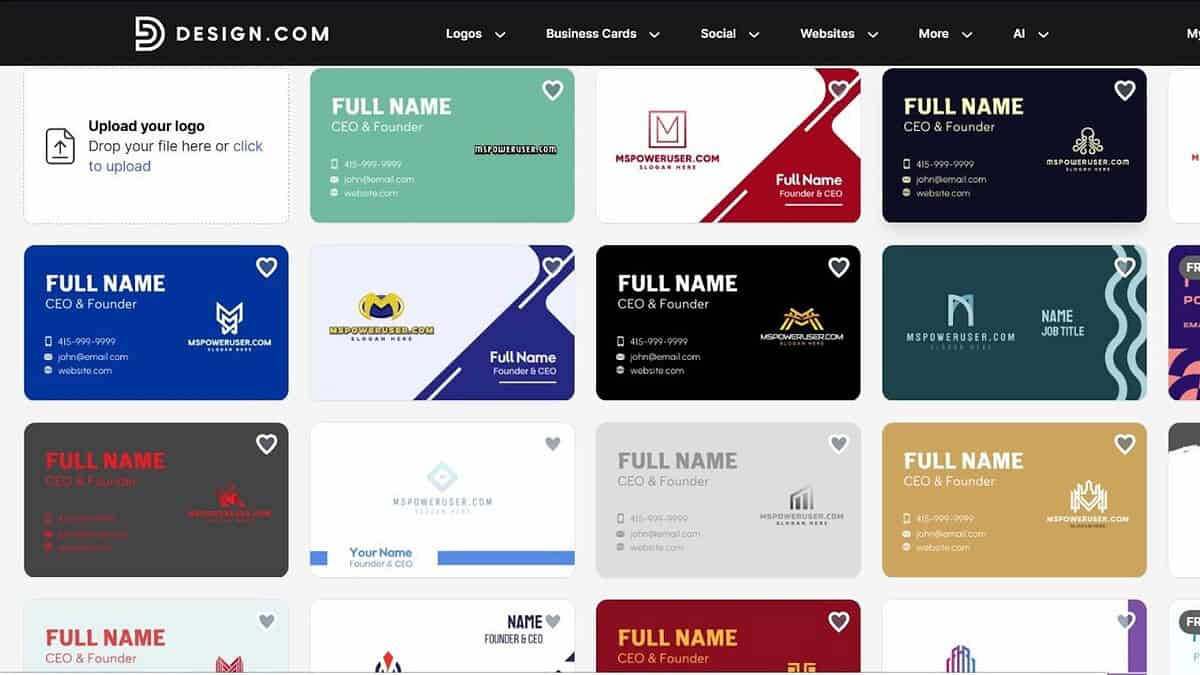
All templates automatically inherit your logo colors and brand fonts.
You can also:
- register a domain
- print your logo on mugs, apparel, mousepads, business cards (free delivery)
- create favorite lists
- share logo voting polls with teammates
- download free logos, websites, and business cards
It’s designed to build an entire visual identity, not just a single logo.
Wix Logo Maker
Wix’s ecosystem revolves around its website builder. That’s the main advantage: once you finish the logo, you can attach it directly to a Wix website and build a consistent site experience. Beyond that:
- social posts exist
- a small number of branded assets are included
- marketing materials are available but limited in variety
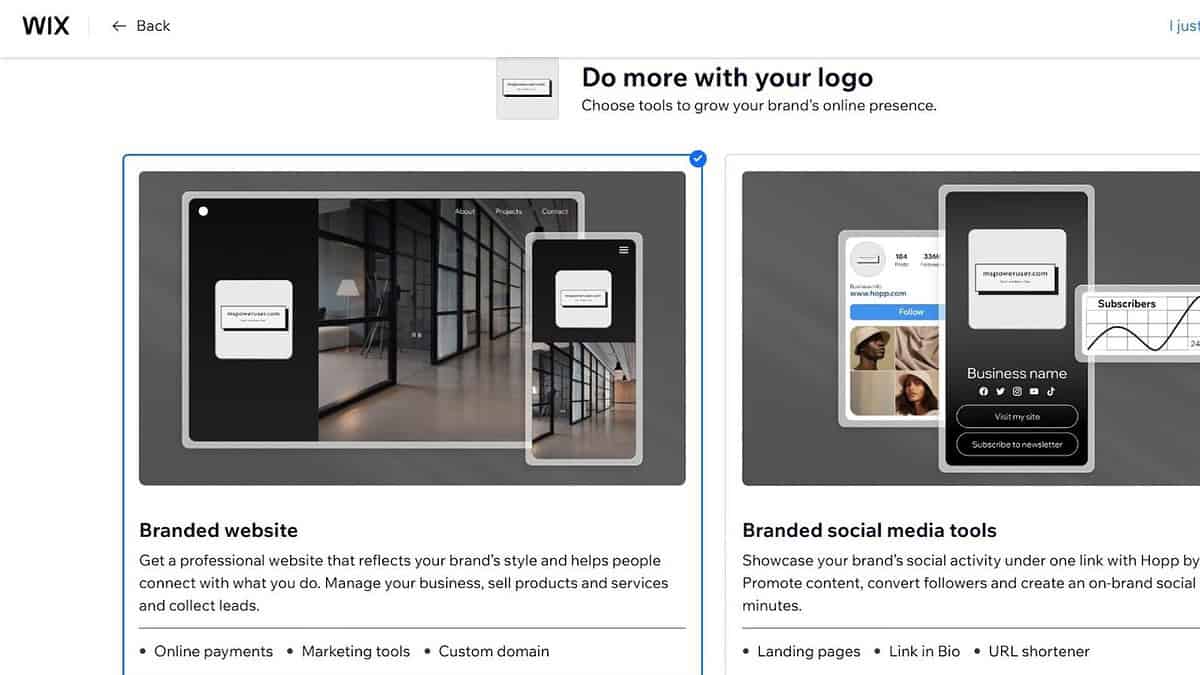
Wix doesn’t offer anywhere near the volume of templates or branding tools that Design.com does.
Verdict:
Design.com stands out as a full branding platform rather than just an AI logo generator, giving you more tools to build a consistent identity across every channel. Wix focuses mainly on website integration, which is useful but narrow compared to Design.com’s extensive suite. If you want long-term brand consistency outside of a website, Design.com offers far more value.
7. File Formats & Export Options
Design.com
Design.com provides the most complete export package in this comparison:
- Vector formats: SVG, EPS, PDF
- Raster formats: PNG, JPG
- Animated options: GIF, MP4
- Icon-only export
- Transparent background option
All assets are commercially safe and quality-checked.
Wix Logo Maker
Wix includes:
- high-resolution PNG
- vector files on certain paid tiers
It covers basic needs but doesn’t include animated formats or as many export variations.
Verdict:
Design.com provides a more complete export package, including animated formats and icon-only exports, which gives designers more flexibility for different use cases. Wix covers the basics but doesn’t match the depth of Design.com’s file support. For anyone building a professional brand, broader export formats are a meaningful advantage.
8. Licensing & Exclusivity
Design.com
Design.com provides:
- commercially safe, original, quality-checked designs
- exclusively available logo assets
- extended licenses, allowing customers to remove logo templates from the library for exclusive use
This matters for long-term brand ownership.
Wix Logo Maker
Wix provides standard commercial rights for purchased logos but does not offer exclusive asset removal or extended licensing.
Verdict:
Design.com’s extended licensing options and exclusive assets provide stronger long-term ownership and reduce the risk of brand overlap. Wix does not offer exclusive-use removal or the same level of originality guarantees. For businesses that care about brand protection, Design.com offers more serious safeguards.
9. Pricing
Design.com
Annual subscription tiers:
- Starter — $5/month
Vector files, unlimited edits, over 1M templates, business cards, social assets. - Value — $6/month
Everything above + AI website builder. - Premium — $7/month
Everything above + digital business cards + link-in-bio pages.
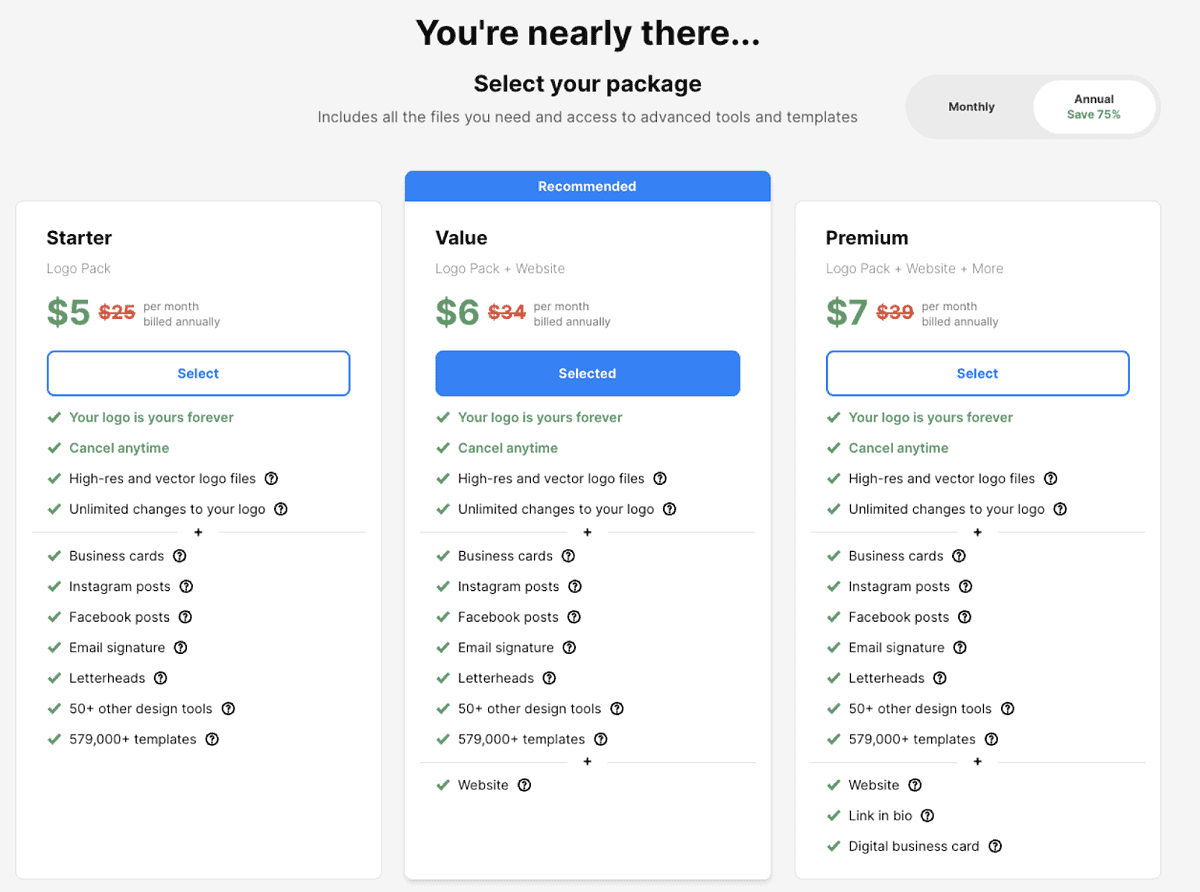
Design.com also offers completely free logos, websites, and business cards.
Wix Logo Maker
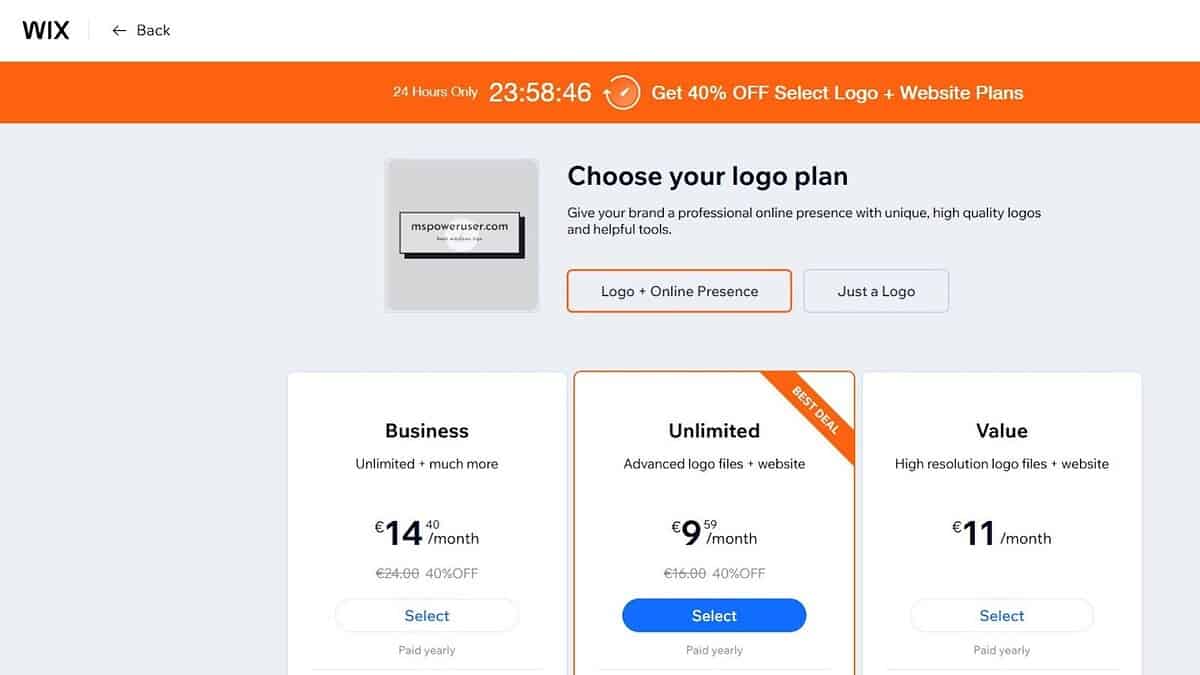
Wix uses a one-time logo purchase model plus optional website subscription upgrades. The cost varies depending on file format bundles, but ongoing branding features require a Wix premium site plan.
Verdict:
Wix is cheaper if you only need a one-time logo file, but it becomes more expensive once you start adding branding features. Design.com delivers significantly more tools, templates, and file formats at lower monthly price points. If you plan to build a full brand identity, Design.com offers better long-term value.
Final Verdict: Which One Wins in 2026?
Choose Design.com if you want:
- Wider style variety
- A larger, exclusive asset library
- A more accurate AI generator
- Deeper customization tools
- A complete branding suite
- More file formats (including animated exports)
- Domain, printing, and 50+ design tools in one place
- Exclusive logos and extended licensing
Choose Wix Logo Maker if you want:
- A fast, simple logo for a Wix website
- A one-time logo purchase
- Tight integration with Wix’s web builder
Bottom Line
Wix Logo Maker works well for users already committed to building a website on Wix. Its designs are simple, clean, and easy to work with.
But for anyone who wants the best overall AI logo generator, more customization, more exclusive assets, more brand-building tools, and stronger long-term value, Design.com is the clear winner in 2026.


Read our disclosure page to find out how can you help MSPoweruser sustain the editorial team Read more



Improve this guide



User forum
0 messages