
New Windows 10 Mobile Pre-release emulator now available to download


 1 min. read
  Published on
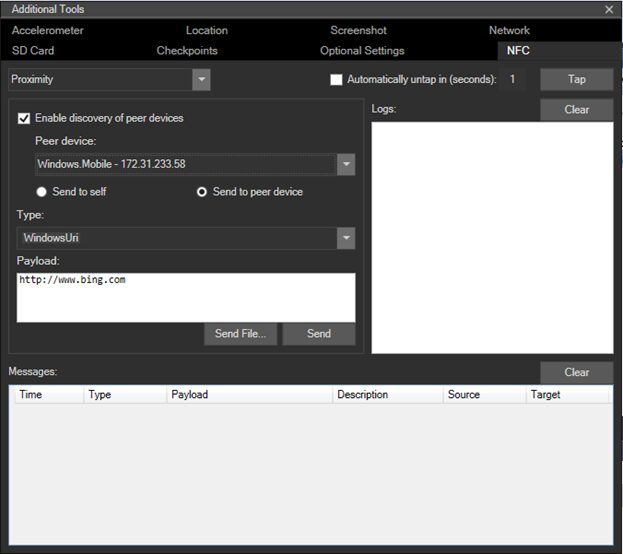
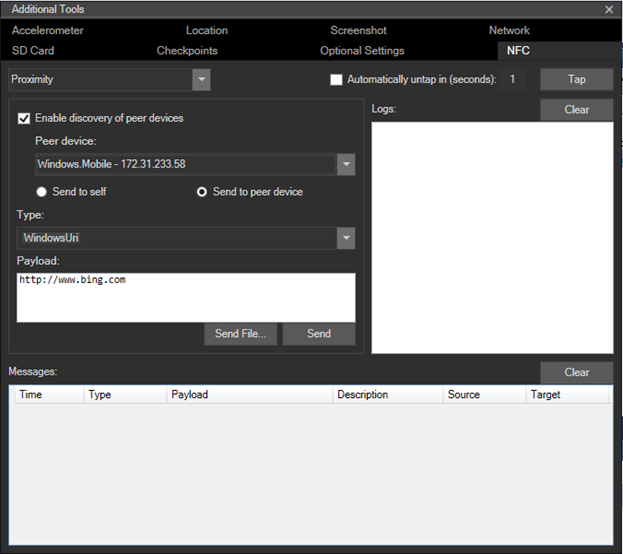
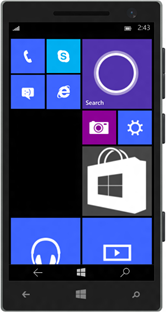 Microsoft has just made available a new Windows 10 Mobile emulator for Visual Studio 2015 Preview developers. The emulator provides a virtualised environment in which developers can debug and test universal apps without a physical device, and in this latest version brings NFC support to the emulator to allow developers to simulate NFC and make it possible to test and develop NFC/Proximity-enabled universal apps, including Host Card Emulator/NFC payments.
It also now supports a Mouse input mode to differentiate between mouse and single touch input. Simulated mouse input uses the physical mouse or trackpad on your Windows PC and the mouse input button on the emulator toolbar. This feature is useful if your app provides the user with an ability to utilize a mouse paired to their Windows 10 device to provide input.
To use the emulator you need Visual Studio 2015 Preview and Windows 10 Technical Preview installed and access to Hyper-V. Download the emulator here and read more about it here.


Read our disclosure page to find out how can you help MSPoweruser sustain the editorial team Read more



Improve this guide




User forum
0 messages