
Microsoft is testing a new design for the calling interface in the Your Phone app for Windows 11


 1 min. read
  Updated on
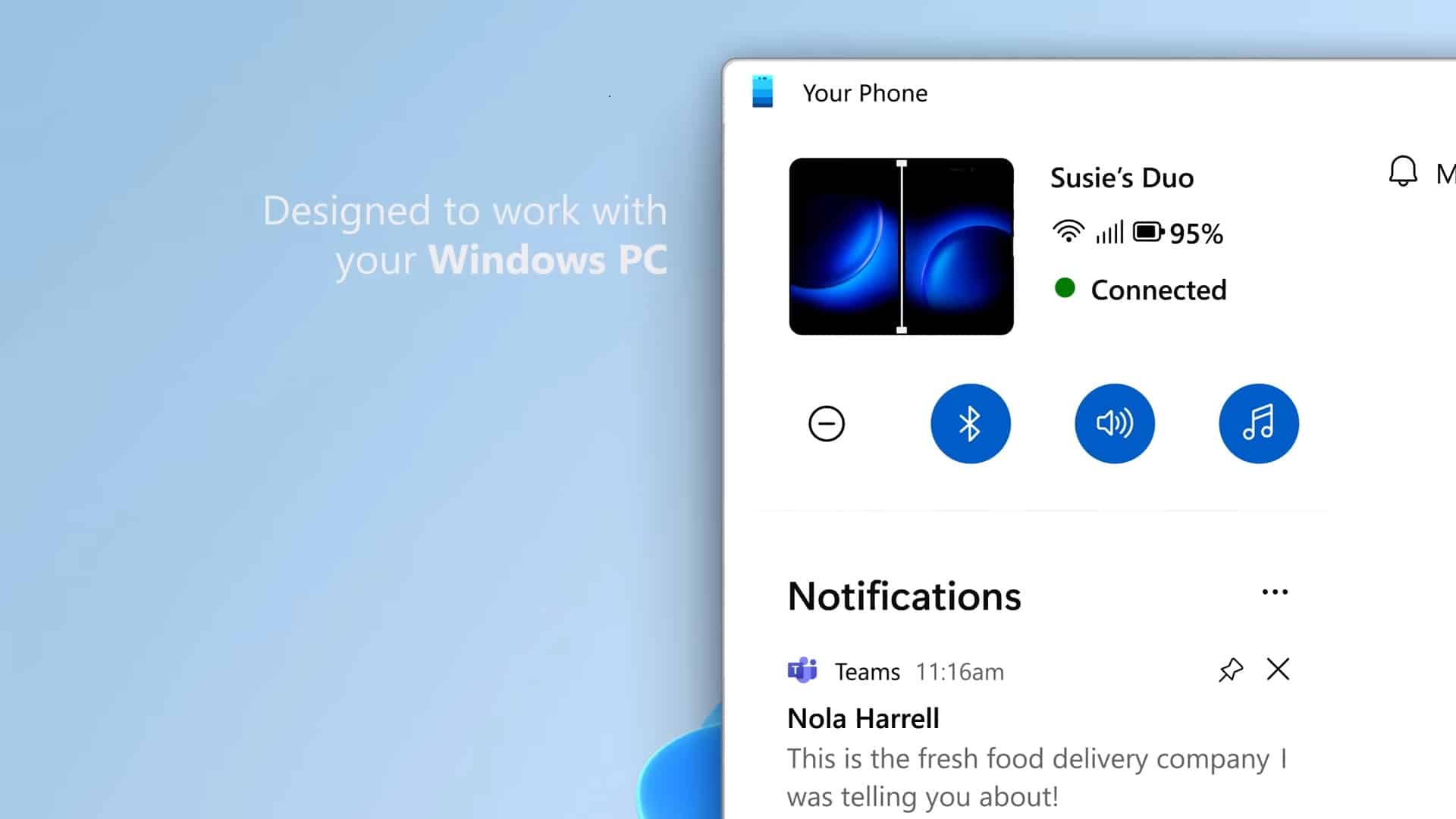
Microsoft has been updating the look of the Your Phone app for Windows 11.
The most recent changes have seen the notifications from its own page into the left sidebar of the app, and the list of pages (messages, photos, apps) to the top.
Now the company is testing a new look for the phone call interface in the app, which turns your laptop into a Bluetooth headset for your smartphone.
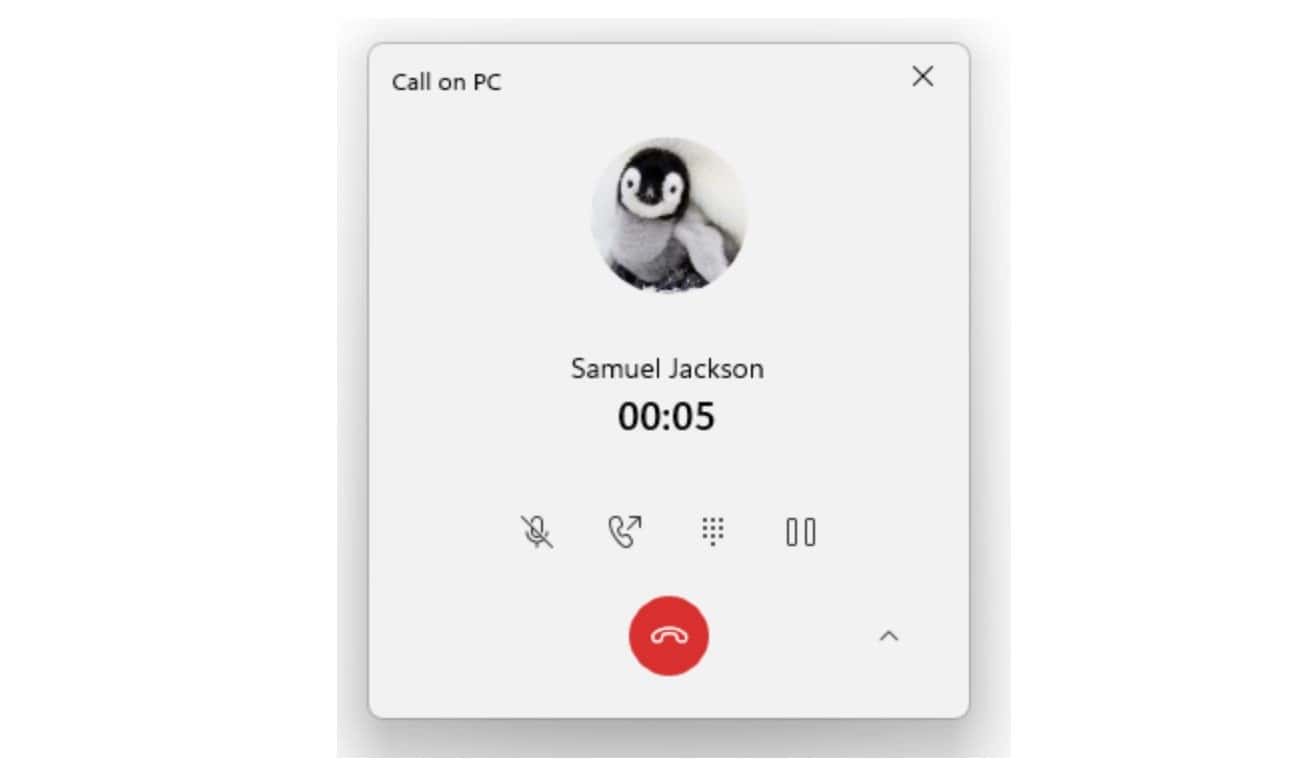
This update includes a new in-progress call window with updated icons, fonts, and other UI changes that align with the improved design of Windows 11.
The new look is available to Insiders on Windows 11 Build 22533, and should eventually roll out to all Windows 11 users.


Read our disclosure page to find out how can you help MSPoweruser sustain the editorial team Read more



Improve this guide




User forum
0 messages